
Integration Guide
Locution Systems — alarms and unit status
First Arriving’s integration with Locution Systems extends your station alerting to every connected dashboard in real time. Alongside your own calls, you can show unit status for your whole department — and for neighbouring departments too.
What we can put on your dashboard
Real-time dispatch data
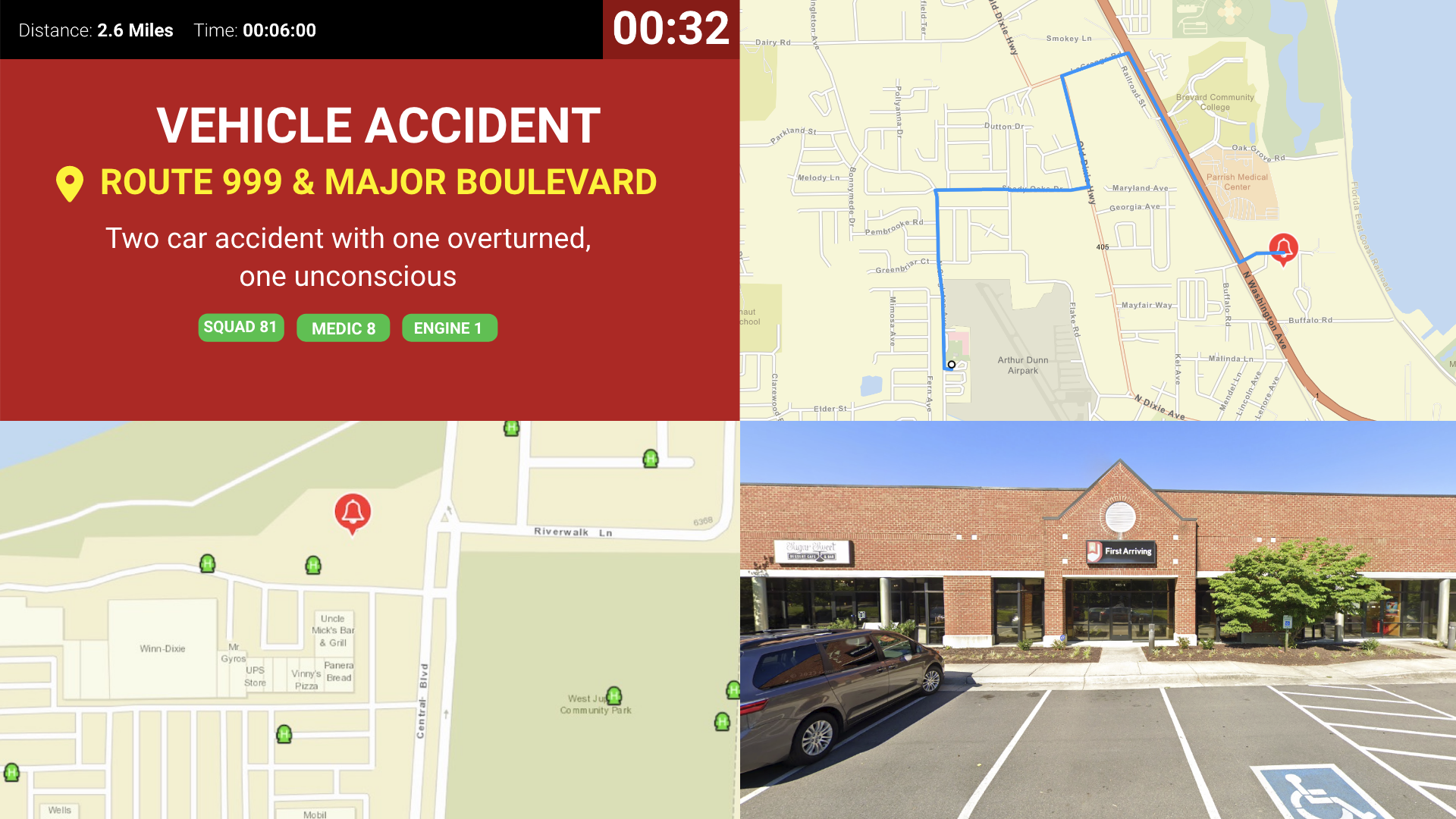
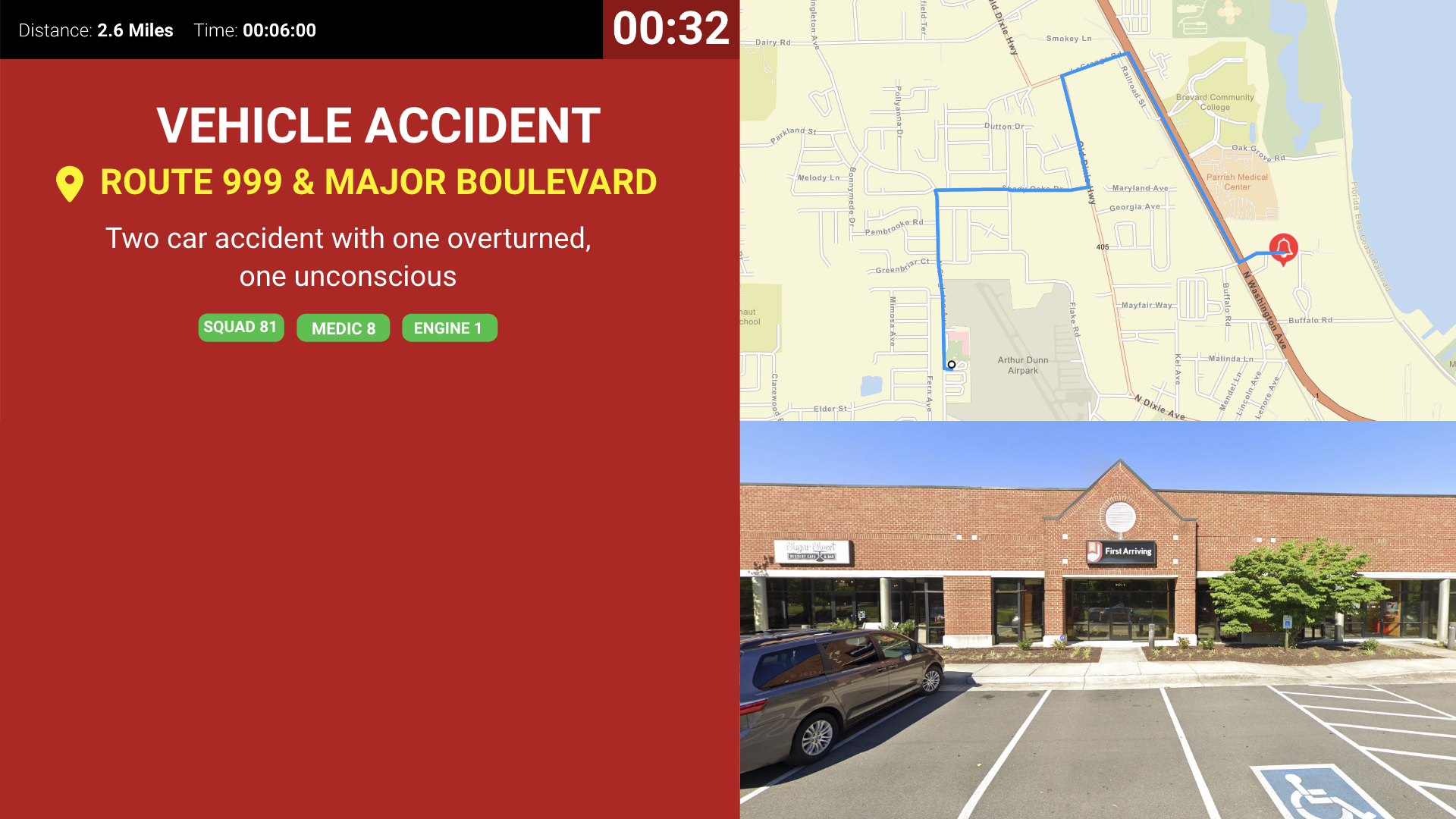
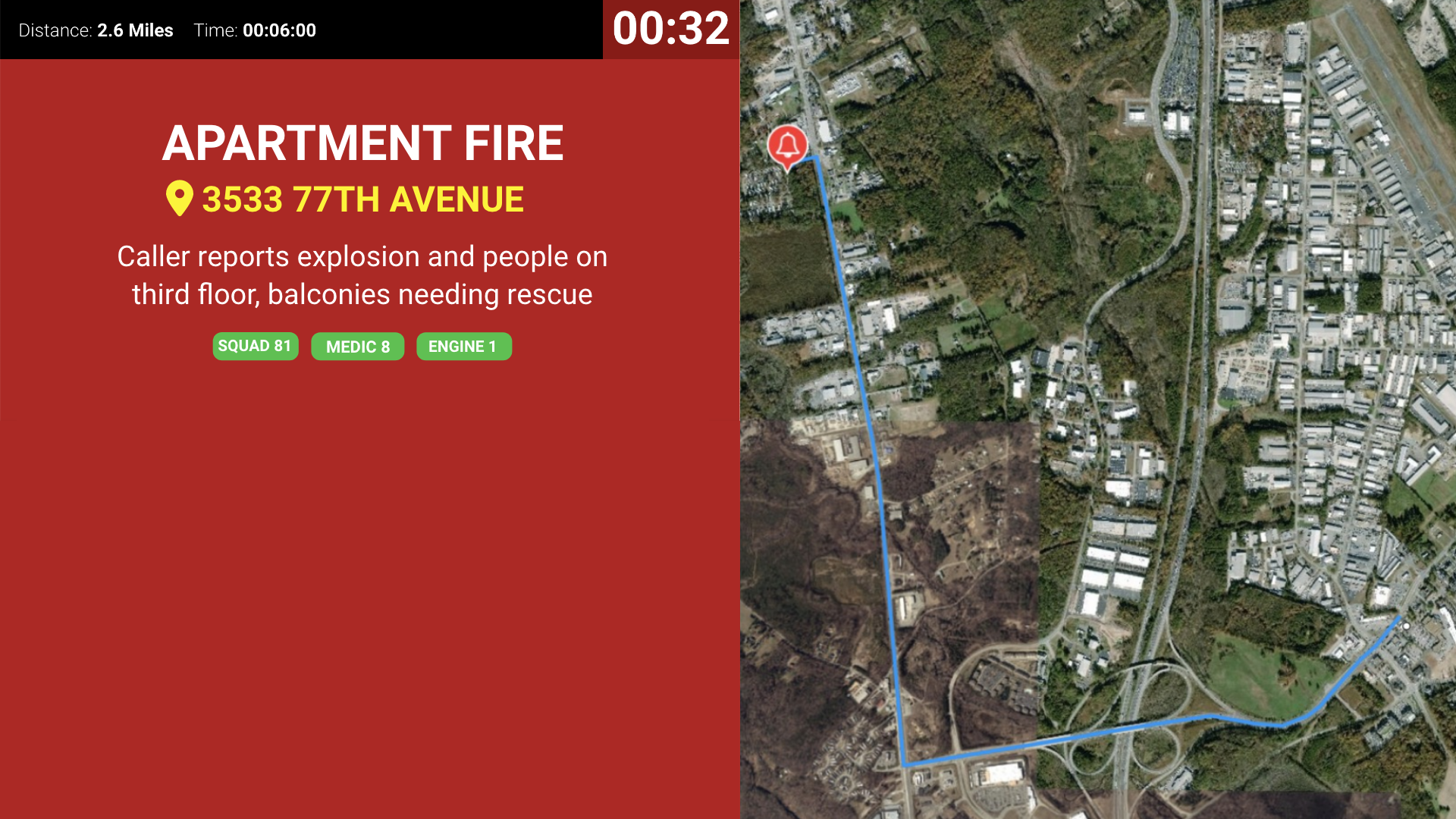
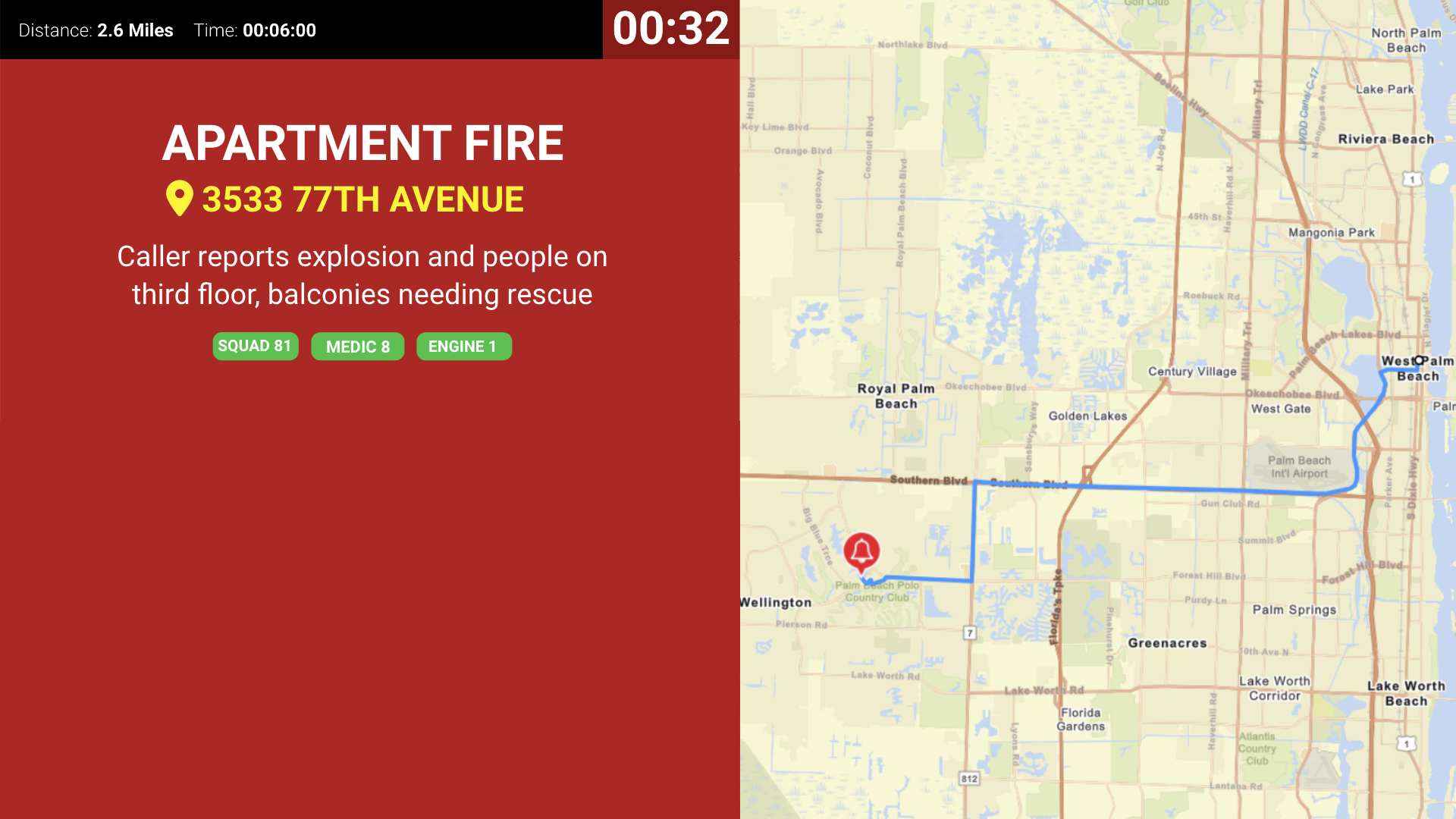
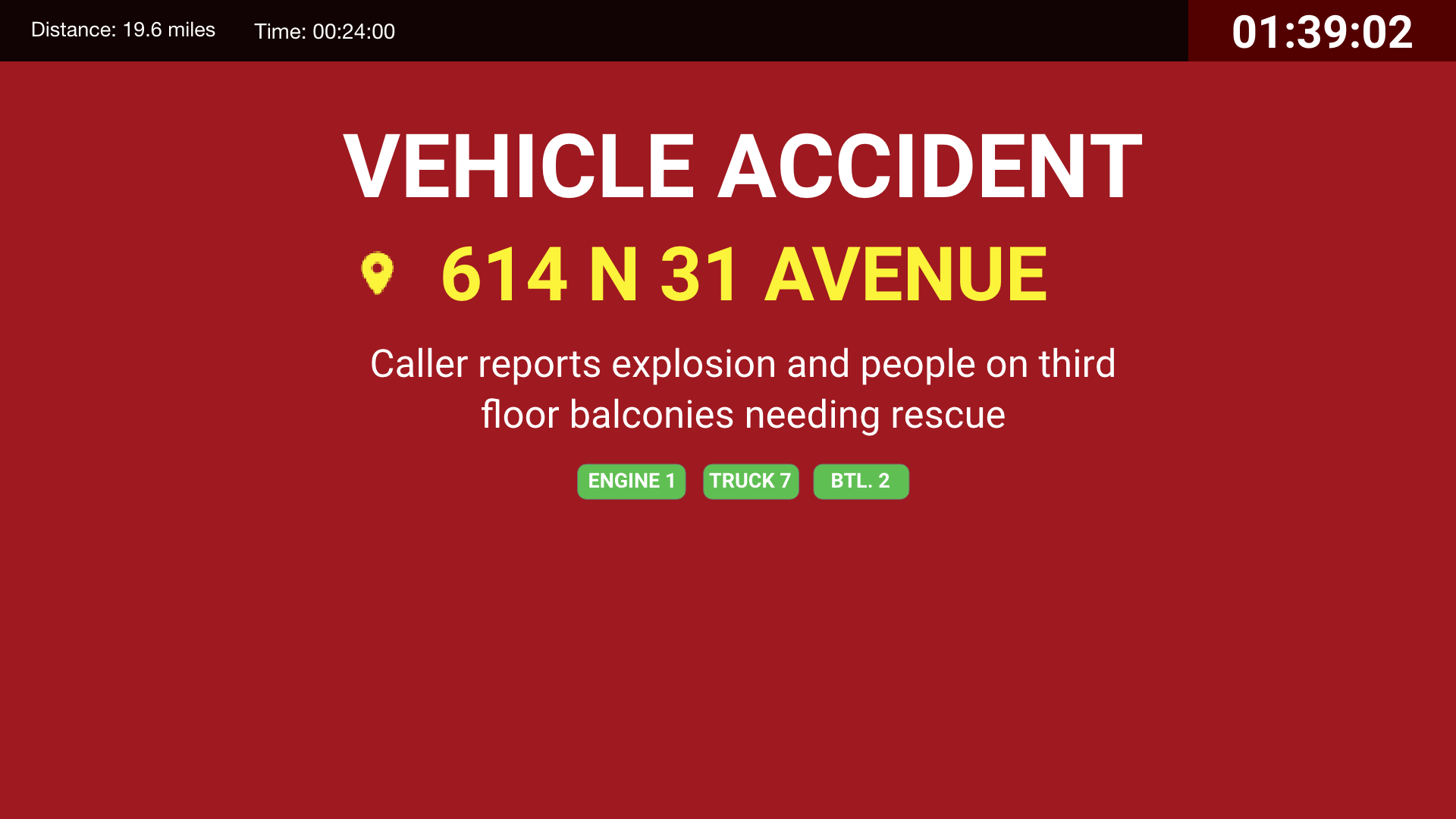
What appears on screen when a call comes in.
- Nature of call
- Address
- Units dispatched
- Call notes
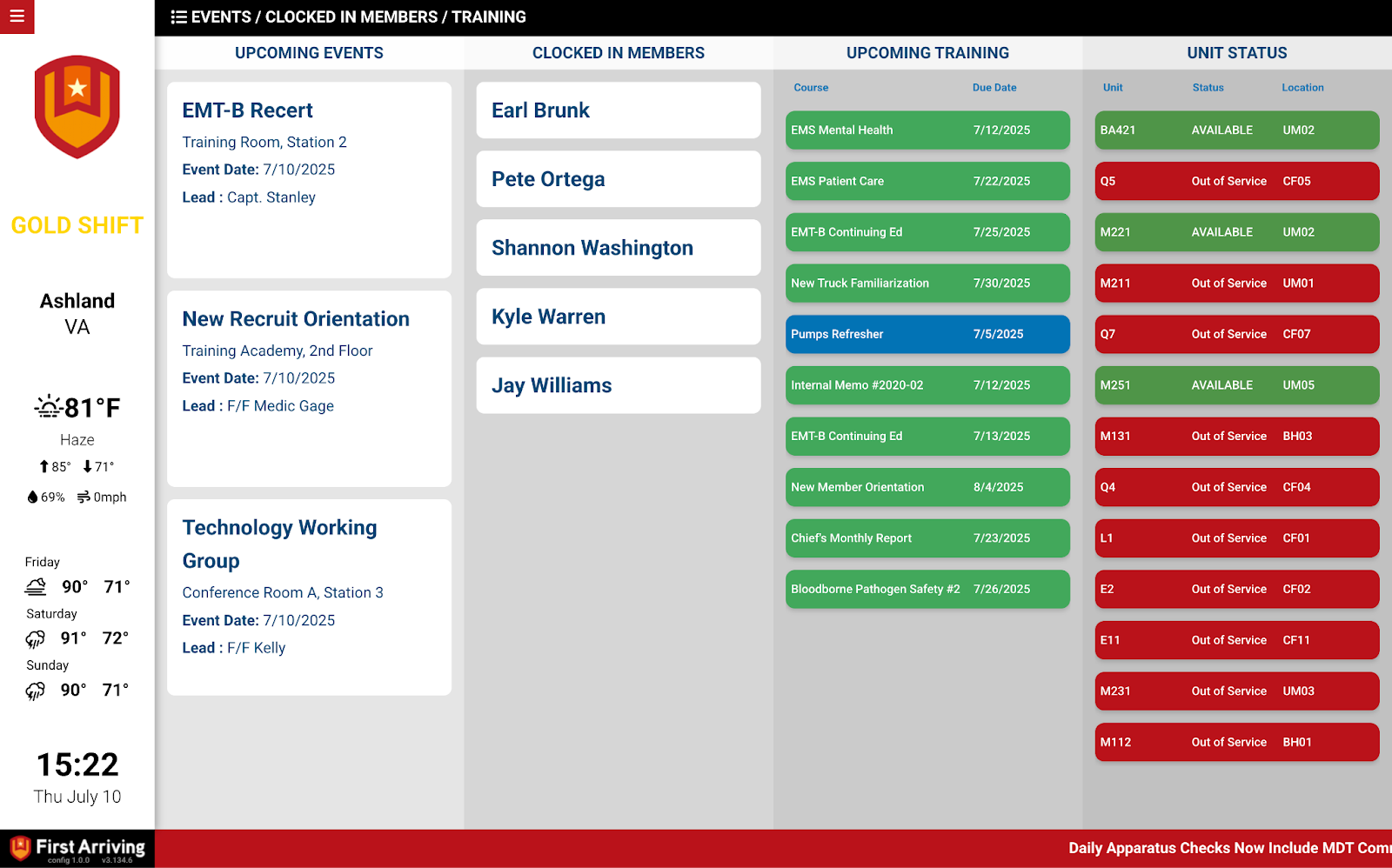
Unit status display
Your department’s units, and neighbouring departments’ if you want them.
- Unit name
- Current status — dispatched, enroute, at scene, and so on
- Last known location
How it shows up on screen
You choose how prominent this data is.
- Show it 24/7, or only on a dedicated alert page
- Multiple alarm layout options
- Custom alert sounds
- Flexible mapping, including public or private ESRI layers
What we need from you
You need to be a current Locution customer. Gather three things, then hand them to Locution — they pass everything to us.
About vendor charges: data or API access could carry an additional charge, determined by Locution and not by First Arriving.
Example screens
The screens below are a sample, not the full set. For the current, complete list of alerting screen styles, see Response & Call Alerting Screen Options.
Alerting screens
Unit status screens

Secondary notification only: our platform is built for secondary notification of alarms and situational awareness. Always rely on your CAD or dispatch center for primary dispatch information.
Questions about setup, or want help deciding which alerting screen belongs in which station? Open a ticket at our support center or reach us at dashboards@firstarriving.com and we’ll walk through it with you.