Integration Guide
SunRidge CAD
Sun Ridge Systems Computer-Aided Dispatch
First Arriving integrates with Sun Ridge Systems’ CAD to put real-time active calls on the screens in your stations — incident type, address, and responding units, the moment a call drops.
What we can put on your dashboard
A live alerting feed sourced directly from your Sun Ridge CAD.
Key features
- Real-time active-call display — incidents appear as soon as they’re dispatched
- Incident type and address
- Responding units
What we need from you
First Arriving issues your agency an API token. Your Sun Ridge Systems administrator uses that token to configure your CAD to forward alerts to us — you don’t send us any Sun Ridge credentials. Contact your Sun Ridge Systems account manager to get started, and reach out to dashboards@firstarriving.com so we can issue the token.
Compatible views
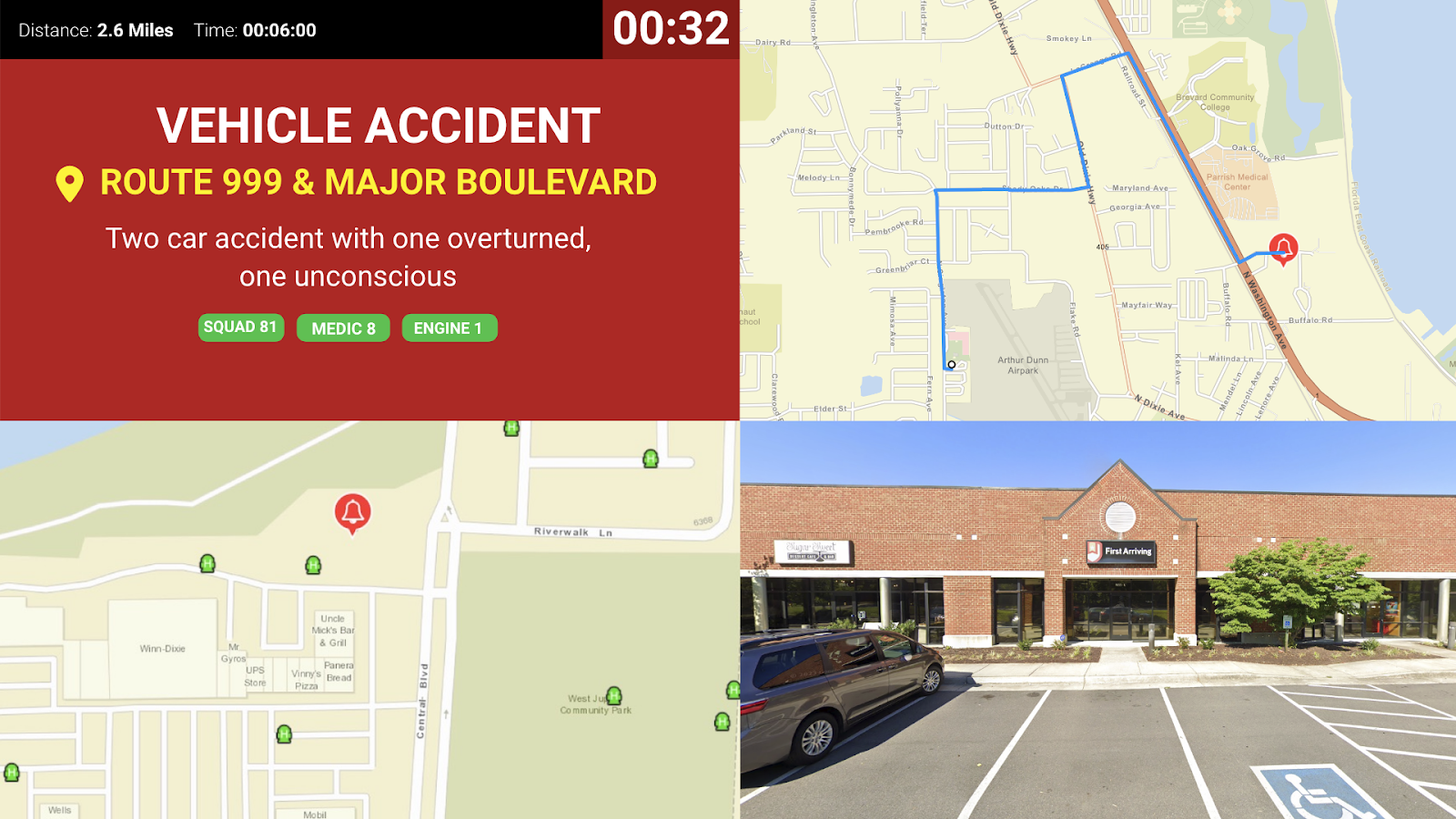
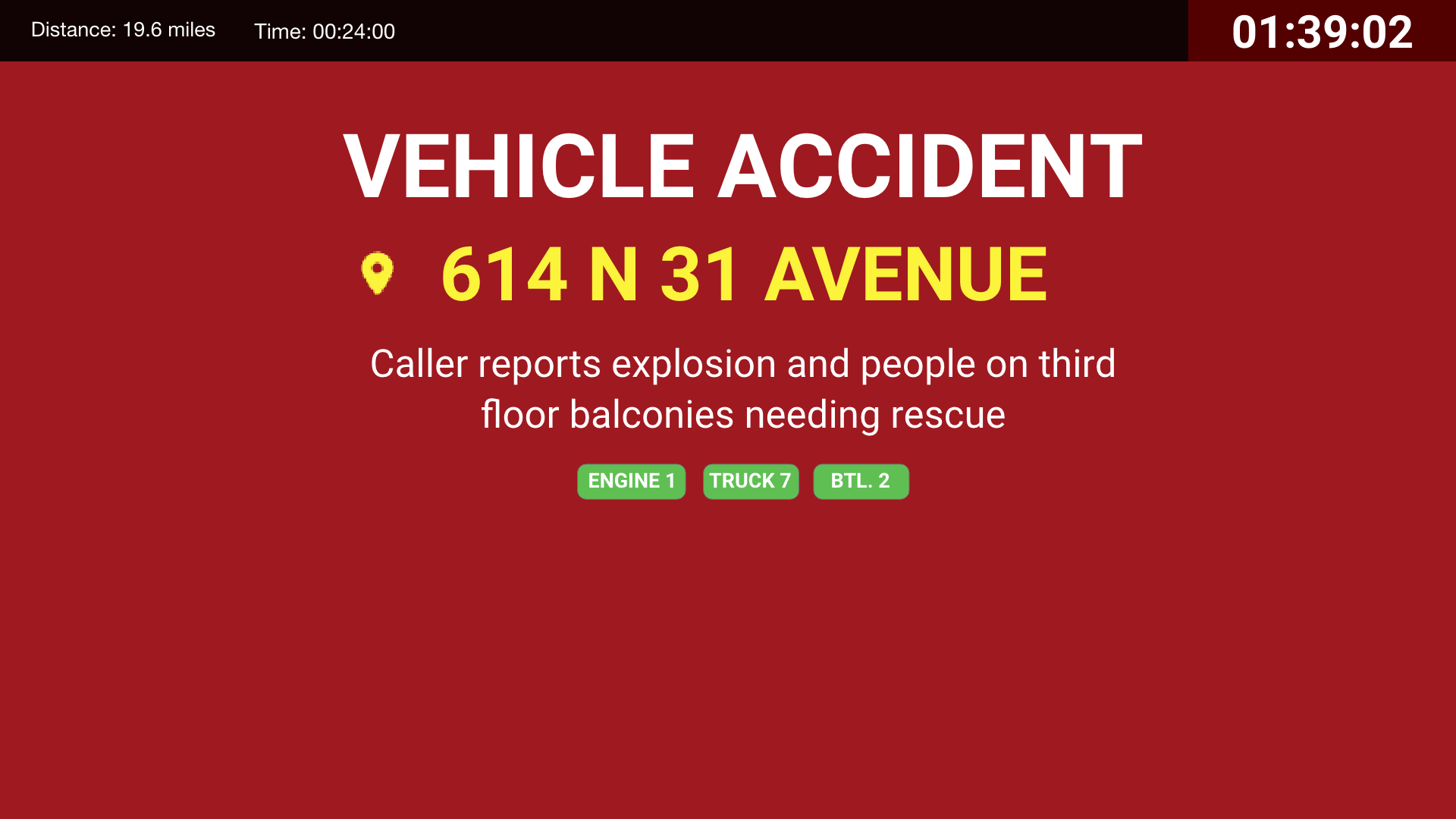
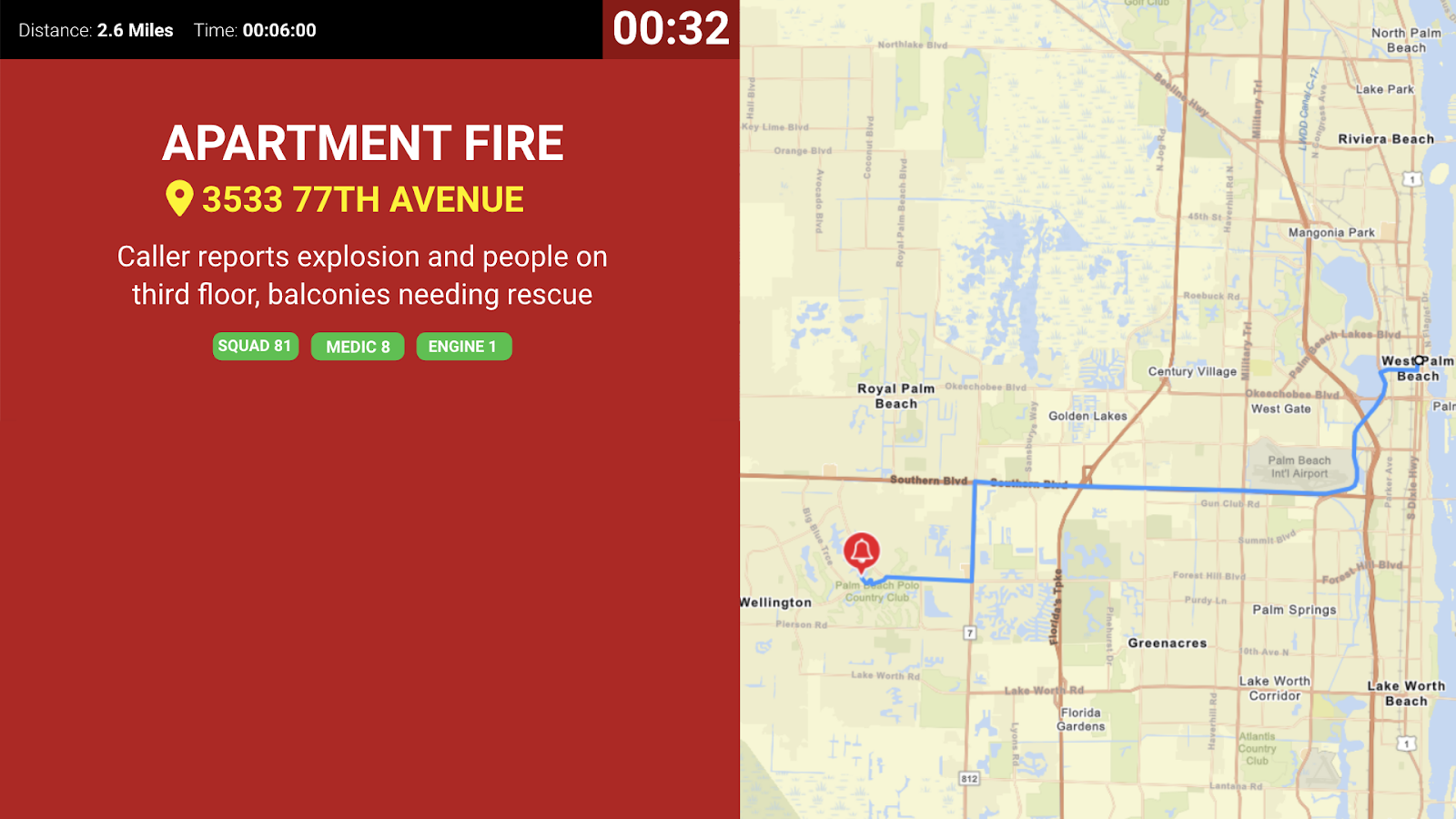
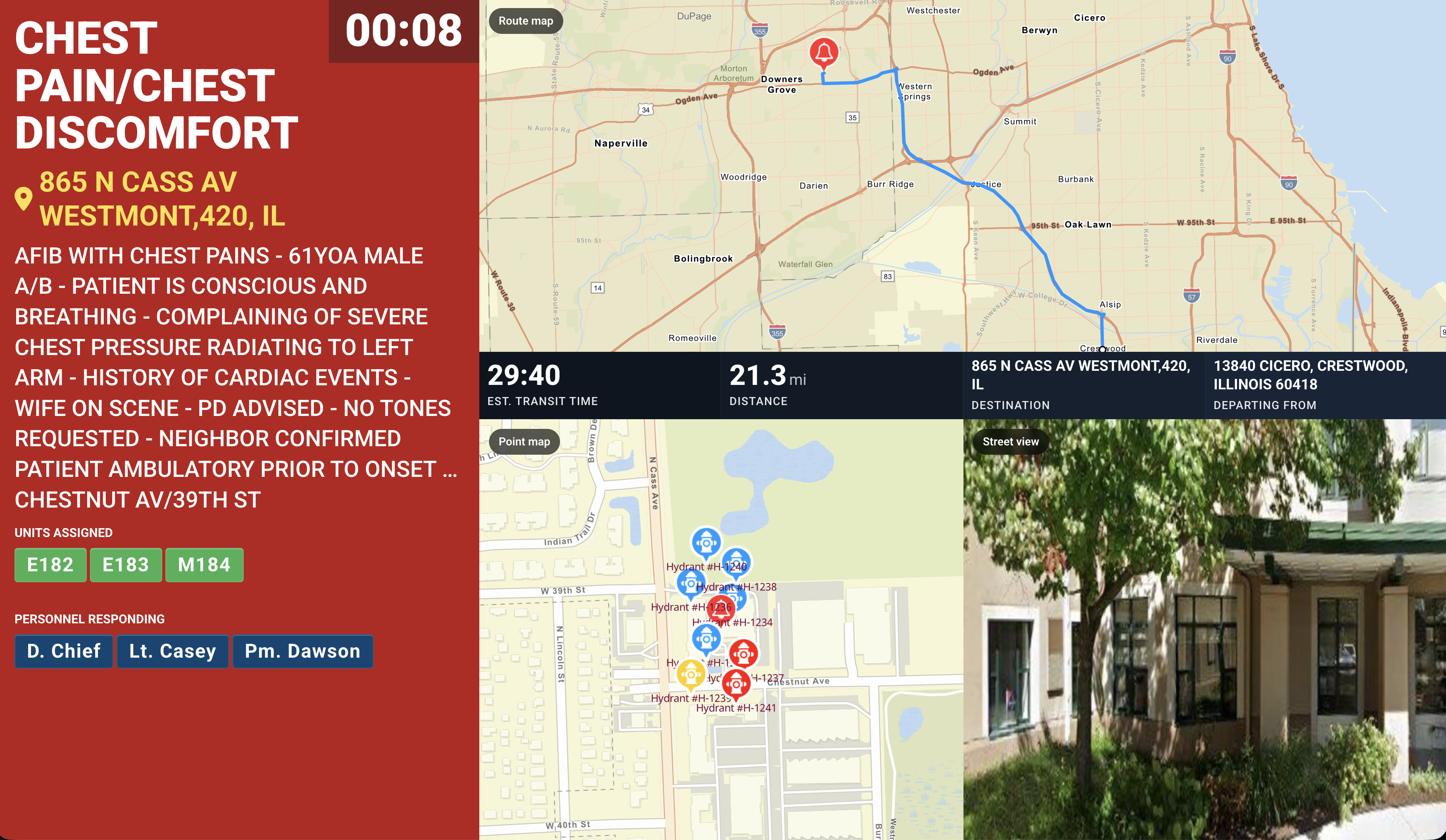
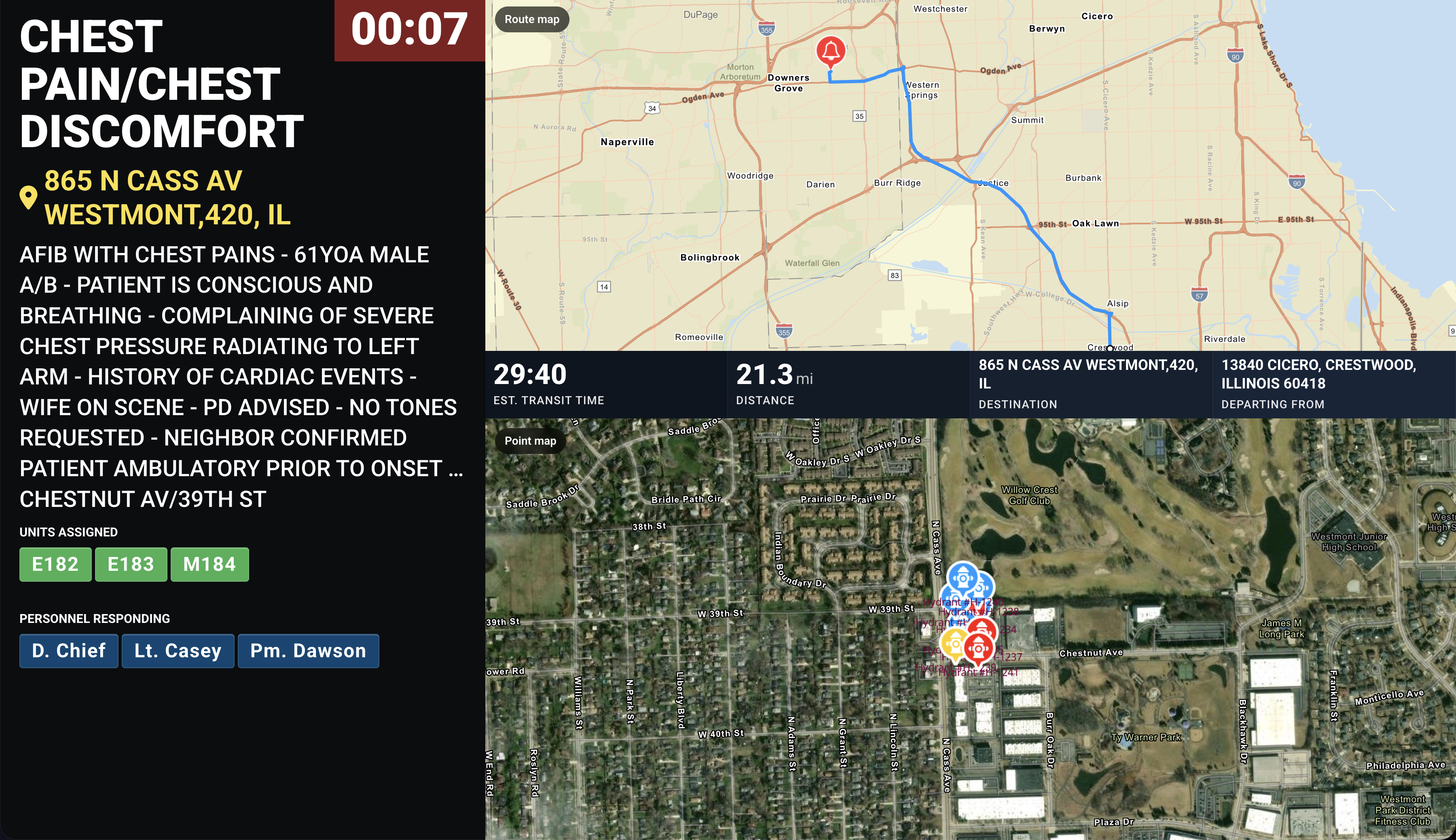
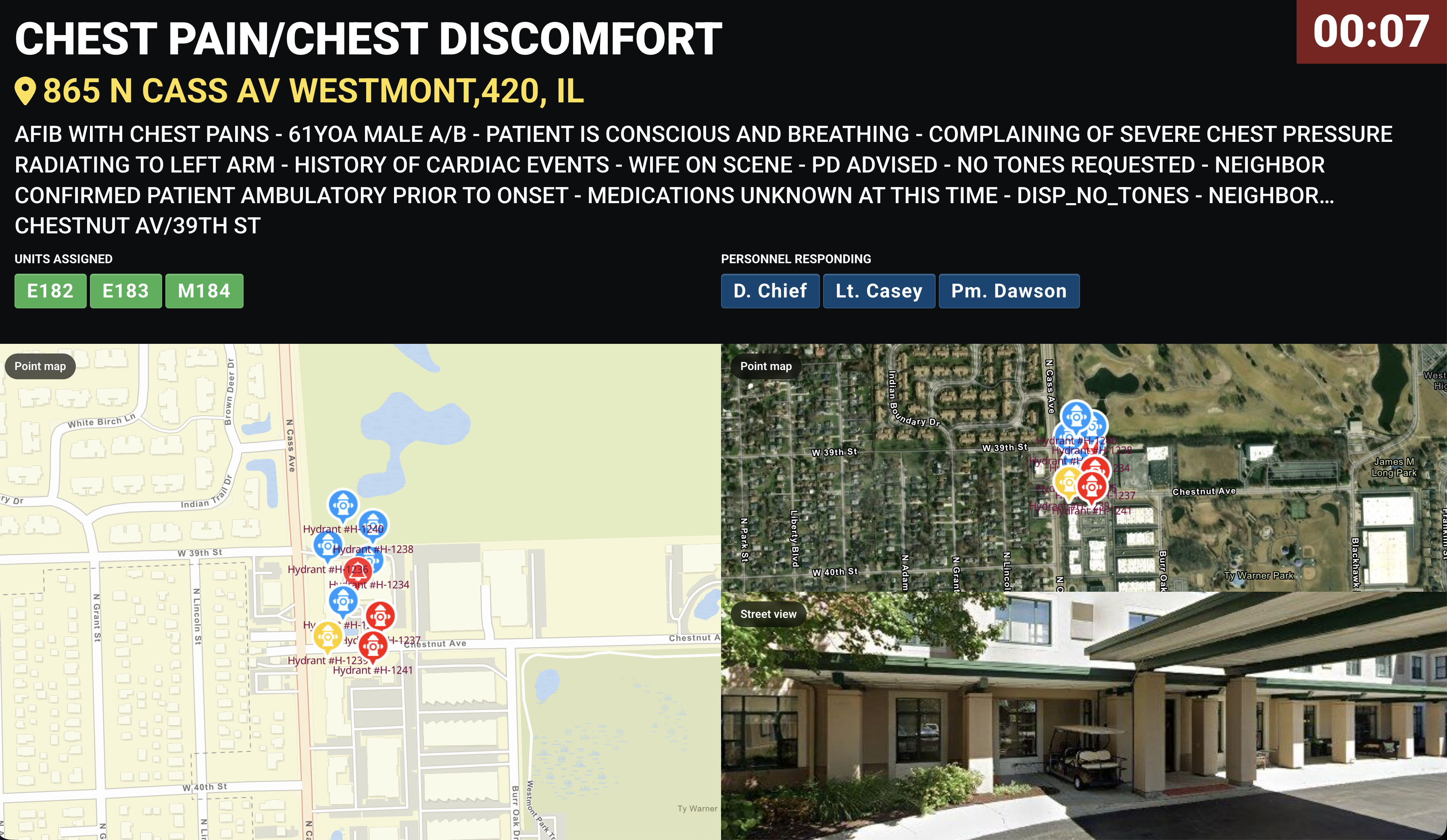
The screens below are a sample, not the full set. For the current, complete list of alerting screen styles you can use with Sun Ridge CAD, see Response & Call Alerting Screen Options.
Learn more about Sun Ridge Systems at sunridgesystems.com. Questions about setup? Open a ticket at our support center or reach us at dashboards@firstarriving.com.