
Integration Guide
Essential Personnel
Bring training events from Essential Personnel onto the screens in your stations — what is coming up, what it costs, and whether there is still a seat.
What we can put on your dashboard
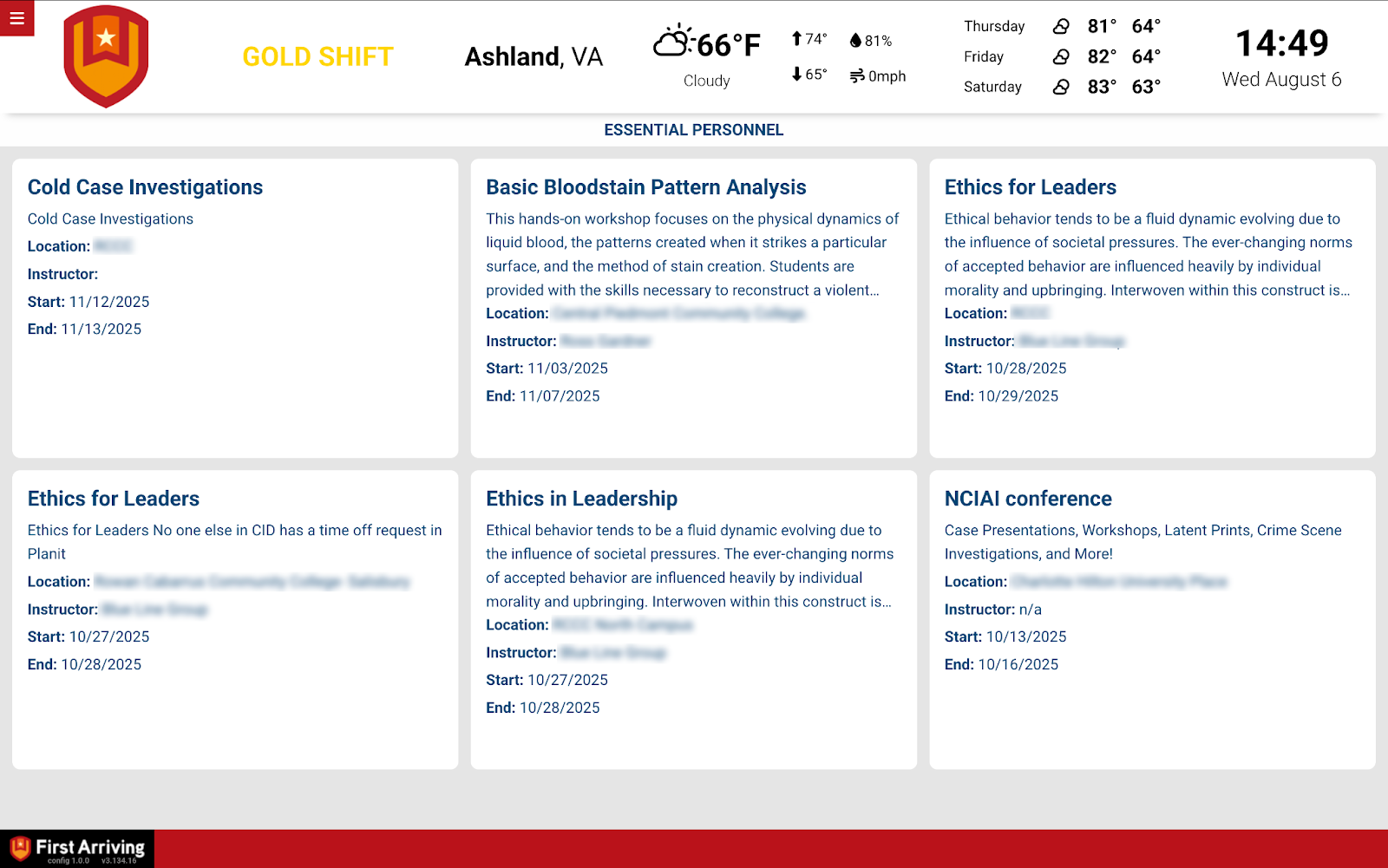
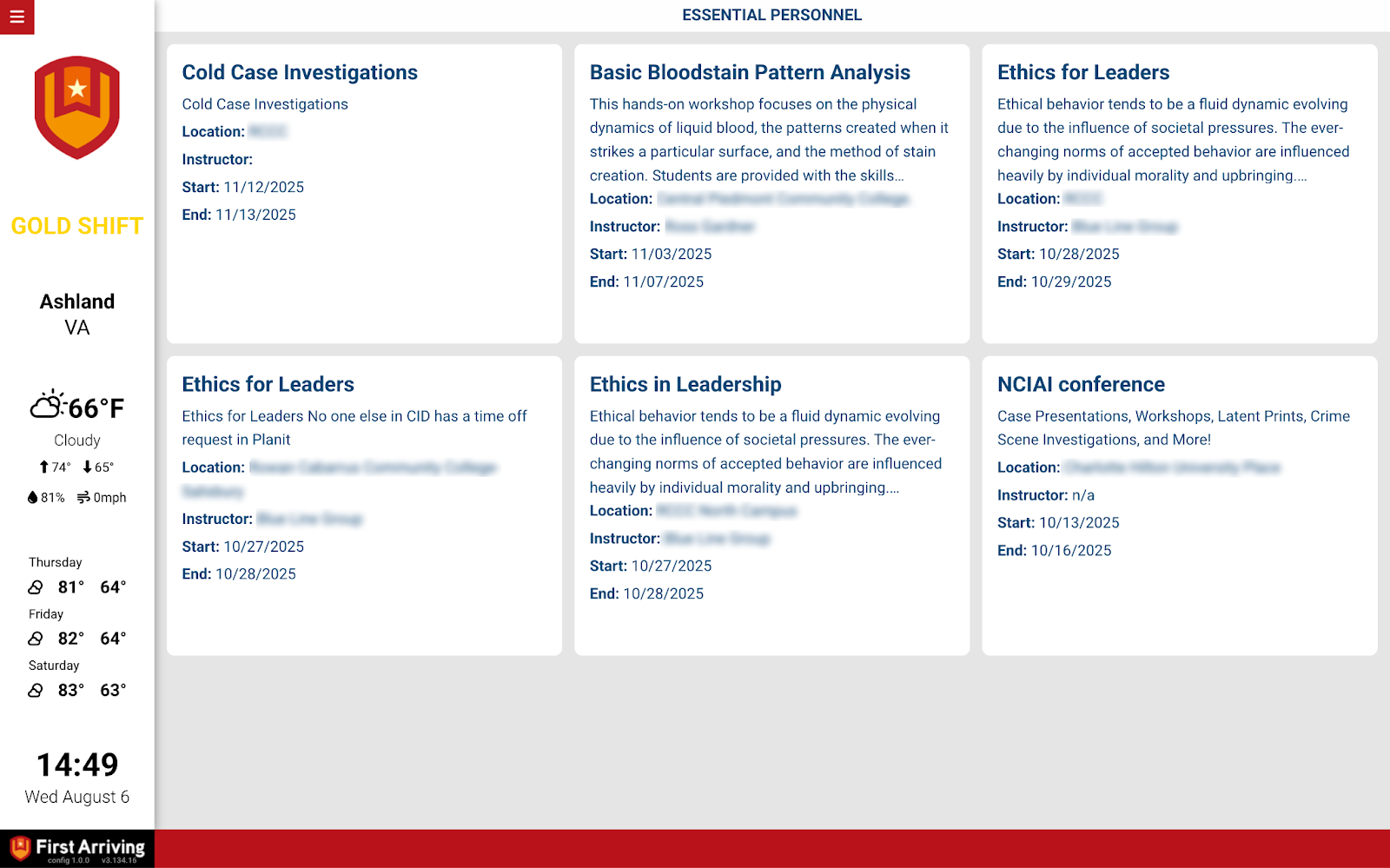
Training events feed
Enough detail that someone can decide whether to sign up without opening anything.
- Training event name
- Description
- Instructor
- Location
- URL
- Total cost
- Start and end date
- Participants signed up, and the maximum
- Whether the event is full
What we need from you
Contact Essential Personnel and request API access for your account.
Once they have set that up:
Open a ticket at our support center first, then submit the credentials through the First Arriving Secrets Tool and paste the link it generates into your ticket. Please don’t send them by email or chat. Full instructions: Sending First Arriving sensitive information.
Compatible views
Questions about which events show up, or filtering to your own agency’s courses? Open a ticket at our support center or reach us at dashboards@firstarriving.com.