
Integration Guide
PlanIt Schedule
Put live scheduling data from PlanIt Schedule on the screens in your stations. Rotating shifts, swaps, and self-scheduling all keep the board current, so personnel can see who is on and when without asking.
What we can put on your dashboard
Key features
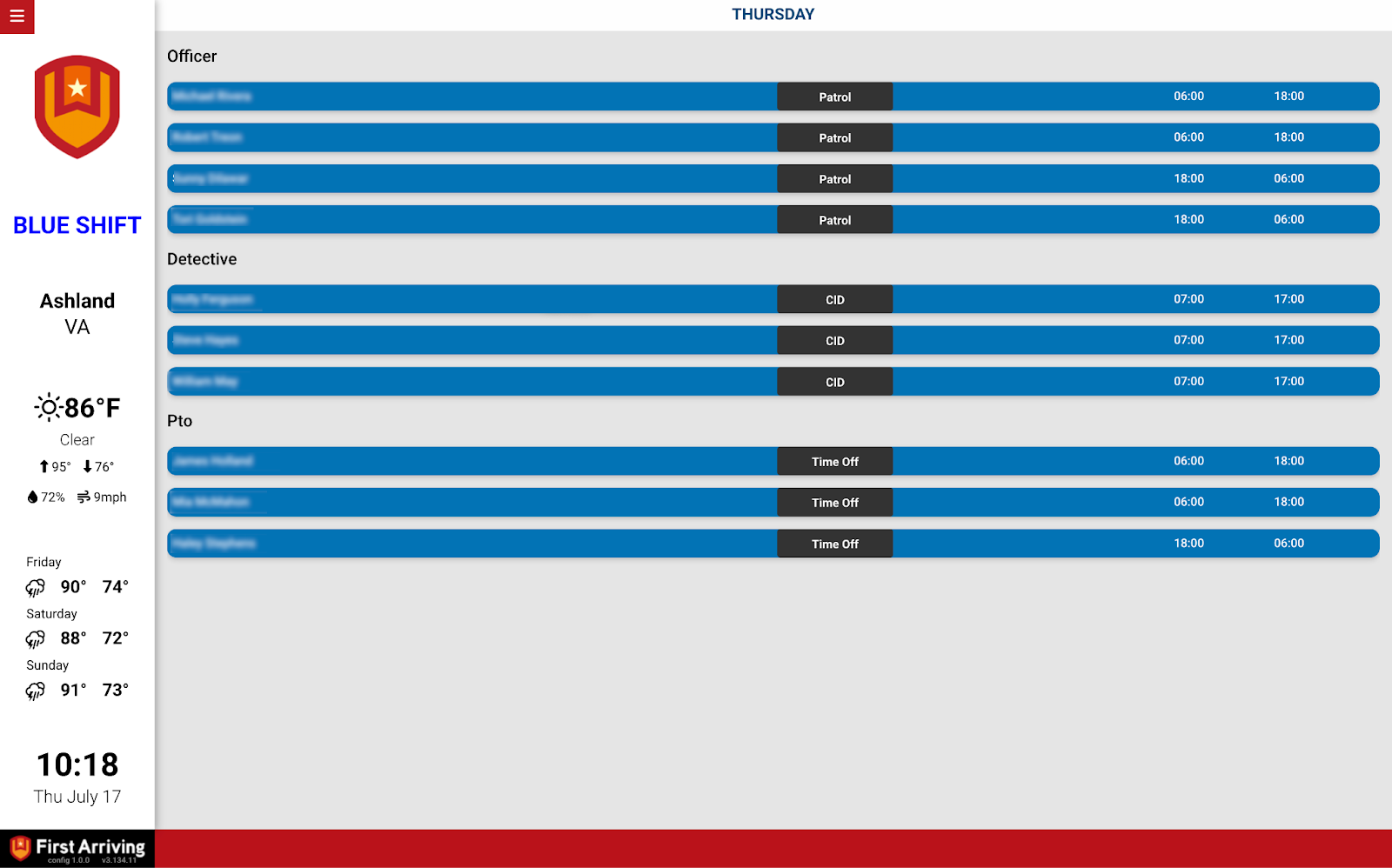
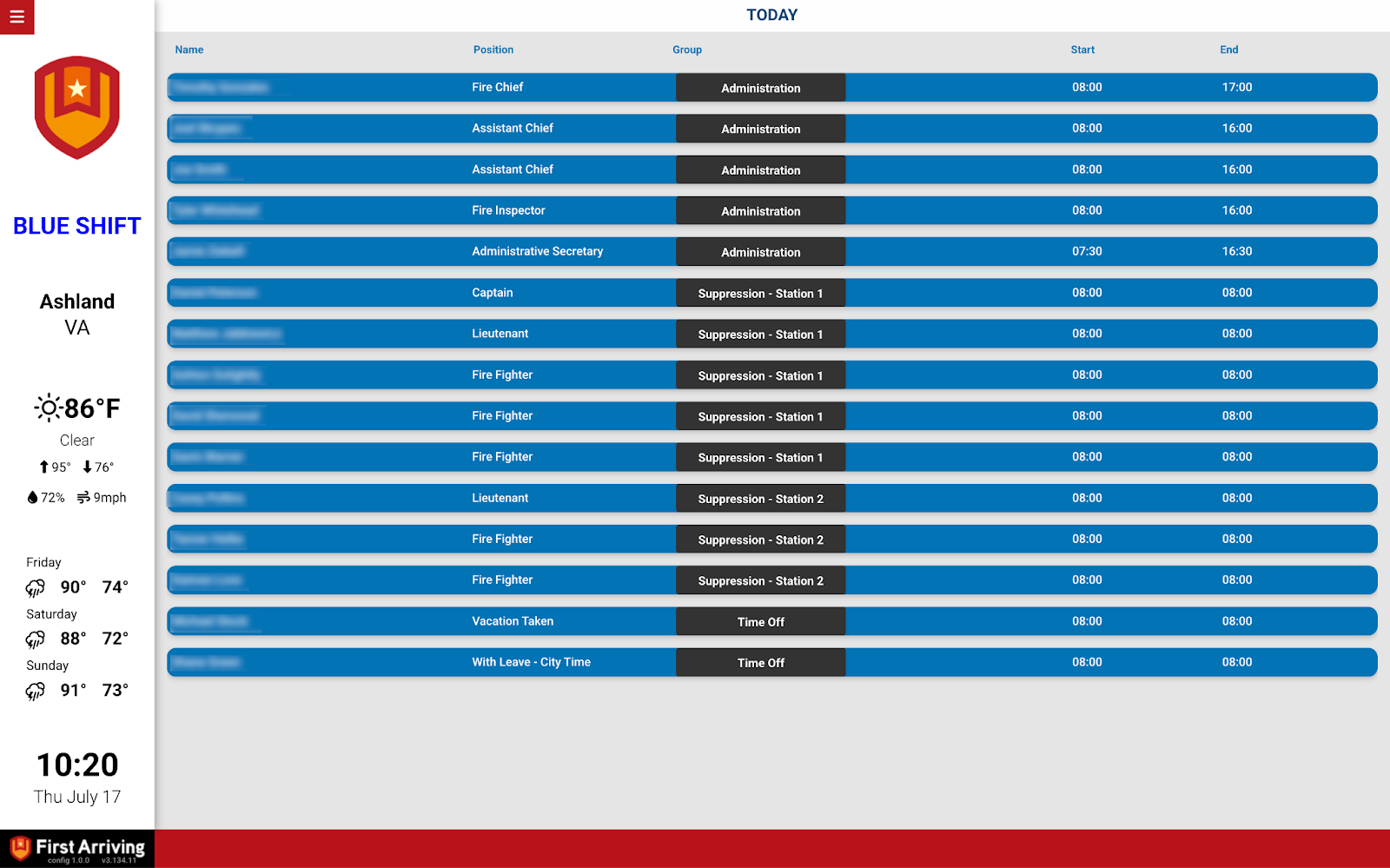
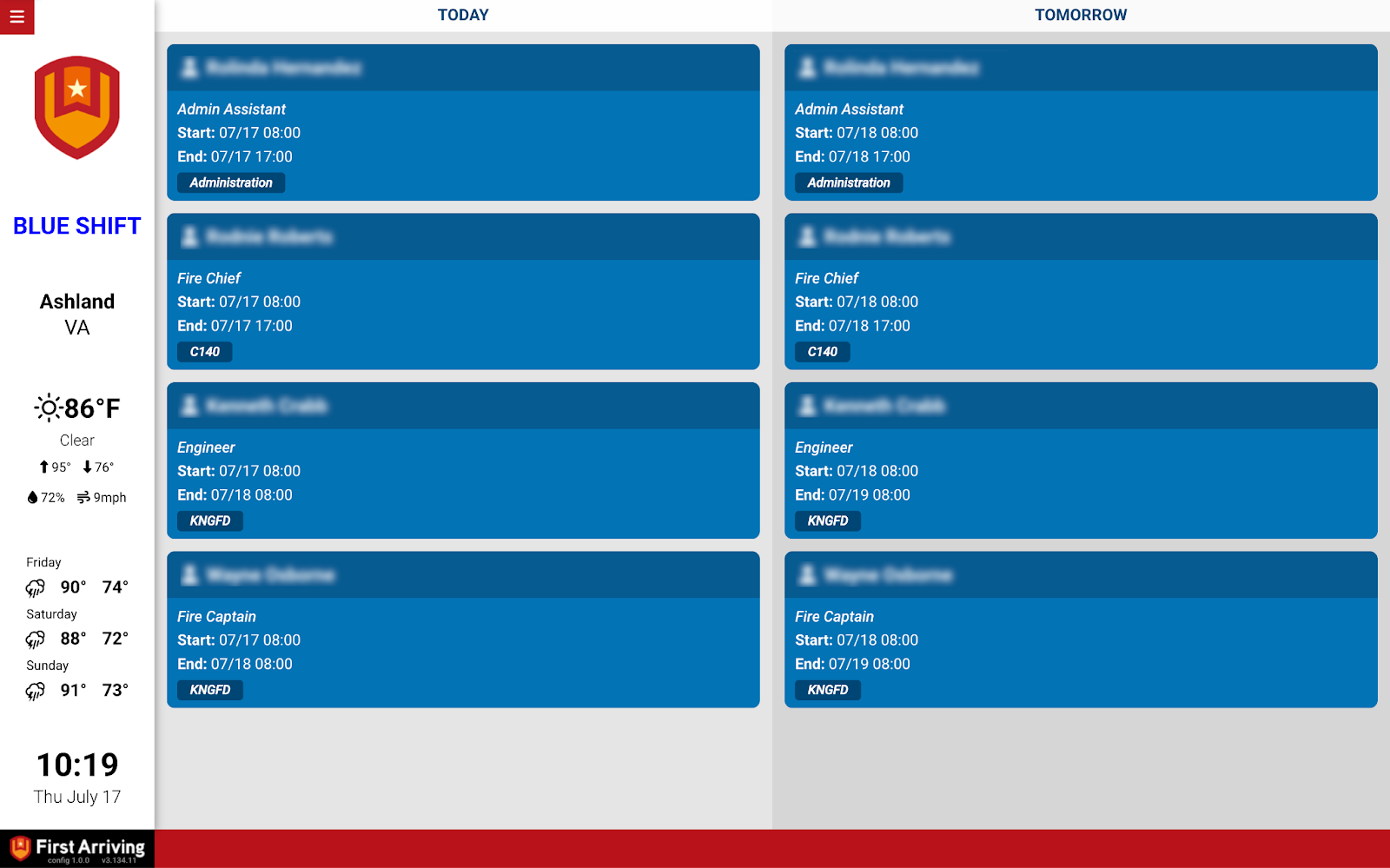
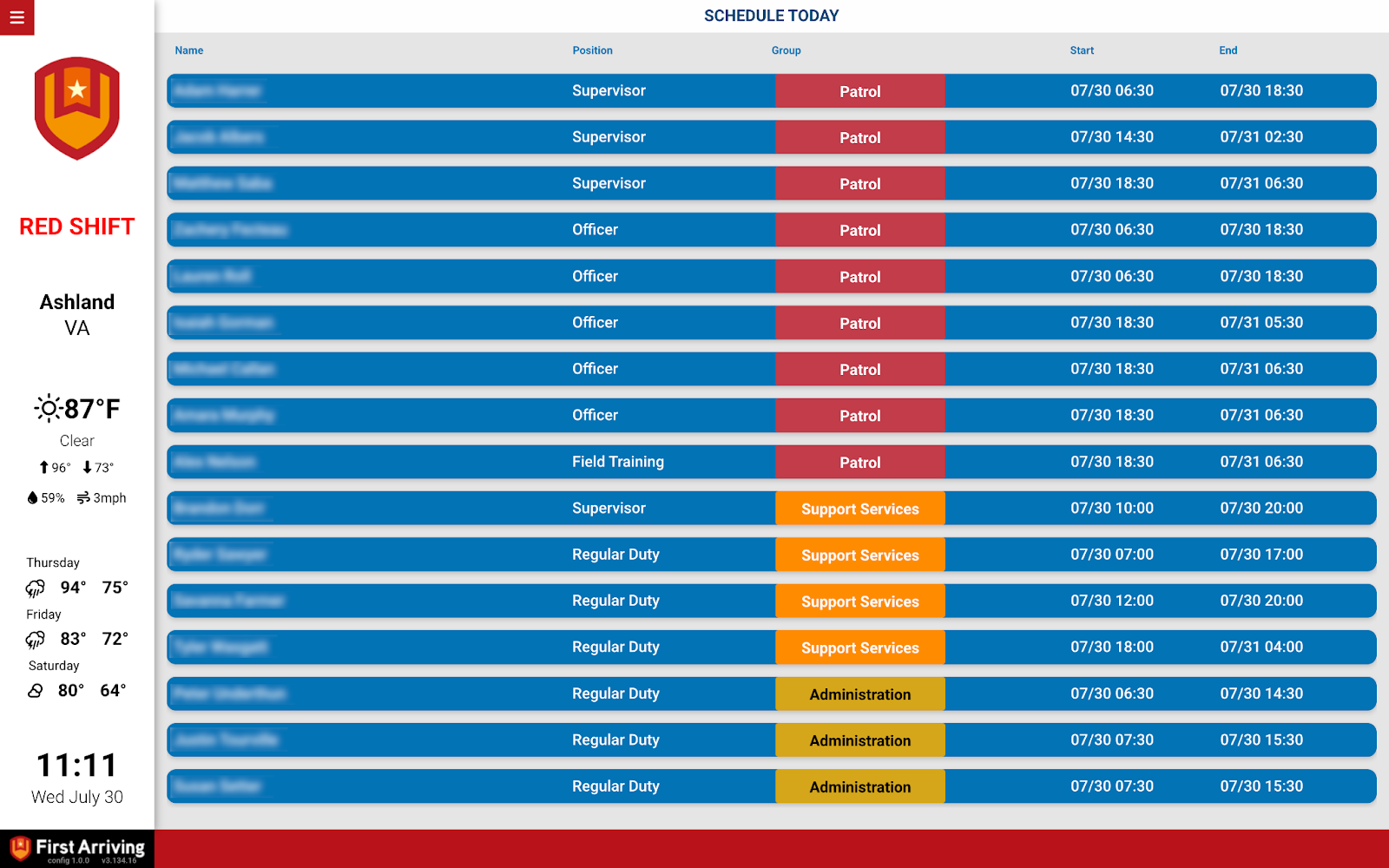
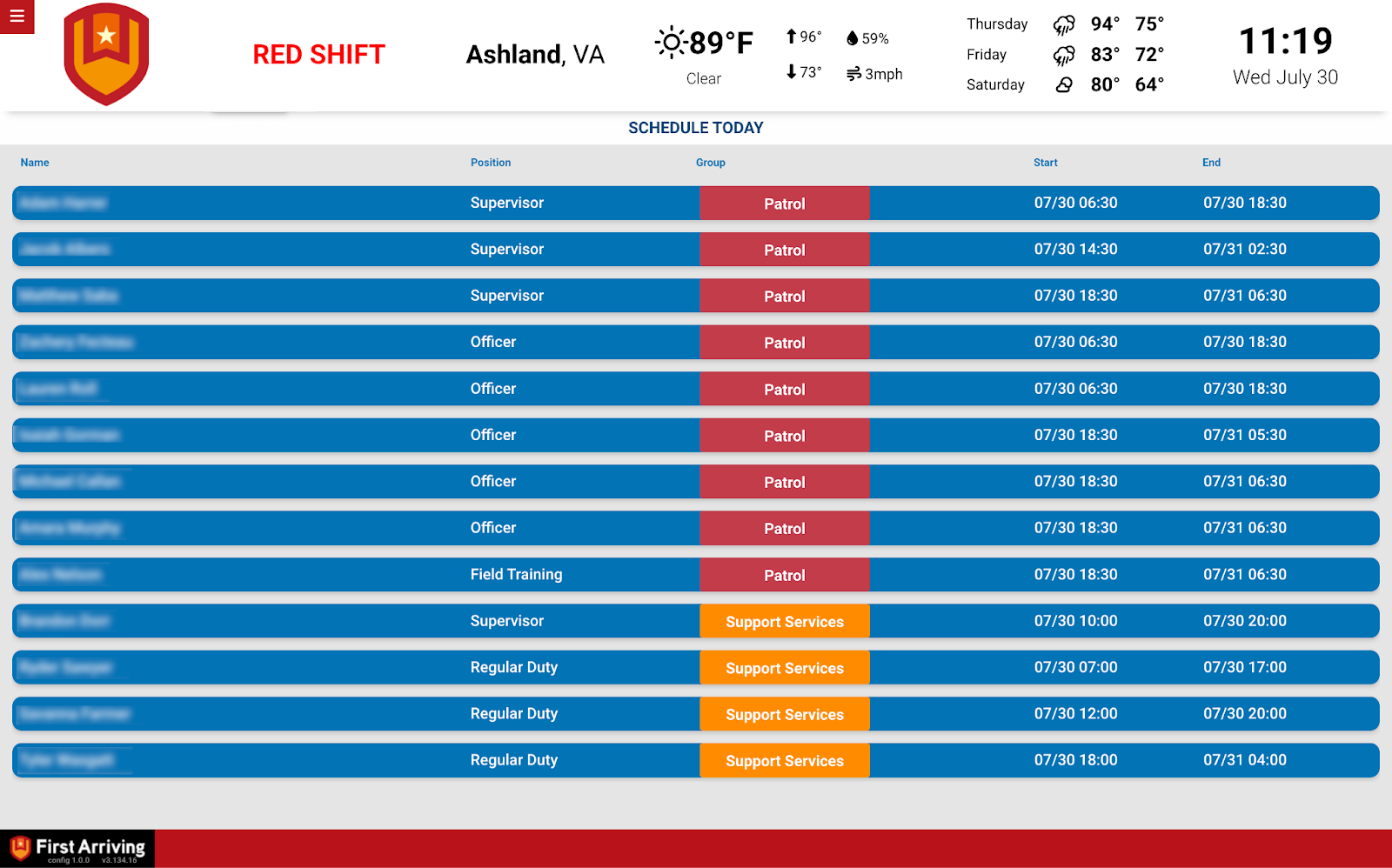
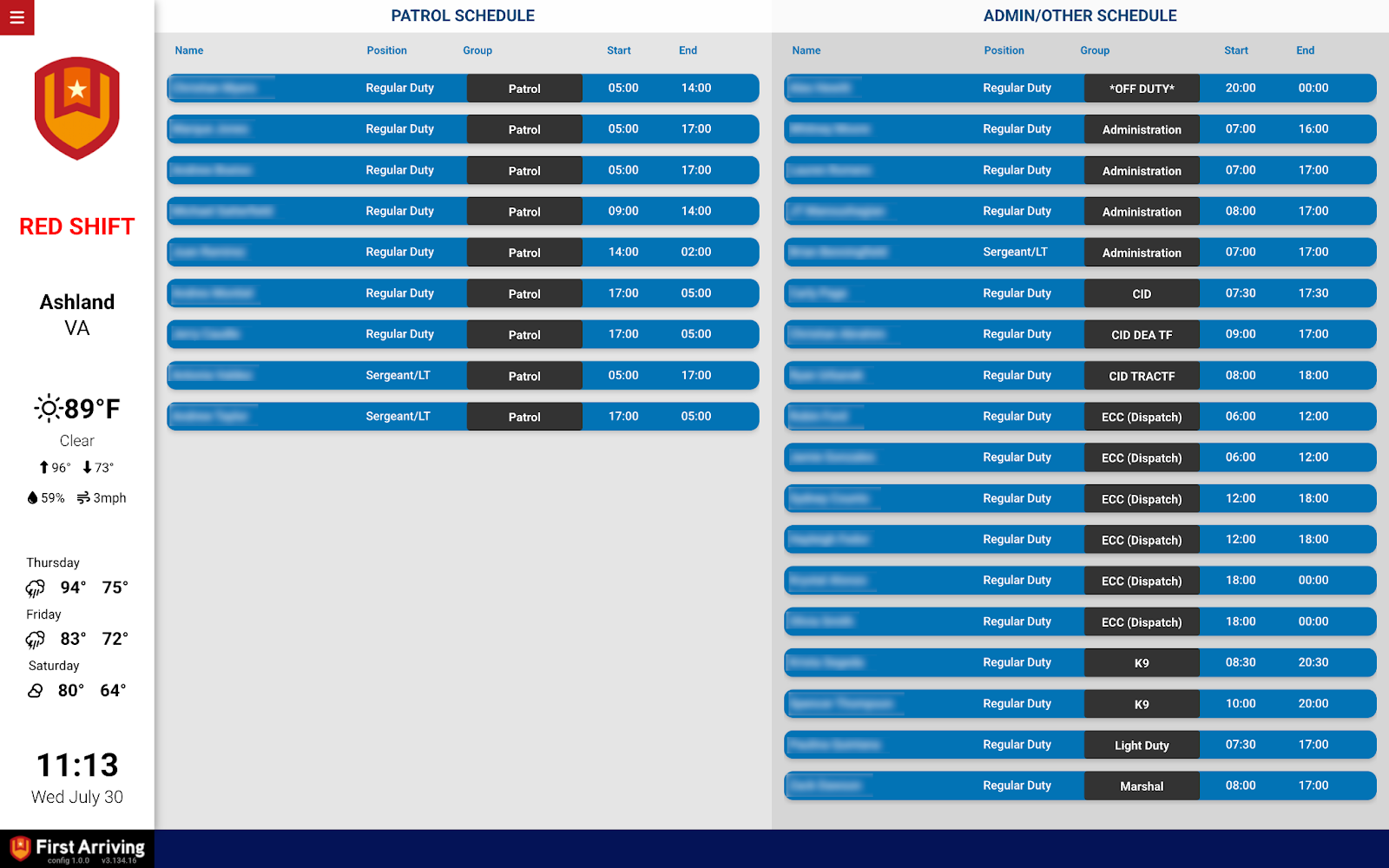
Real-time display of scheduled shifts, updated automatically as your PlanIt schedule changes.
- Personnel name
- Work type — duty type, role, or assignment
- Shift start and end times
- Updates automatically — no manual step when the schedule changes
What we need from you
One item, and PlanIt generates it for you.
About vendor charges: data or API access may carry additional costs, determined by PlanIt and separate from your First Arriving services.
Compatible views
Questions about setup, or want the schedule laid out differently? Open a ticket at our support center or reach us at dashboards@firstarriving.com.