
Integration Guide
iOps360 Scheduling
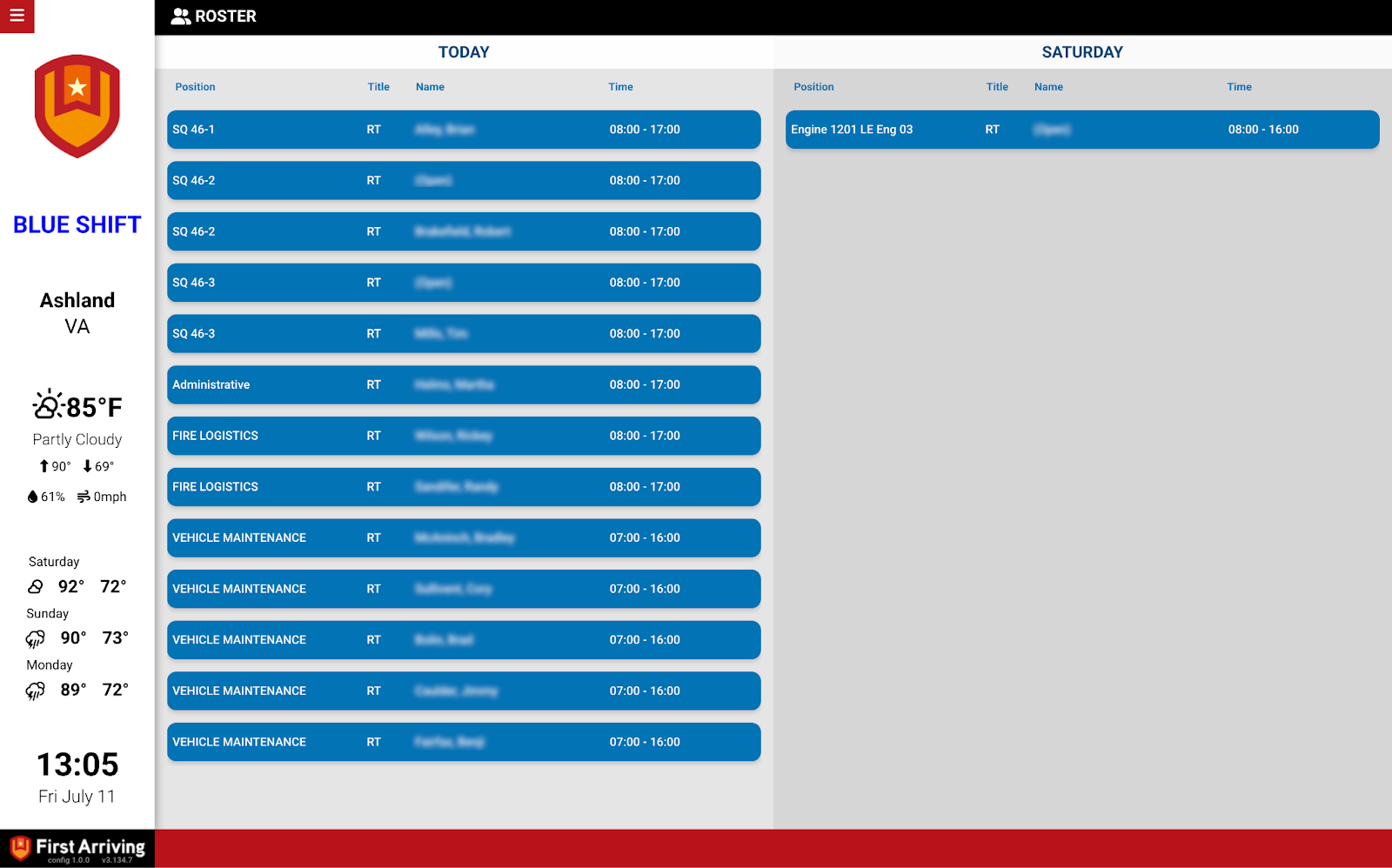
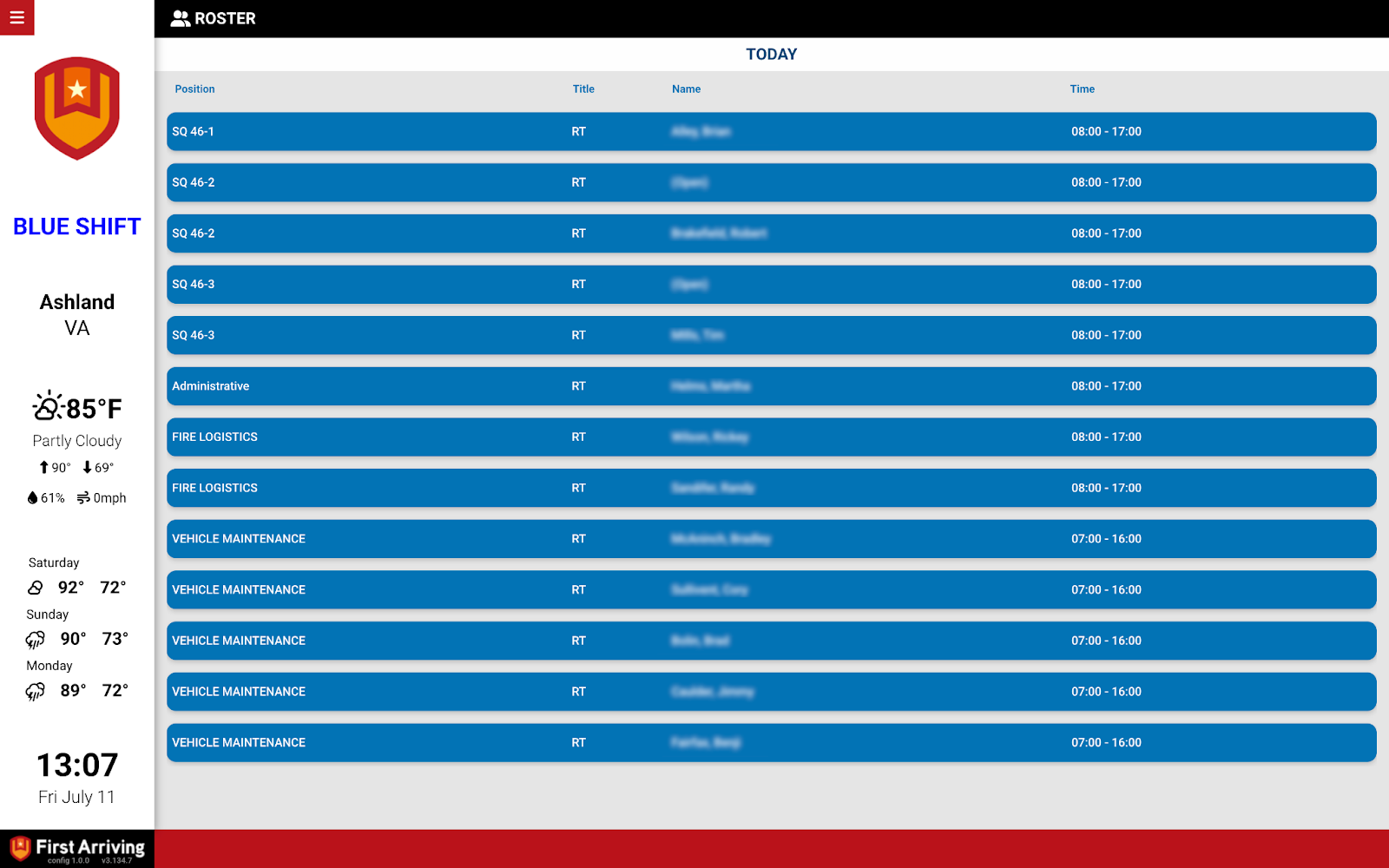
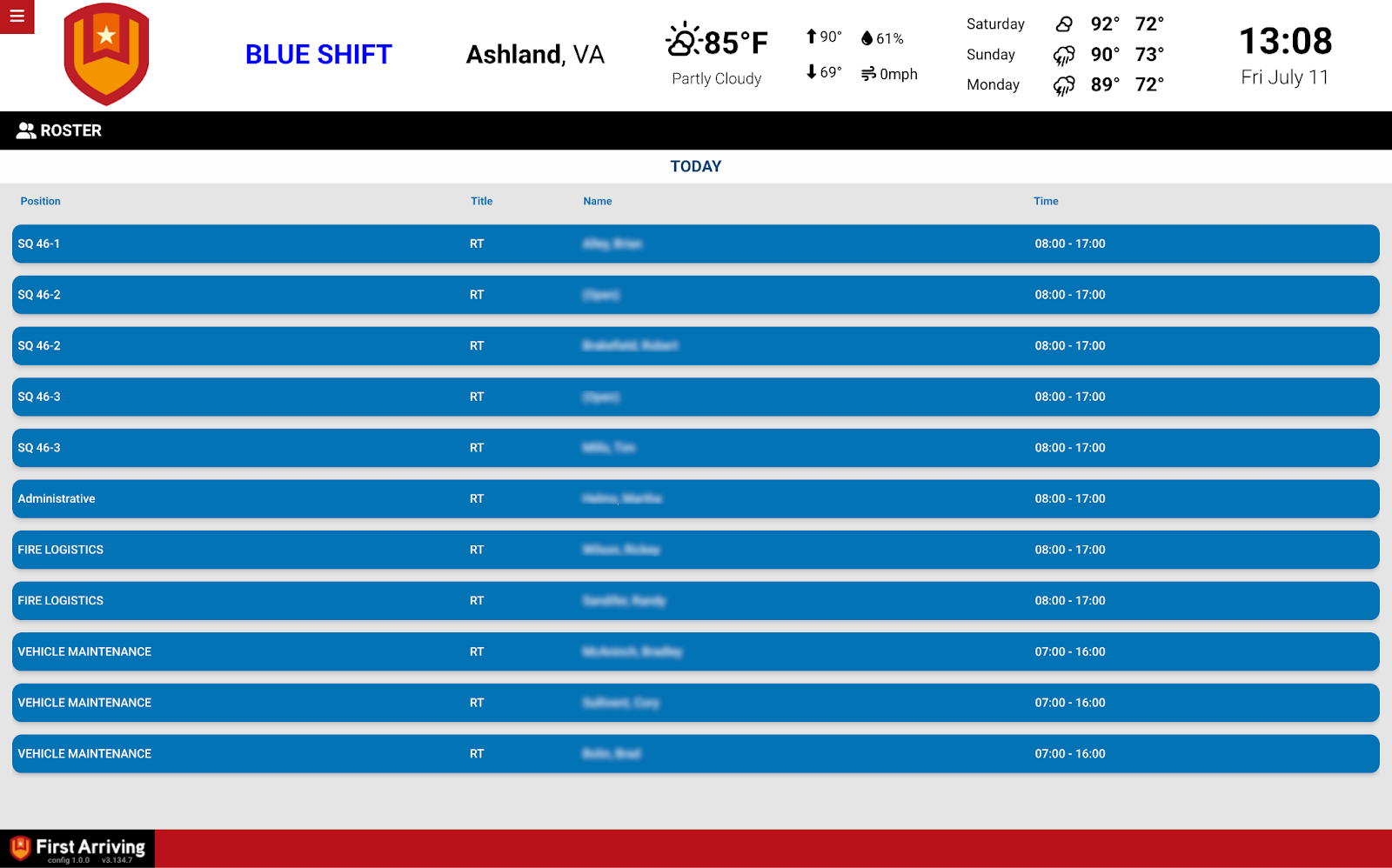
Put your iOps360 schedule on the screens in your stations, including open shifts and up to three days ahead.
About iOps360. A cloud-based operations management system built by public safety workers for public safety workers, covering scheduling, time management, education tracking, vehicle checkoff, equipment and inventory management, status boards, and more.
What we can put on your dashboard
Scheduling
Who is on now, and what is still unfilled.
- Name
- Start and end time
- Schedule name or group
- Time type
- Open shifts
- Up to three days ahead
What we need from you
A username and password associated with your iOps360 account.
Open a ticket at our support center, then submit the credentials through the First Arriving Secrets Tool and paste the link it generates into your ticket. Please don’t send credentials by email. Full instructions: Sending First Arriving sensitive information.
Example screens
Questions about setup, or want open shifts highlighted differently? Open a ticket at our support center or reach us at dashboards@firstarriving.com.