
Integration Guide
Fire Programs Scheduling
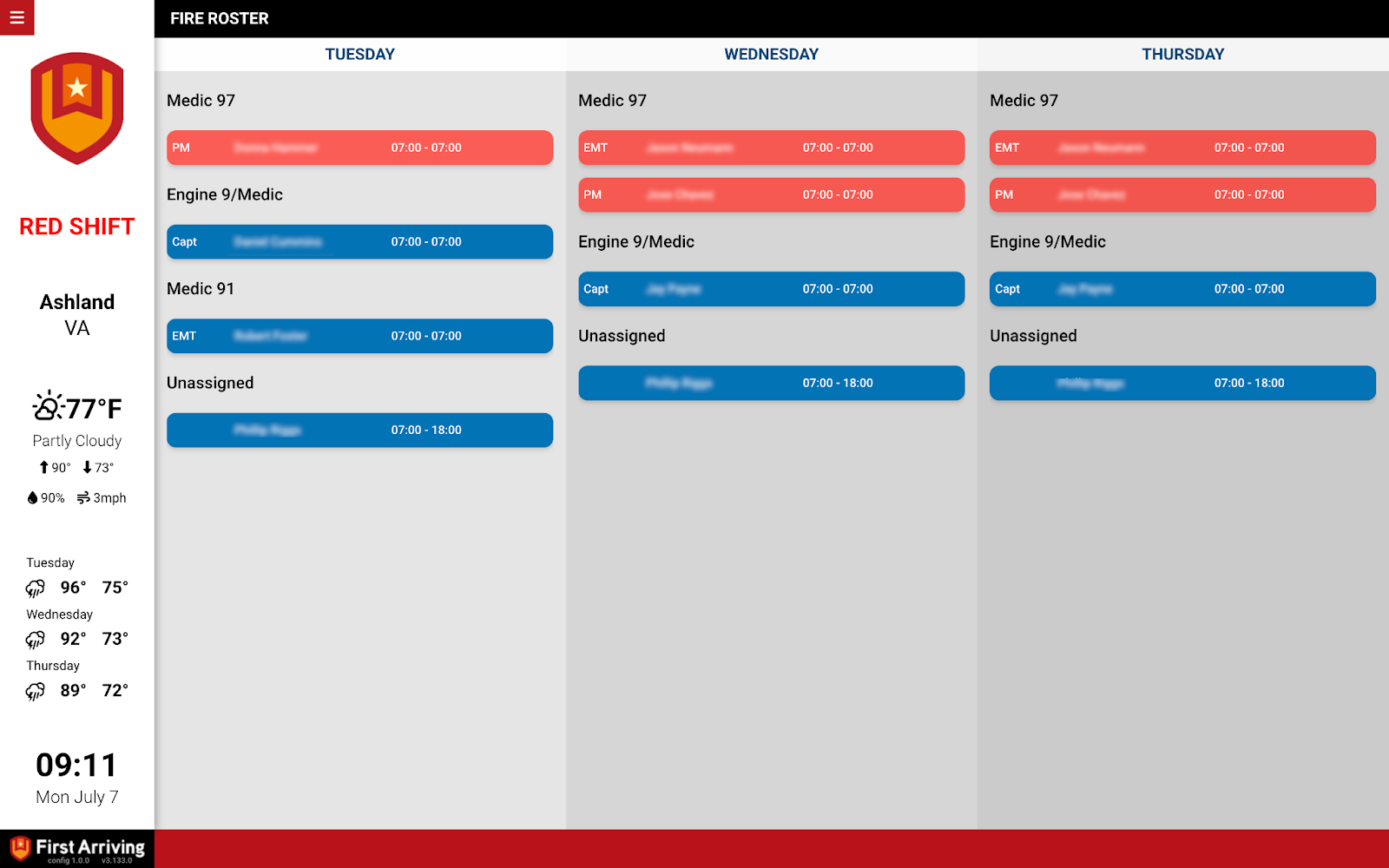
Put your Fire Programs schedule on the screens in your stations, so the day’s assignments are visible without anyone opening the portal.
About Fire Programs. Their scheduling module is used by career, combination, and volunteer agencies across the country. Staff can view work schedules, see who is on duty, request time off, trade shifts, and set overtime availability from any device through the SceneConnect™ web portal.
What we can put on your dashboard
Scheduling
- Name
- Start and end time
- Assignment
How the data reaches us
This one works by scheduled CSV export rather than a live connection, so you never send us credentials. Three steps.
About vendor charges: data or API access could carry an additional charge, determined by Fire Programs and not by First Arriving.
Example screen
Questions about setup, or unsure how often to schedule the export? Open a ticket at our support center or reach us at dashboards@firstarriving.com.