
Integration Guide
Fire Roster by Battalion 3
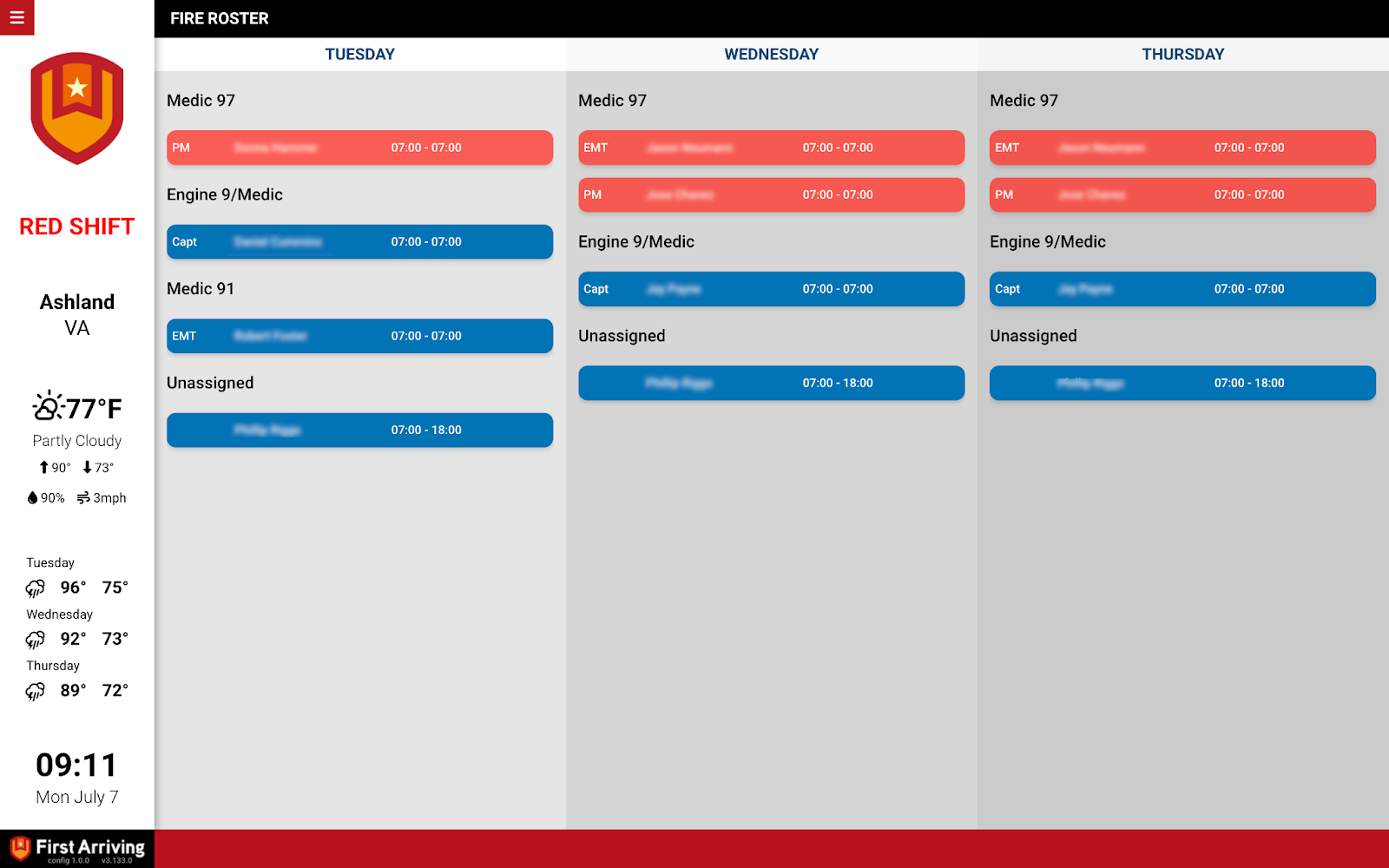
Put today’s and tomorrow’s Fire Roster schedule on the screens in your stations, visible to everyone in-station around the clock without anyone signing in to another system.
What we can put on your dashboard
Live schedule display
- Shows today’s and tomorrow’s Fire Roster schedule automatically
- Changes made in Fire Roster appear on the board with no manual syncing
- Displayed around the clock as part of your existing dashboard rotation
Why it helps
Everyone in-station can see staffing without opening an external system, and crews can check shift coverage, assignments and availability at a glance.
What we need from you
Two values, both issued by Fire Roster: your Agency ID and your Agency Secret Token.
Open a ticket at our support center, then submit both through the First Arriving Secrets Tool and paste the link it generates into your ticket. Please don’t send them by email. Full instructions: Sending First Arriving sensitive information.
About vendor charges: data or API access could carry an additional charge, determined by Battalion 3 and not by First Arriving.
Example screen
Questions about setup, or want the schedule in a particular spot in your rotation? Open a ticket at our support center or reach us at dashboards@firstarriving.com.