
Integration Guide
WhenToWork
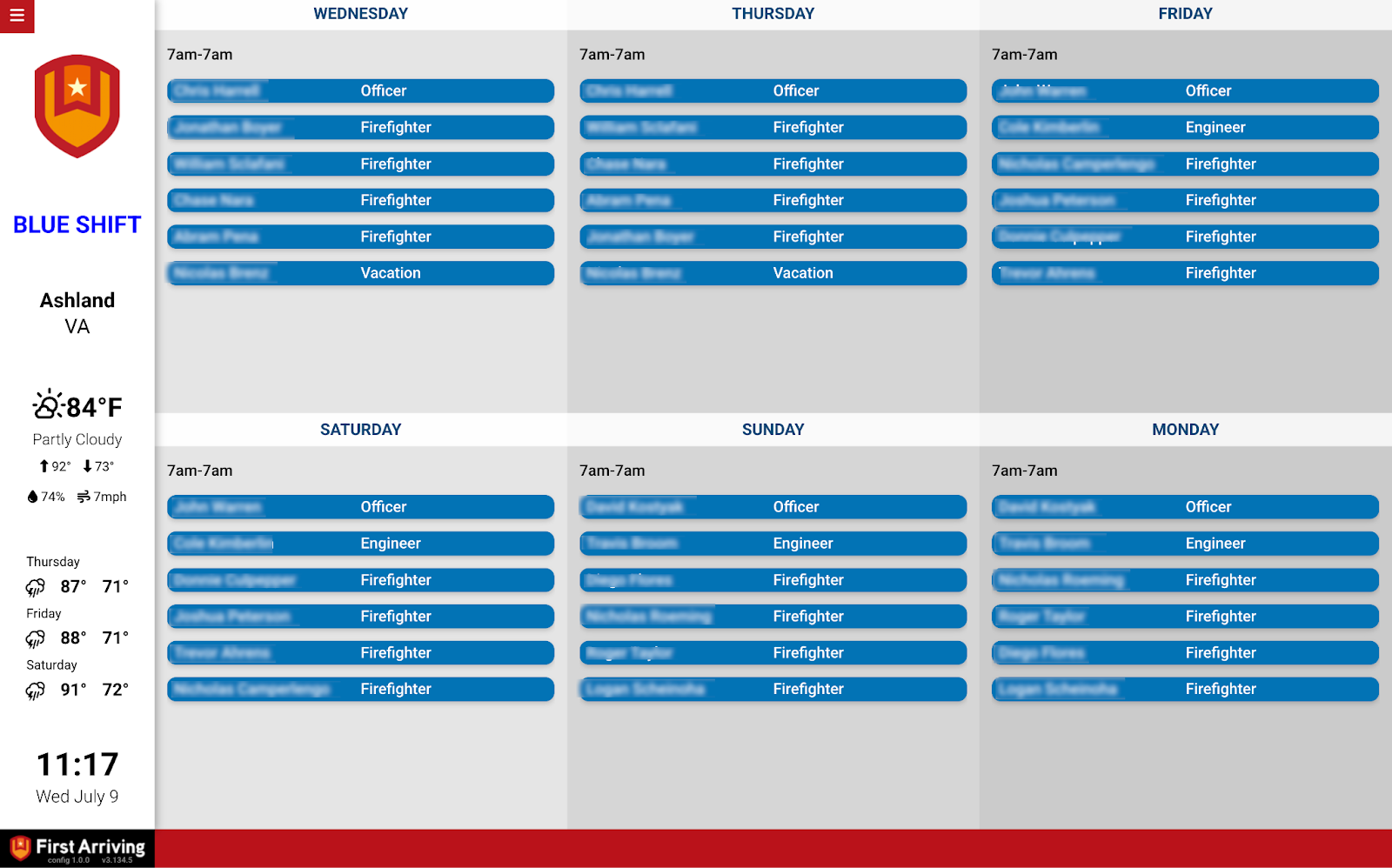
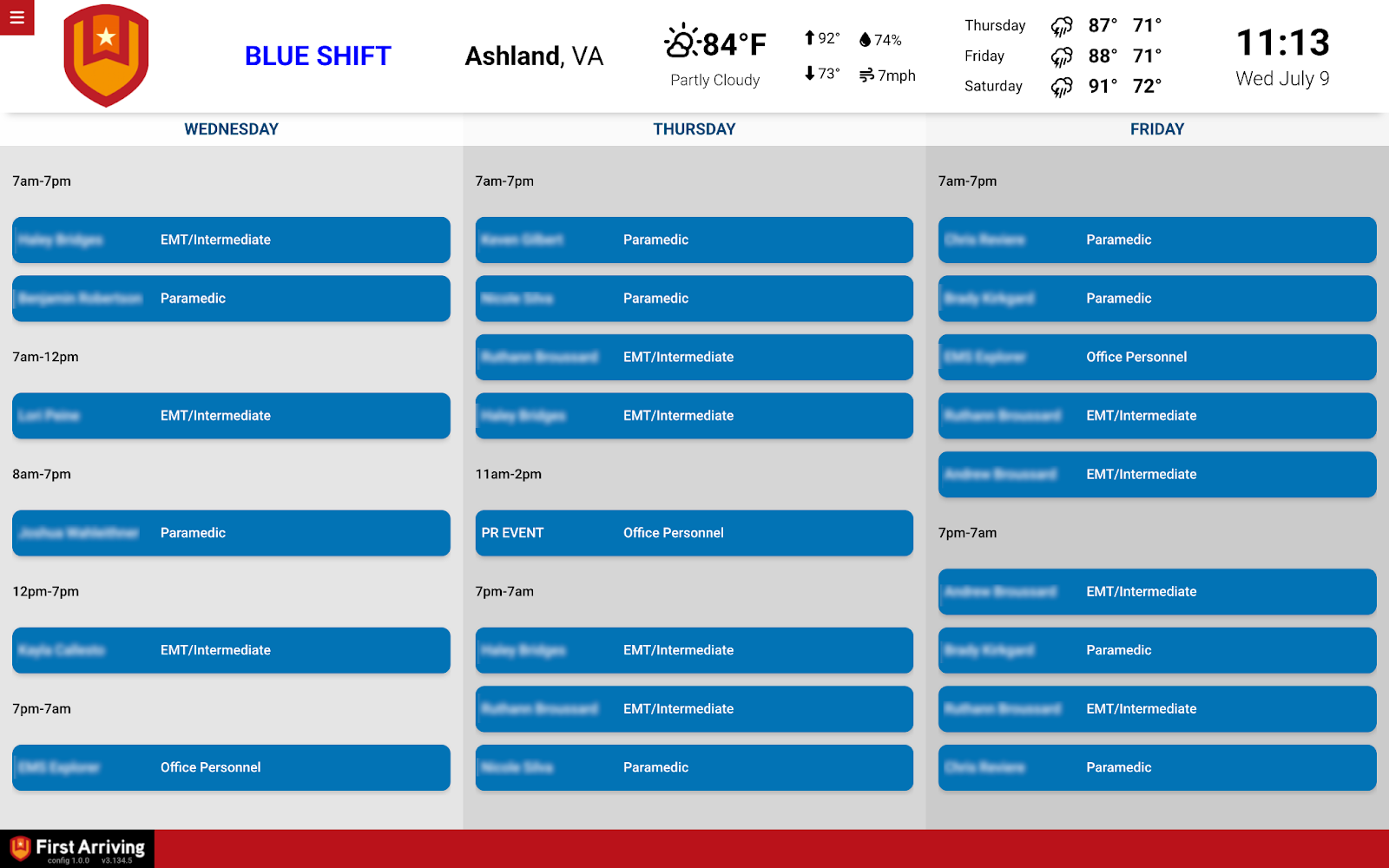
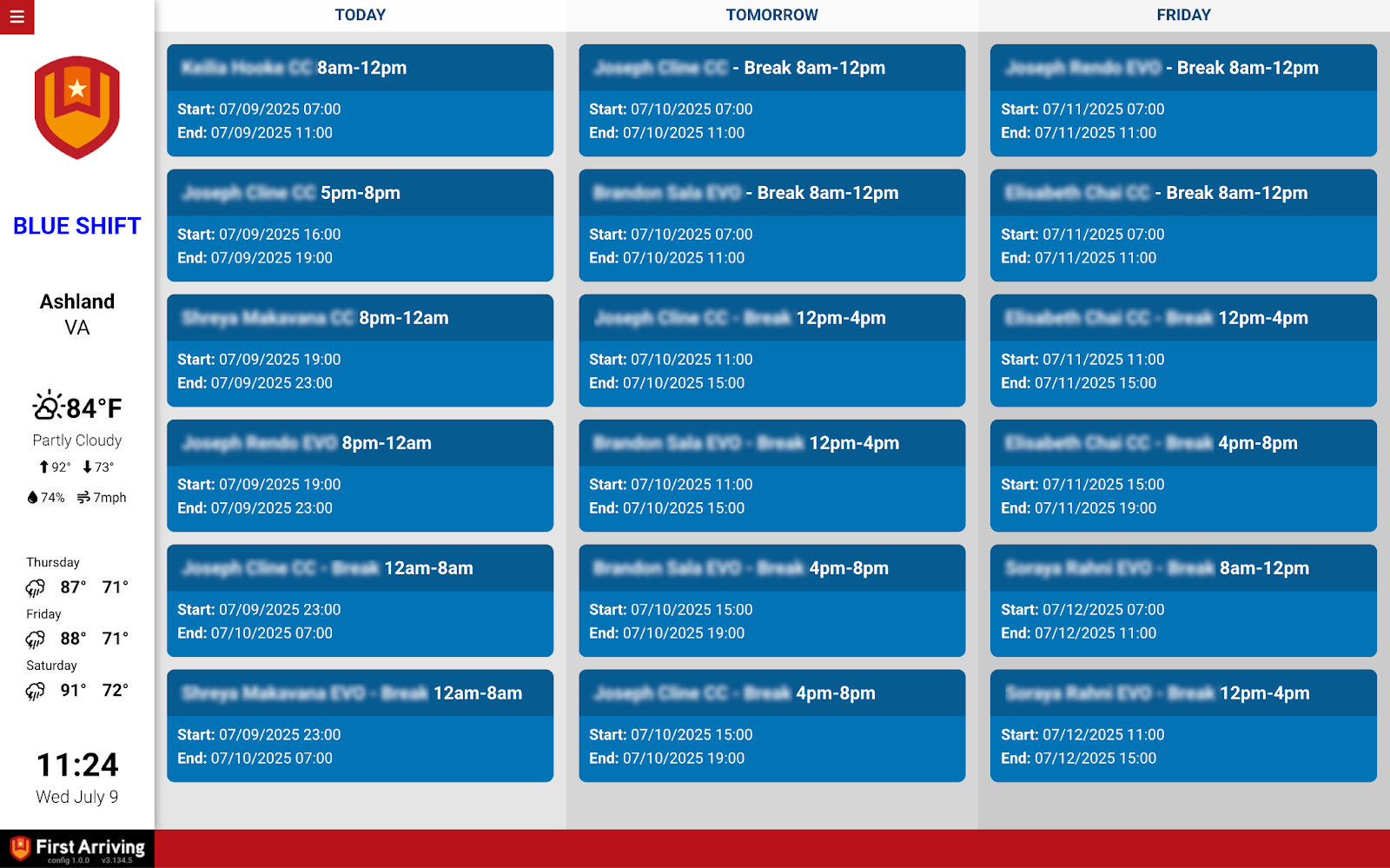
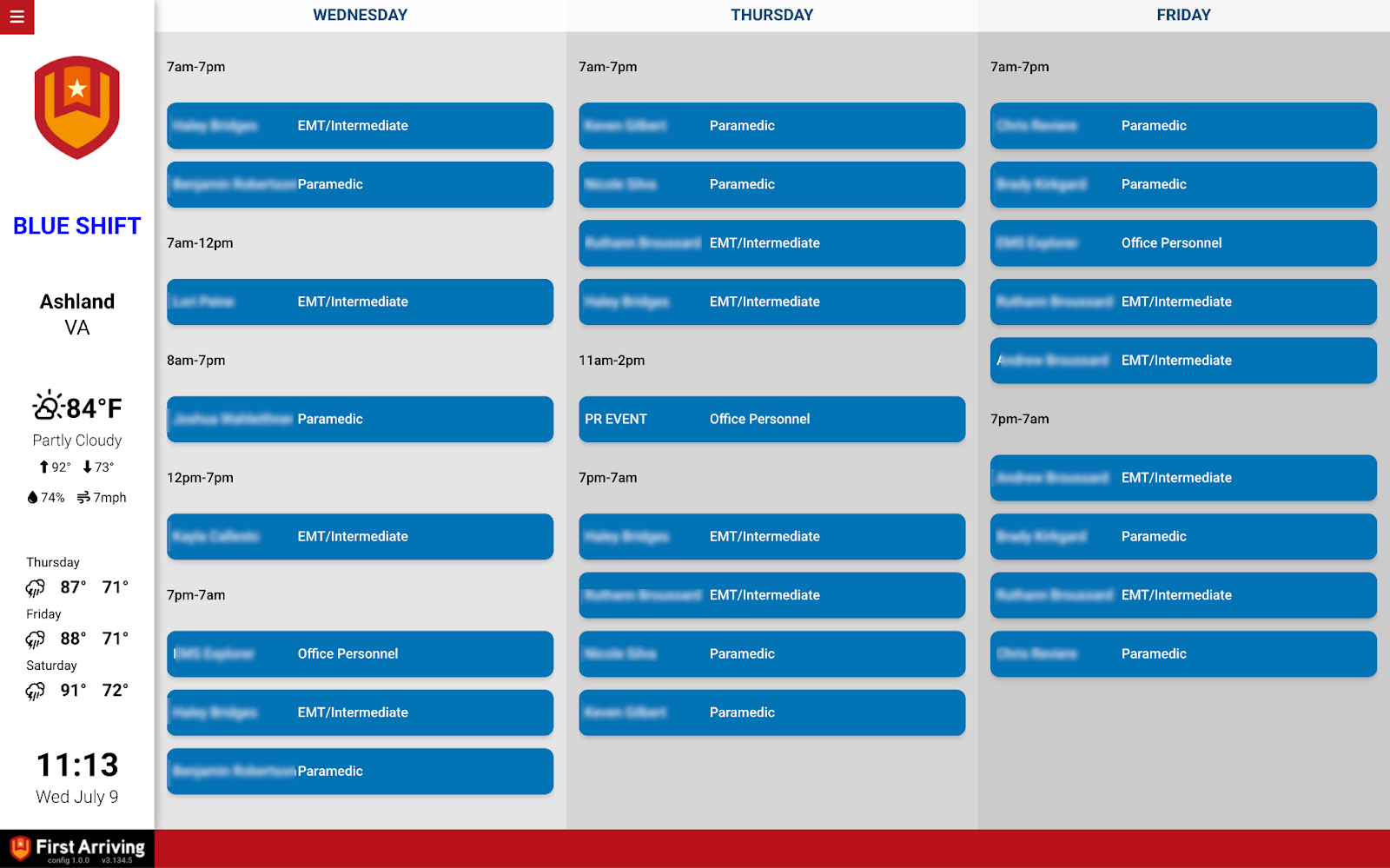
Put your WhenToWork schedule on the screens in your stations, up to a month ahead. This one works through WhenToWork’s Google Calendar export, so the board updates as the schedule does.
What we can put on your dashboard
Key features
- Today’s schedule, and up to one month ahead
- See at a glance who is scheduled and when
- Live updates via WhenToWork’s Google Calendar export
- Suits fire, EMS, law enforcement, and any team already using WhenToWork
What we need from you
You need a WhenToWork account. After that it is Google Calendar work, and no credentials come to us.
The Google Calendar has to be set to public. A private calendar won’t display — there is nobody at the screen to sign in.
About vendor charges: data or export access could carry an additional charge, determined by WhenToWork and not by First Arriving.
Example screens
Stuck on the Google Calendar export or the sharing settings? Open a ticket at our support center or reach us at dashboards@firstarriving.com.