
Integration Guide
Microsoft Outlook 365 Calendar
Put Outlook calendars on the screens in your stations as a calendar or a grouped view — shift schedules, meetings, public events, leadership availability. Connected through the Microsoft Graph API in almost all cases.
What we can put on your dashboard
Key features
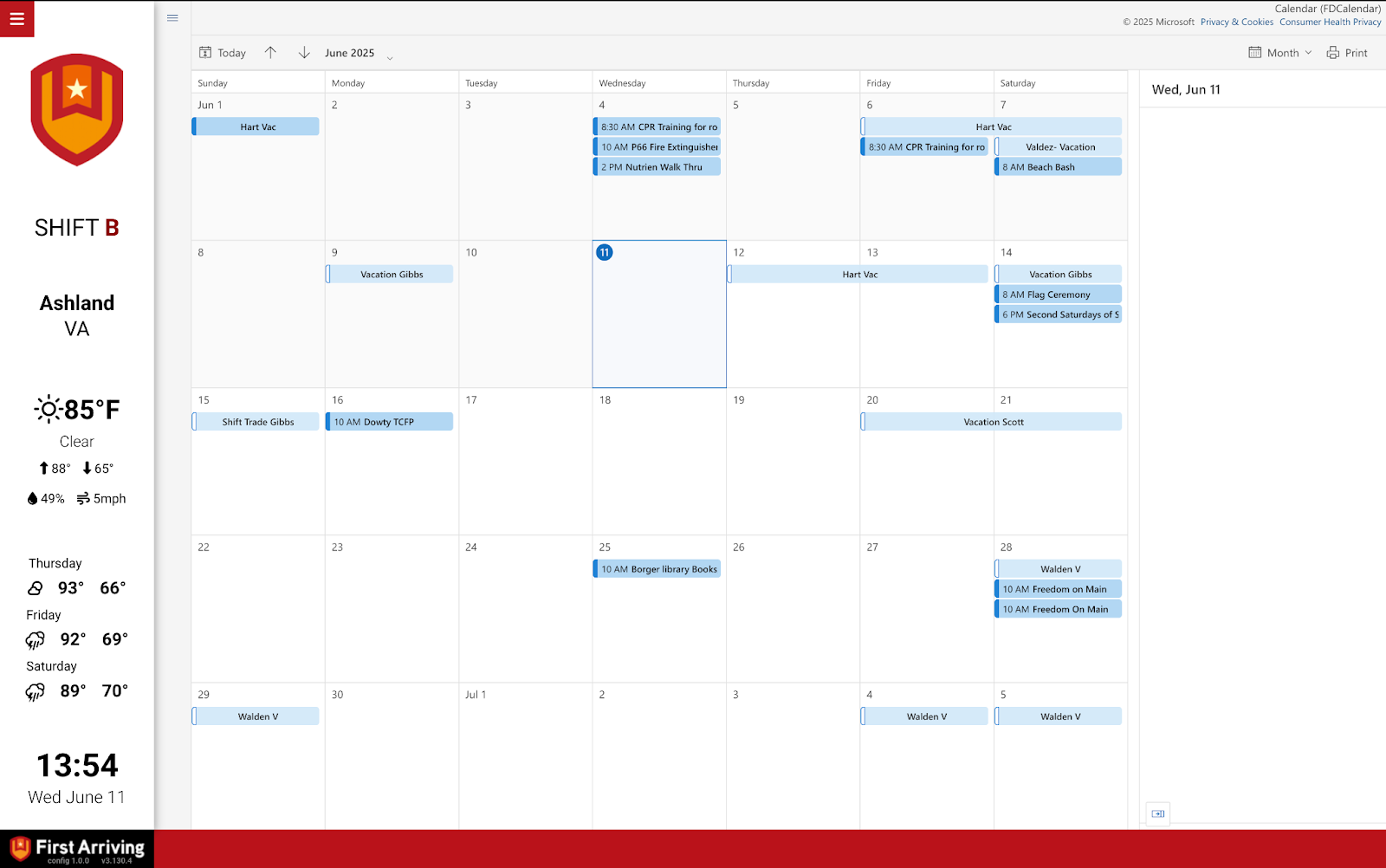
- Single-day, multi-day, multi-week and month-long views
- Connects to one or more individual user calendars
- Combine multiple calendars onto one page, or spread them across several
- Events update as Microsoft’s API reports changes
- Optional keyword-based colour coding, or a full colour theme for the calendar
Which calendars, and over what period
Common calendars are staffing, upcoming training, upcoming events, and public education events. Each widget covers the window you choose:
- Current day
- One, two or three weeks
- Month view
Any layout available for Google Calendar can be used here too.
Before you start: what isn’t supported
We do not currently support group calendars or externally shared calendars. Worth checking before you begin, because it determines whether this will work at all.
Group calendars are owned by a group rather than a single user.
Externally shared calendars are owned by someone outside your Outlook organisation who has shared them with someone inside it.
What we need from you
Four values, produced by the Azure setup below:
- Client ID
- Client Secret Value
- Tenant ID
- Calendar user email address
Azure setup
Two things people get caught by here.
We need the VALUE, which is not the same as the Secret ID. They sit next to each other and are easy to confuse.
The VALUE is shown only once. Copy it as soon as you create the secret — if you navigate away you will have to create another one.
Both permissions must be Microsoft Graph, not Exchange — and they must be application permissions, not delegated. Getting either wrong is the most common reason a connection fails after everything else looks right.
The available views
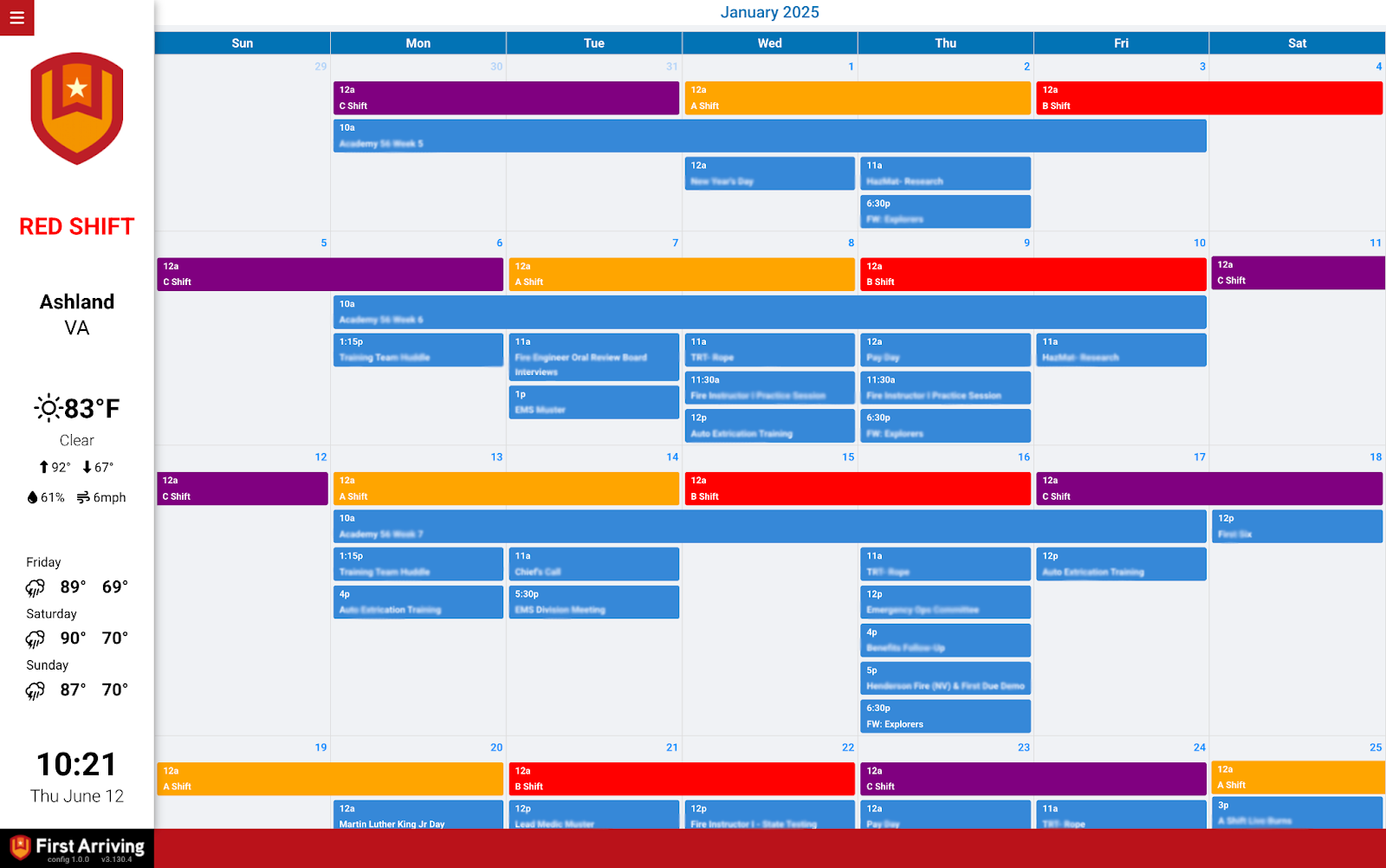
Calendar view
Calendar-style layout for one or more calendars. Supports 3-day, 5-day, 7-day, 2+ week and full month, with colour coding per calendar or per event keyword.
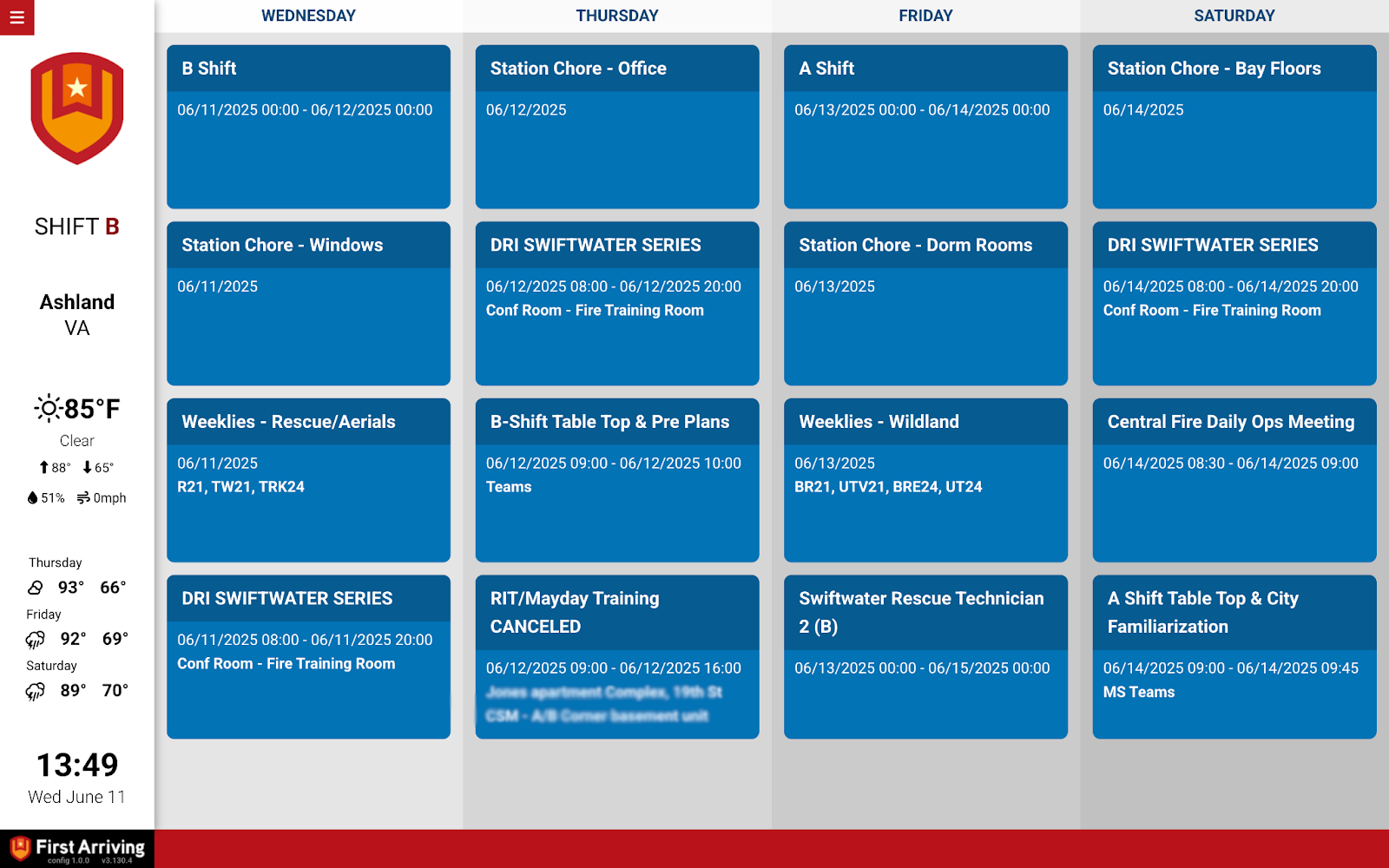
Event view
Events grouped into vertical columns by day, up to five days per page. Multiple calendars can be merged into one view, with optional colour coding.
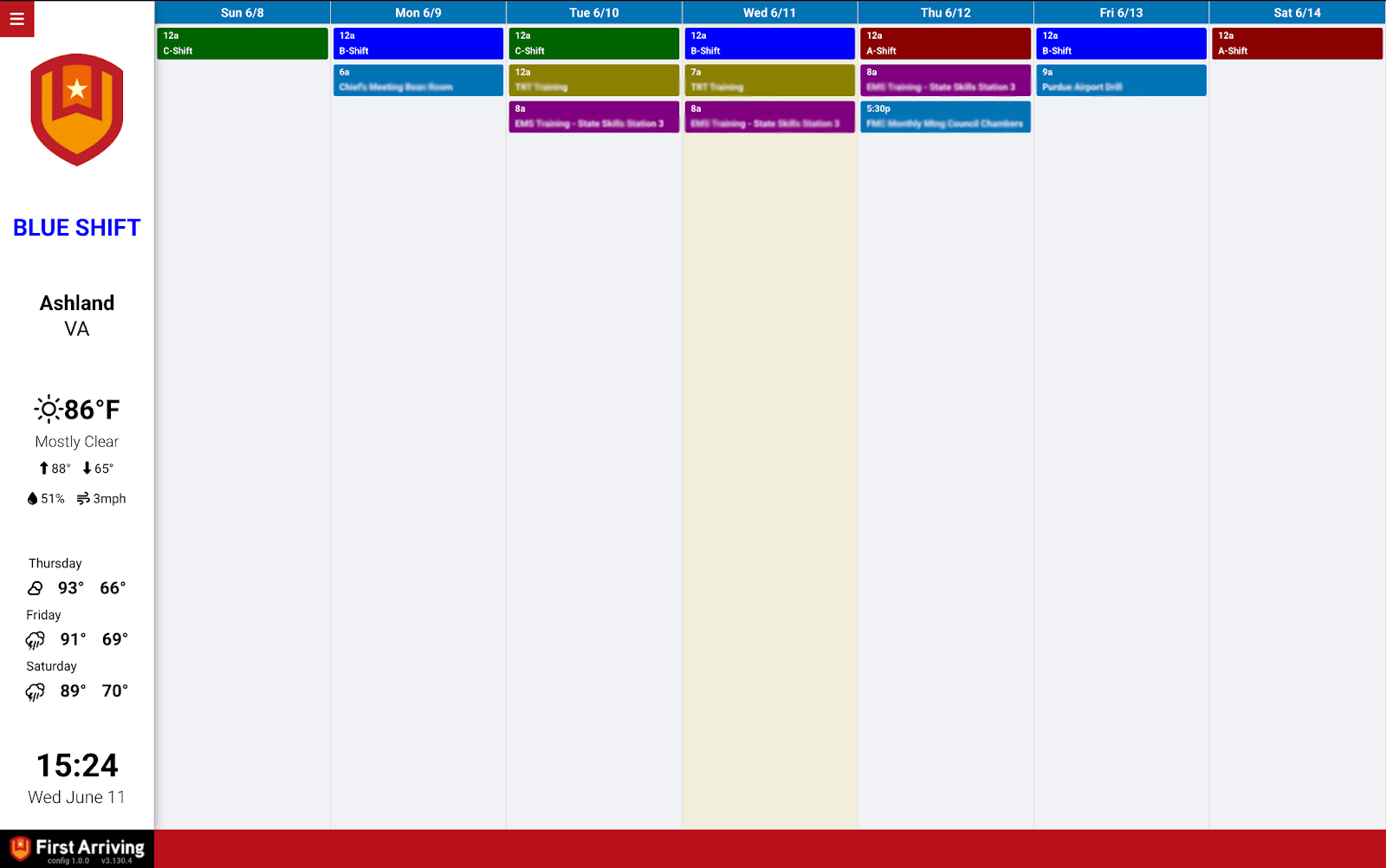
Week view
A weekly layout, Sunday to Saturday. Events show as blocks in their dates or shifts — blue by default, customisable.
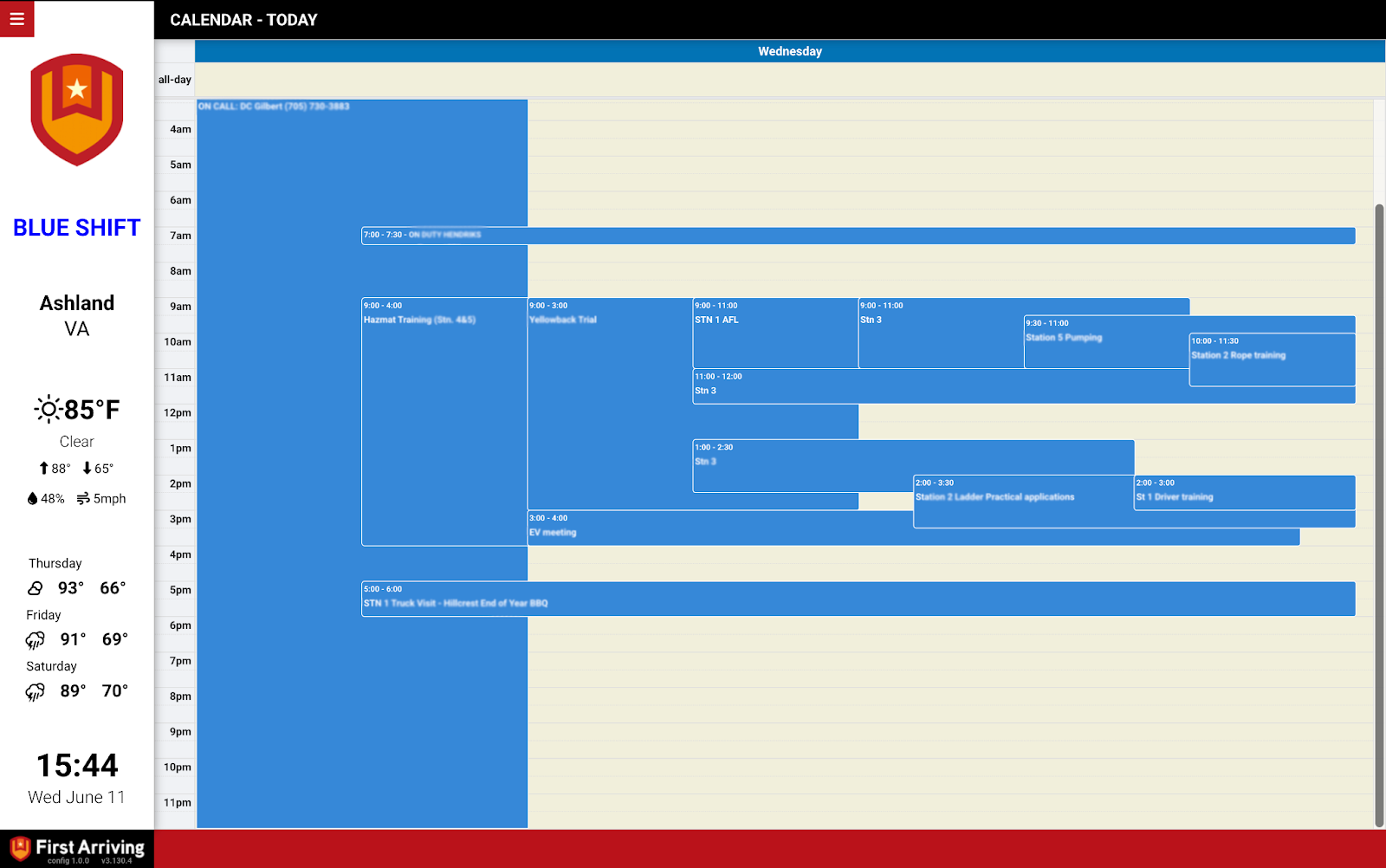
Day view
A single-day layout with events as blocks in their dates or shifts — blue by default, customisable.
iFrame view
Embeds a public URL you provide from your Outlook Web App calendar. Used rarely — the API connection above is preferred and more reliable.
Stuck in Azure, or not sure whether your calendar is a group calendar? Open a ticket at our support center or reach us at dashboards@firstarriving.com and we’ll work through it with you.