
Integration Guide
ESO Scheduling
If you are already in the ESO ecosystem, put your ESO Scheduling roster on the screens in your stations — up to a week ahead, so shift vacancies and relocations are visible before anyone has to ask.
What we can put on your dashboard
Roster
The current day and the days after it, up to seven days.
- Name
- Start and end time
- Position
What we need from you
Three values, and ESO issues all of them.
About vendor charges: data or API access could carry an additional charge, determined by ESO and not by First Arriving.
Example screens
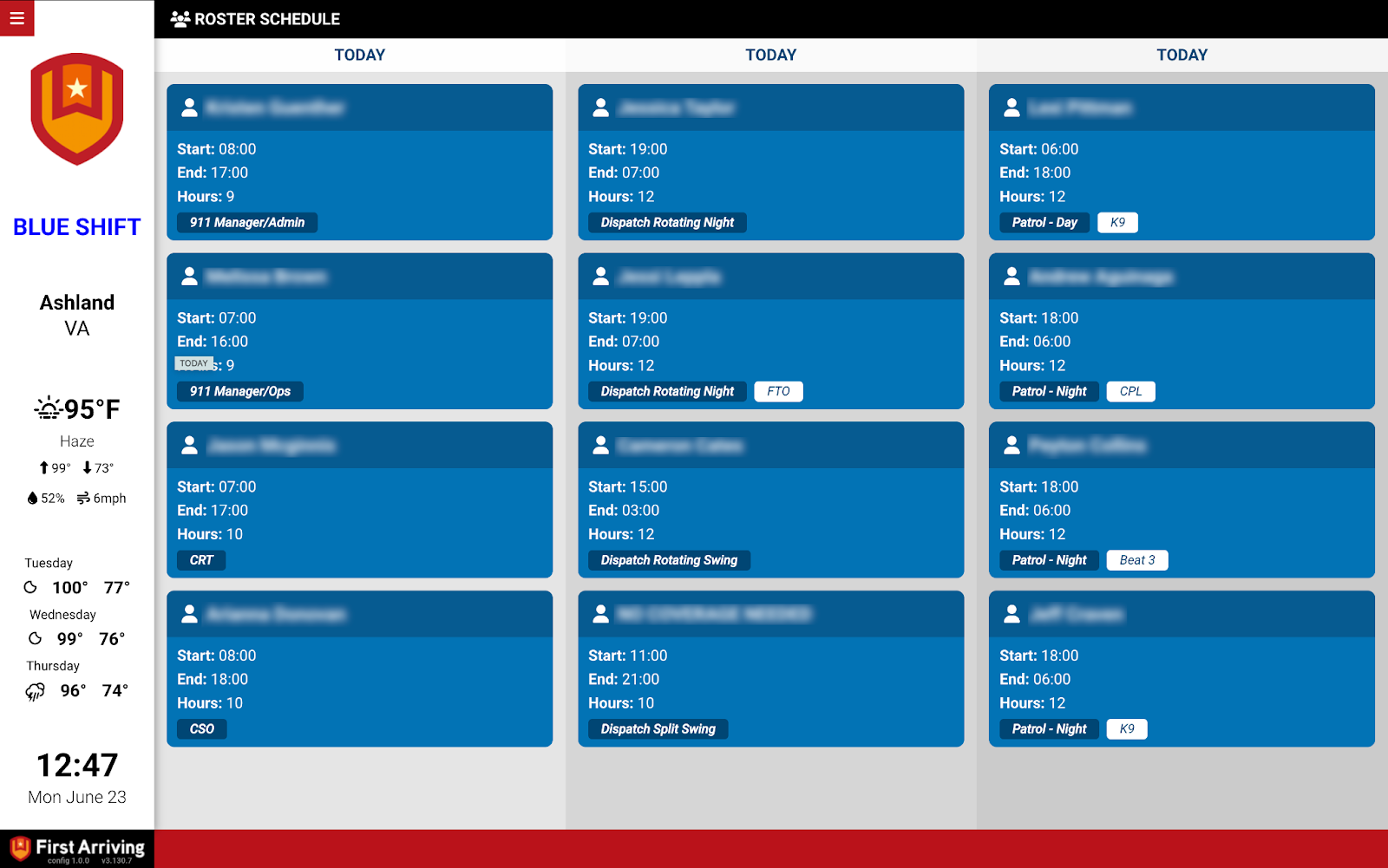
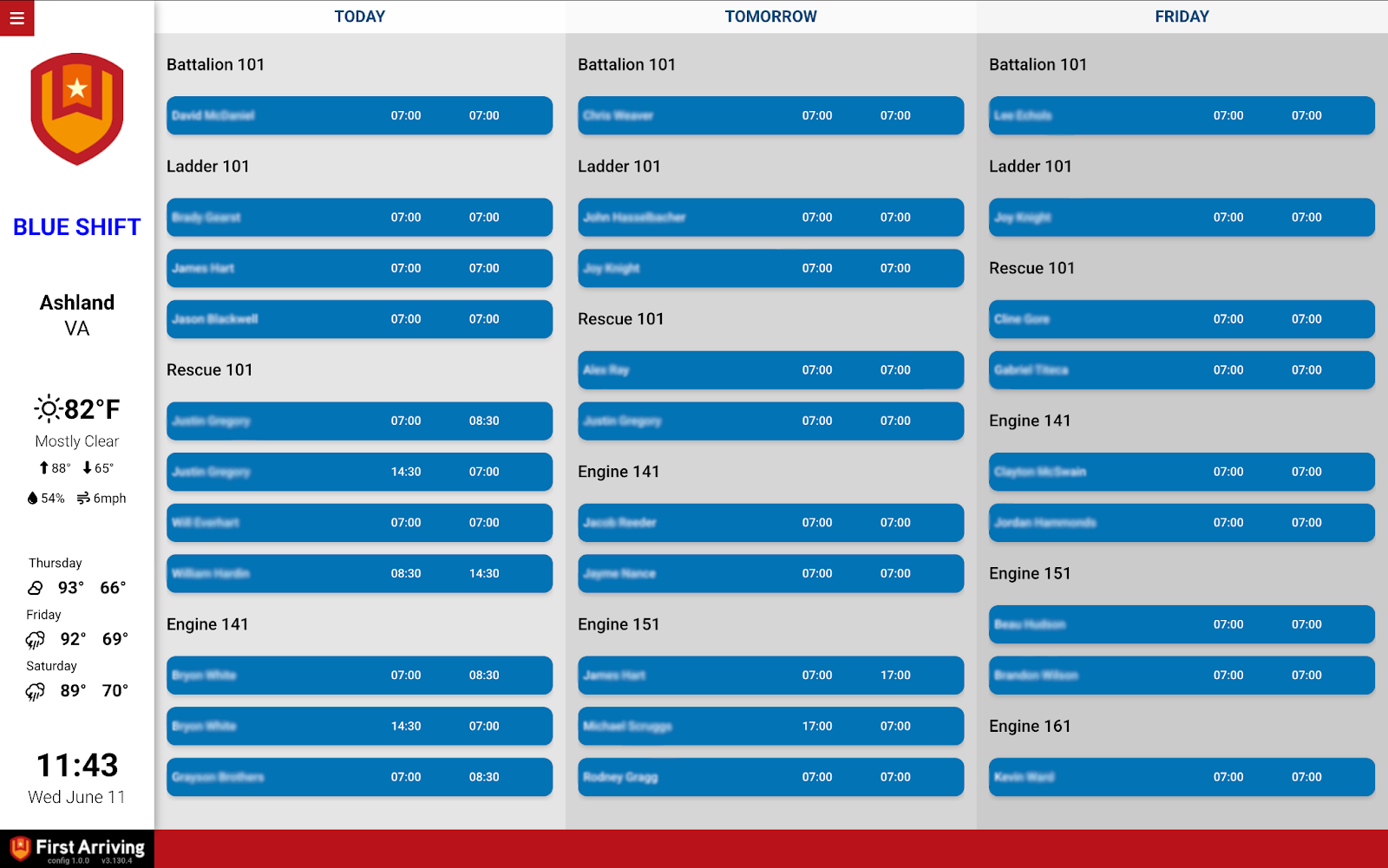
Questions about setup, or want fewer than seven days on screen? Open a ticket at our support center or reach us at dashboards@firstarriving.com.