
Integration Guide
Fire Engineering Training (LMS) Integration
Put Fire Engineering training status on the screens in your stations, showing who has courses overdue, due this week, or coming up in the next 30 days. Color-coded urgency and station-by-station views let officers and members see what needs attention without logging into another system. The data is updated every day.
What we can put on your dashboard
Training views
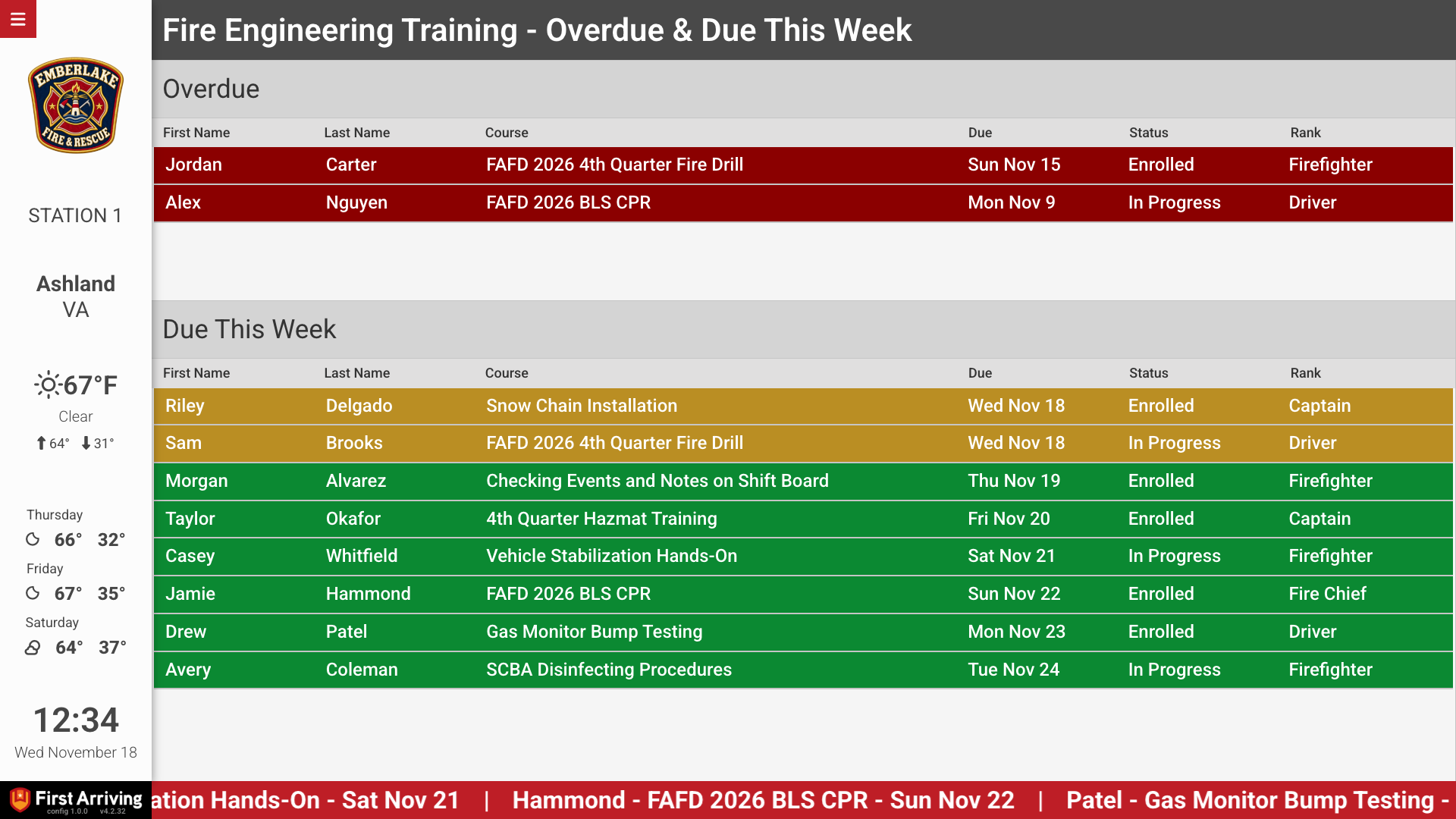
- Overdue & Due This Week
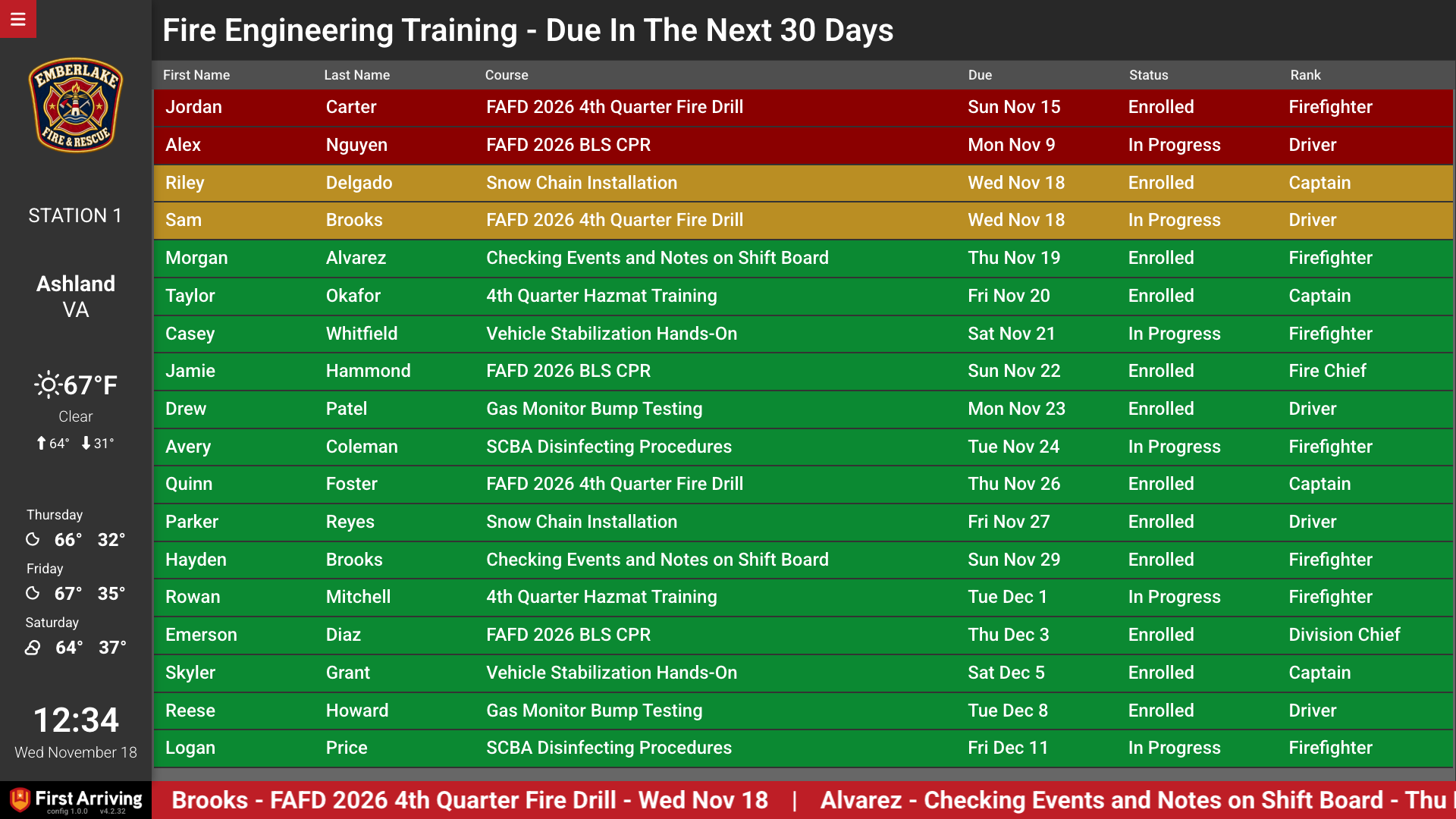
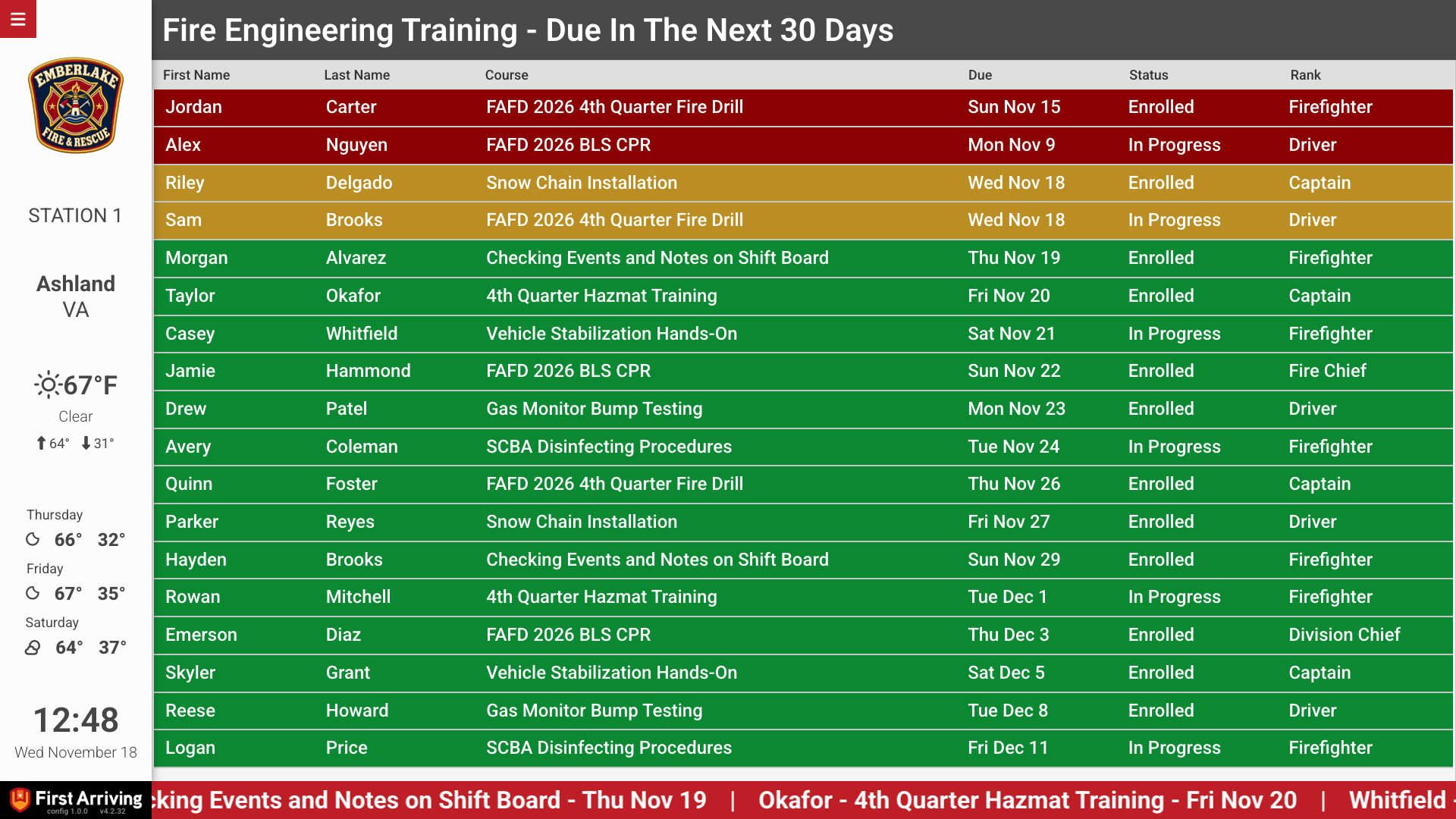
- Due in the Next 30 Days
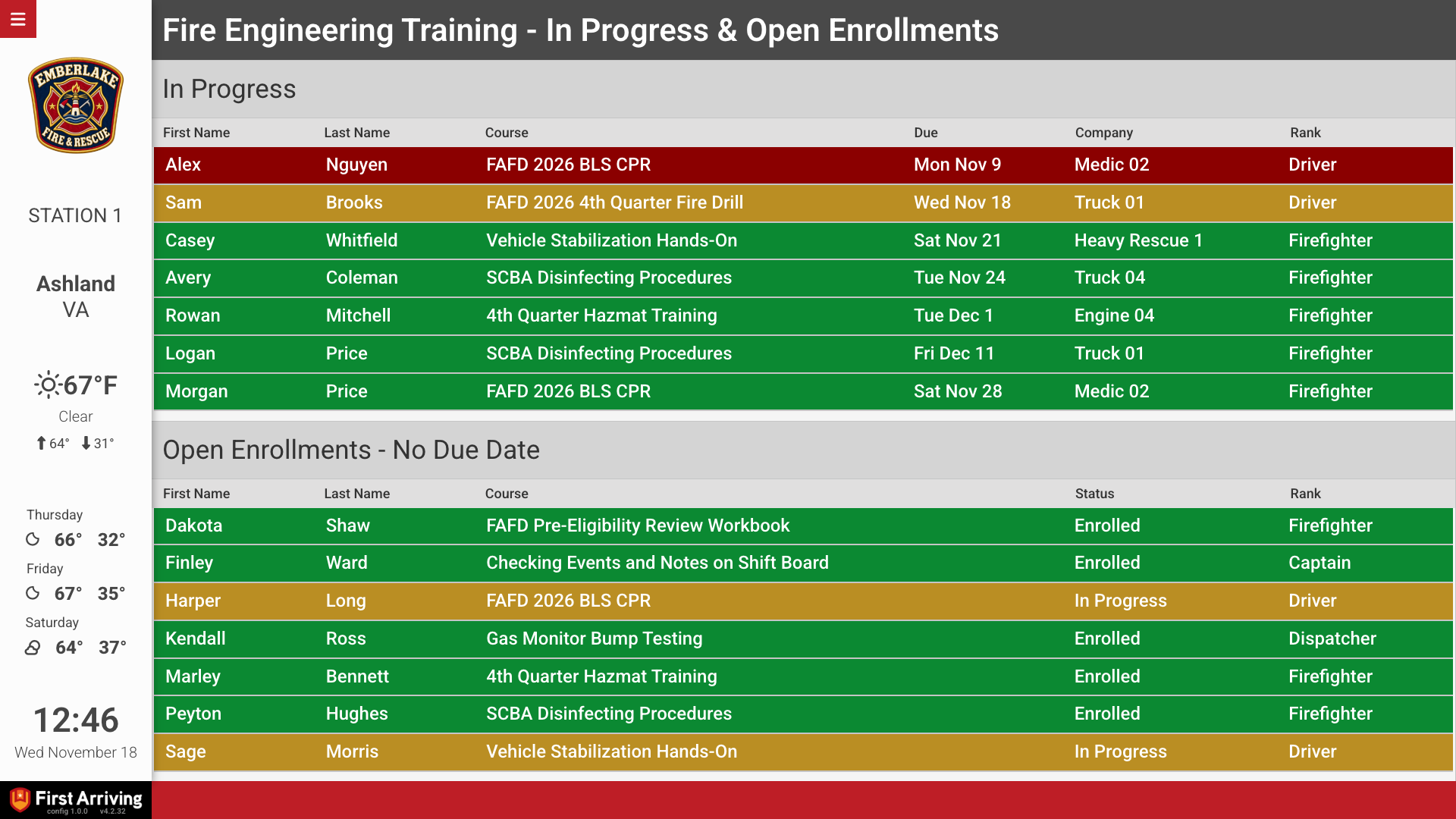
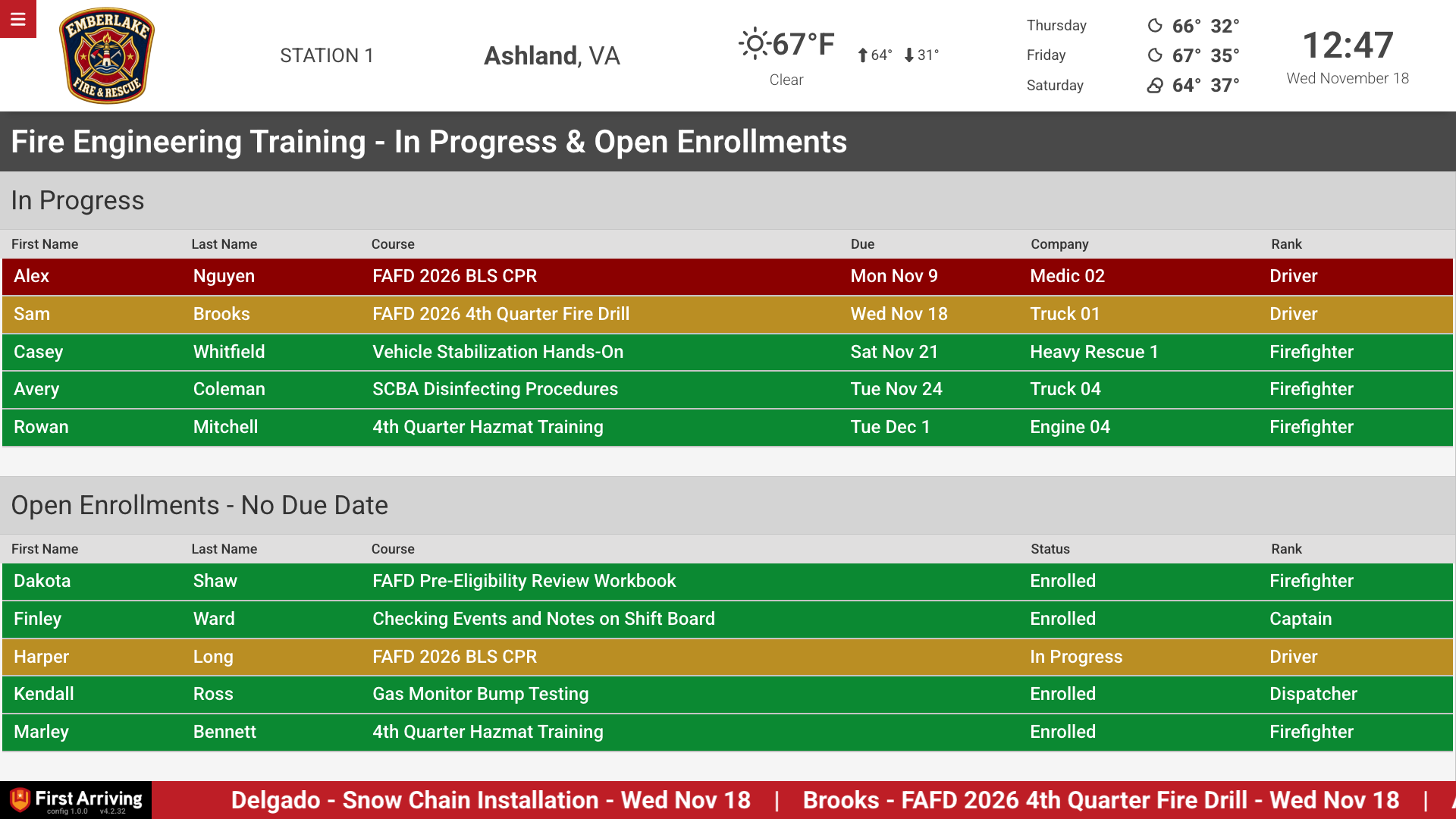
- In Progress & Open Enrollments (with and without due dates)
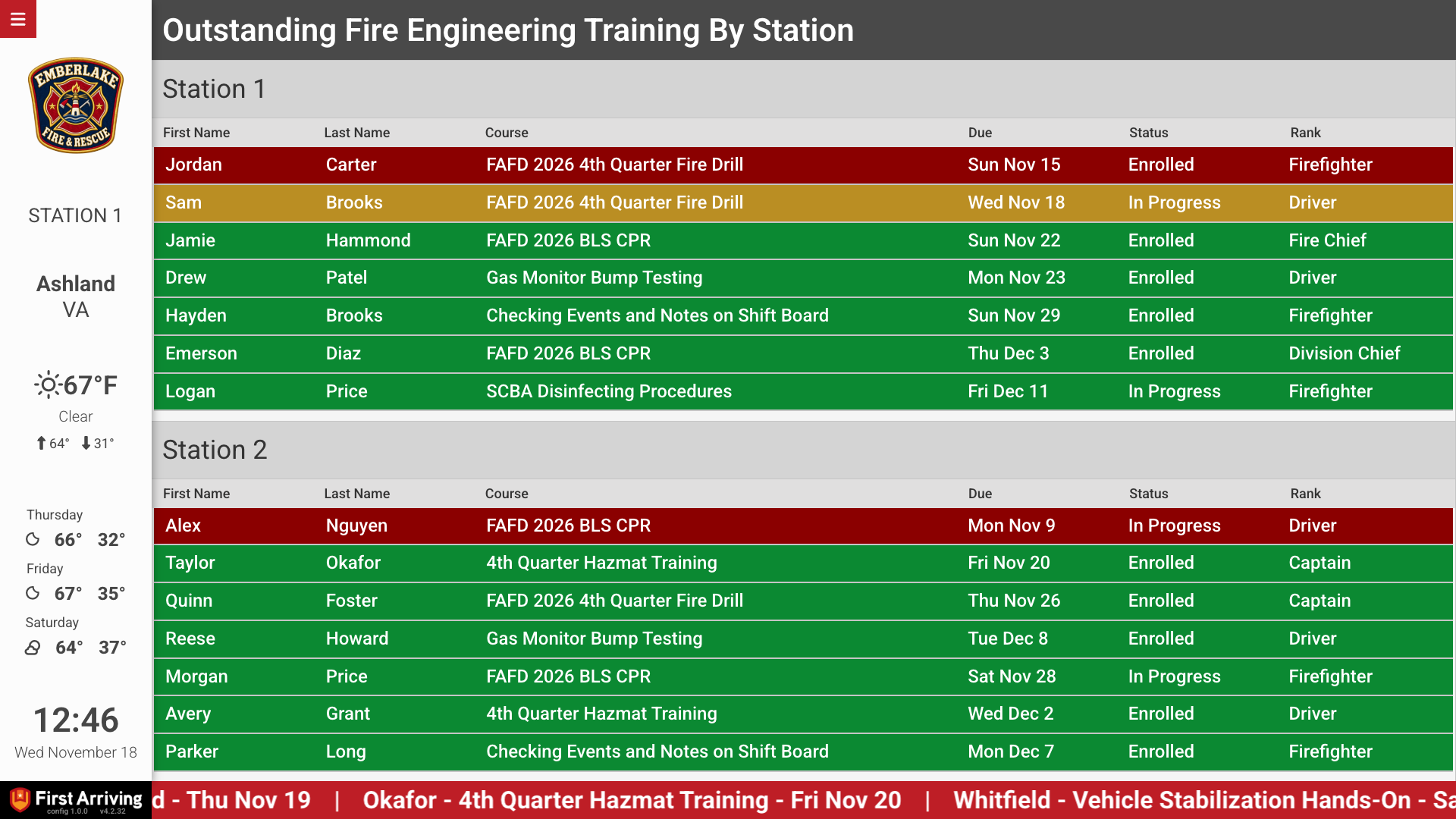
- Outstanding Training by Station
Member and course details
- Member first and last name
- Course name
- Due date
- Status (Enrolled / In Progress)
- Company / unit
- Rank
- Station grouping
Display options
- Color coding by urgency (red overdue, amber due today, green on track)
- Scrolling ticker of upcoming due items
- Light and dark themes
- Sidebar or top-header layout
What we need from you
You need a Fire Engineering Training LMS account. You do not send us any credentials. The Fire Engineering Training support team sets up the export and sends the details to First Arriving.
Example screens
Questions about setup, or want overdue training on one screen and the 30-day view on another? Open a ticket at our support center or reach us at dashboards@firstarriving.com.