
Integration Guide
Put your agency’s Instagram posts on the screens in your stations — recruitment photos, community events, training shots, whatever you are already publishing.
What we can put on your dashboard
Your latest posts
How far back the panel reaches is your call.
- Just the most recent post
- The last three posts
- Everything from the last week
New posts stand out
Anything posted in the last 24 hours is highlighted, so crews can tell at a glance what is new.
Images come through
Pictures attached to a post display directly on the dashboard rather than being dropped.
What we need from you
One thing: the username of the Instagram account. Open a ticket at our support center with that and which screens should carry it. No password and no authorization step — unlike Facebook, this one only needs the handle.
Example screen
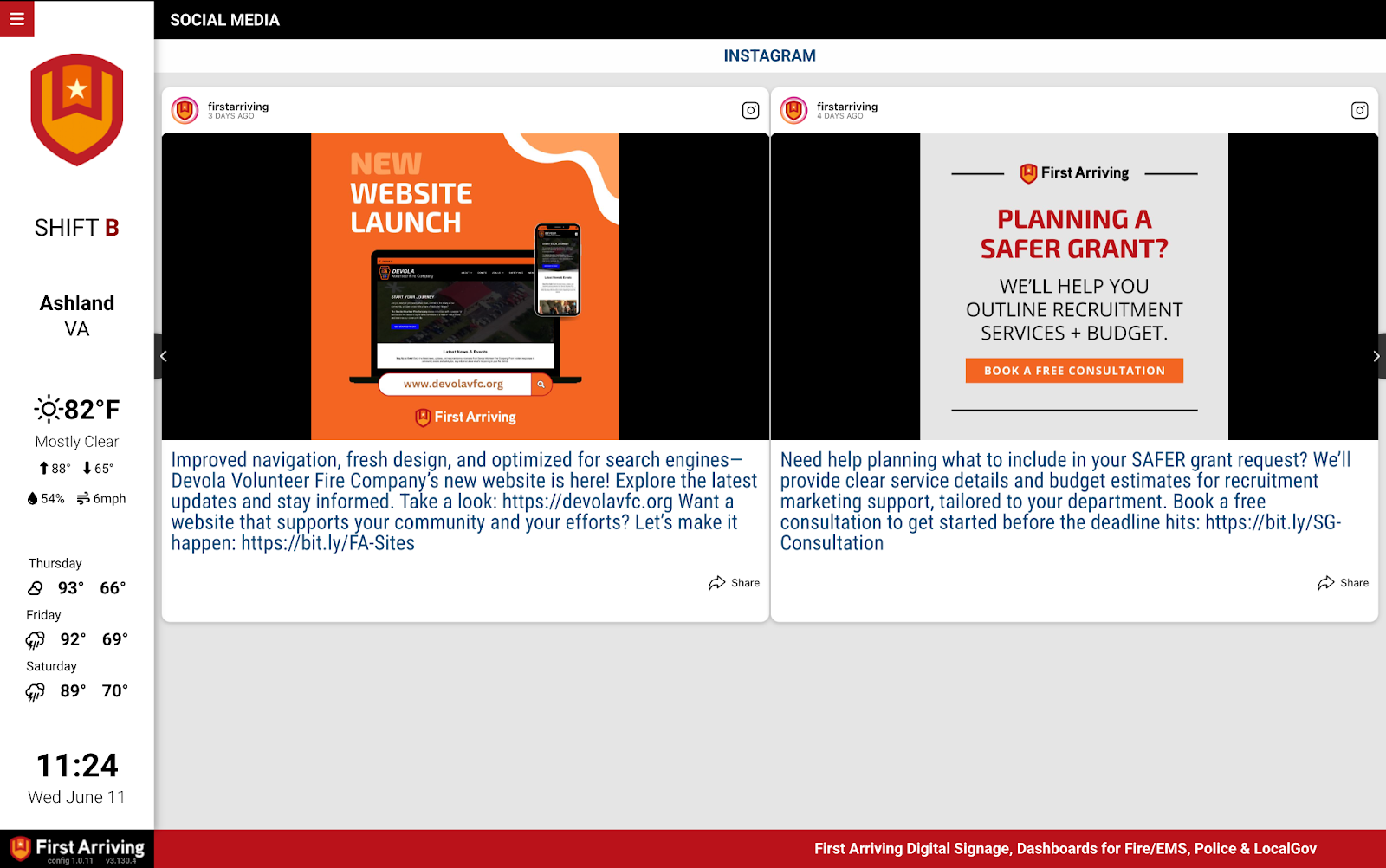
Want a second account added, or posts on some screens only? Open a ticket at our support center or reach us at dashboards@firstarriving.com.
