Integration Guide
Watch Duty
Put the Watch Duty wildfire map into the rotation on your dashboards — useful both for what is burning in your own area and for tracking where personnel have been deployed to.
What we can put on your dashboard
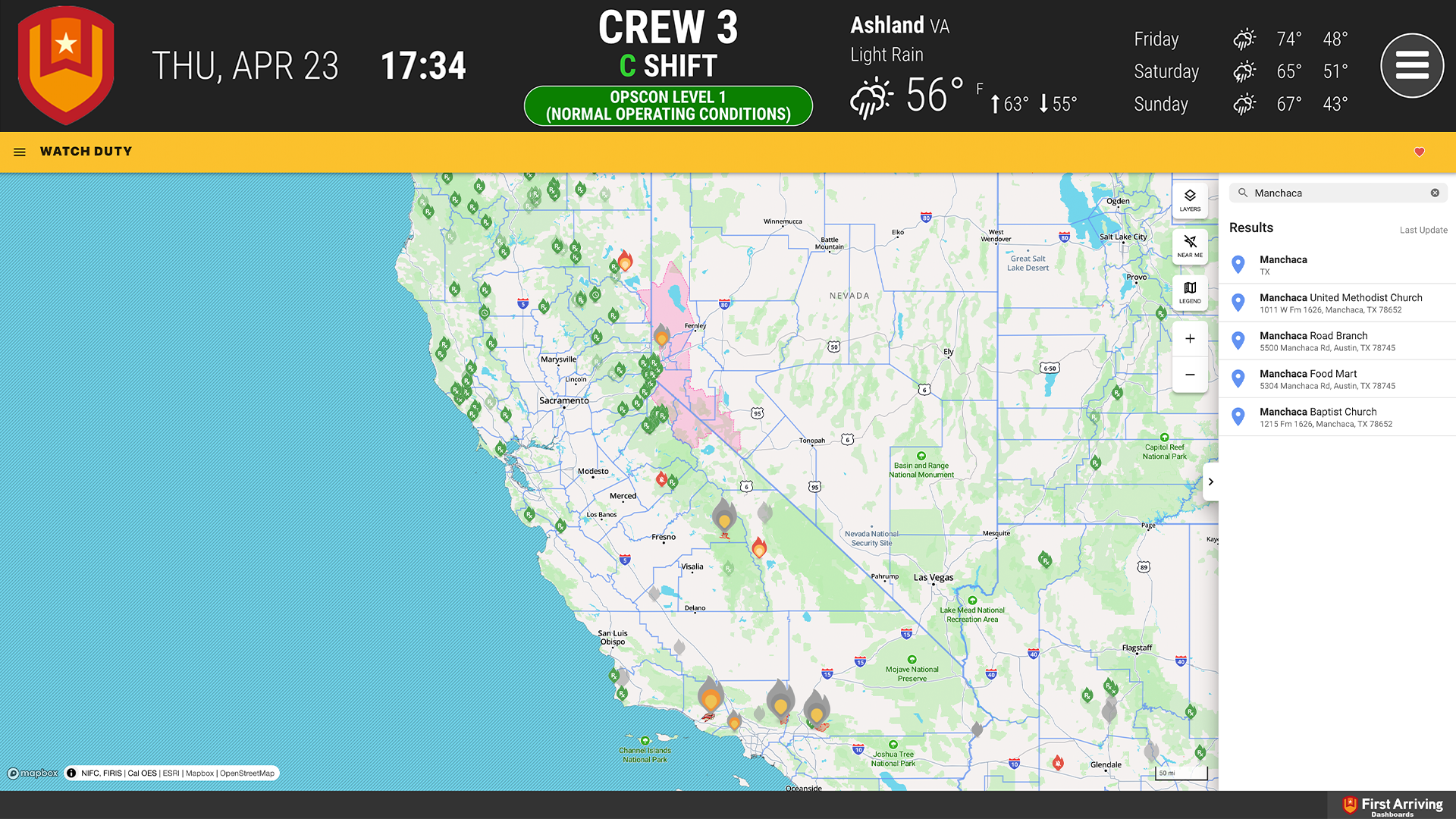
Wildfire map
Seeing the general direction a fire is moving helps with planning, equipment allocation, and knowing what your community is facing.
- Map of the area you designate
- Watch Duty icons showing where fires are, their direction, and their size
What we need from you
One thing: the specific Watch Duty URL you want in the rotation — that URL is how you set which area the map covers. Open a ticket at our support center with the link and which screens should carry it. No credentials needed.
Example screens
Want a different area on different screens, or help finding the right Watch Duty view? Open a ticket at our support center or reach us at dashboards@firstarriving.com.