
Integration Guide
Files.com
If your agency already moves files through Files.com, those files can be displayed on the screens in your stations — useful for data that does not have an integration of its own.
What we can put on your dashboard
HTML files
Any HTML file you send through Files.com, rendered on the dashboard.
Data files with no integration of their own
Any .CSV, .TXT or .XML file that is not already coming from one of our partner integrations. Our SFTP your data article covers how we turn a raw data file into something worth looking at.
What we need from you
Three things on your side
- The ability to export the file automatically
- The ability to move it automatically to an SFTP location we provide
- The move must overwrite the previous file, keeping the same file name — otherwise we end up reading a stale copy
Open a ticket at our support center and we will give you the SFTP details to point the export at. No credentials needed from you for this one — the connection runs the other direction.
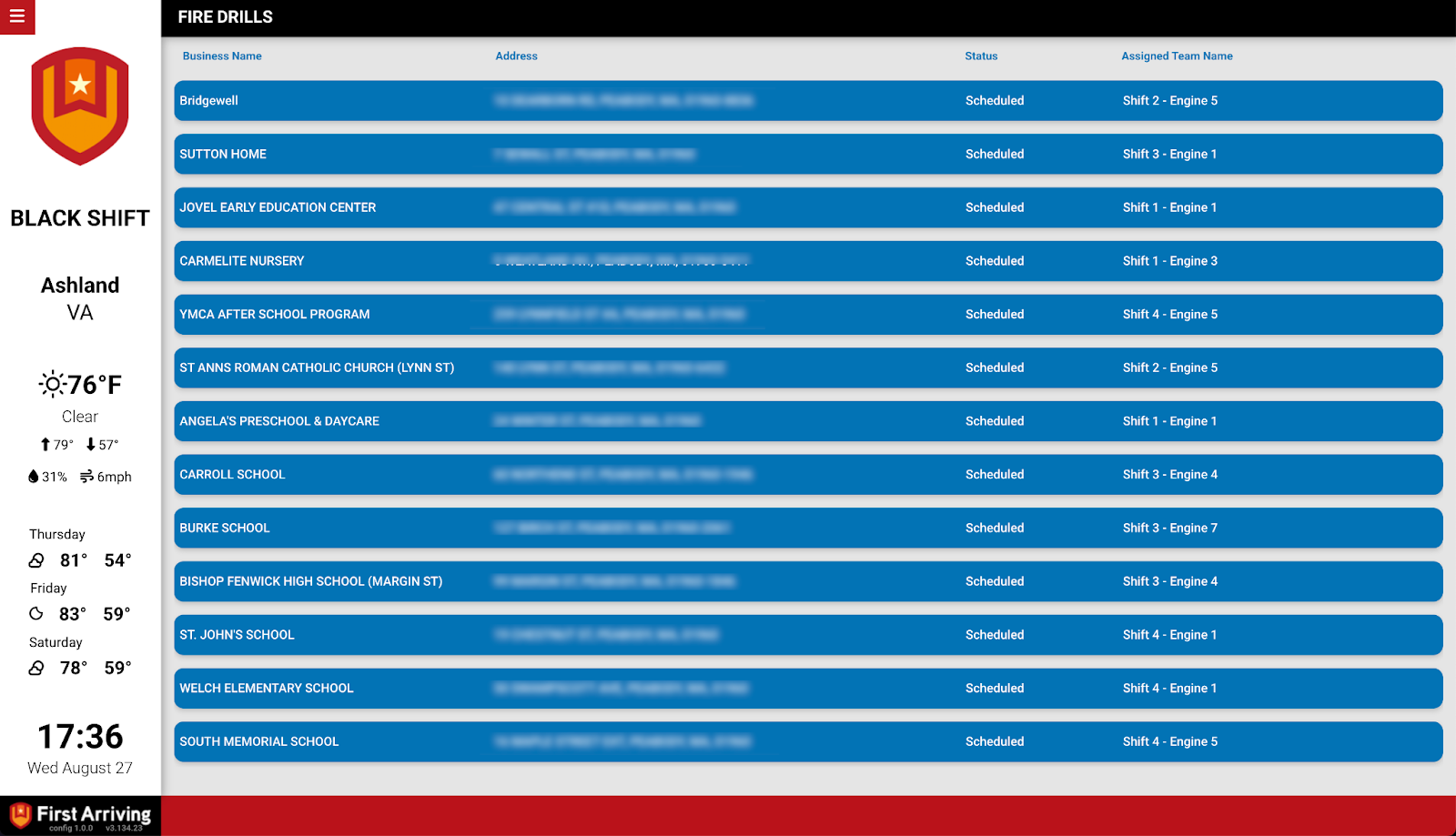
Compatible views
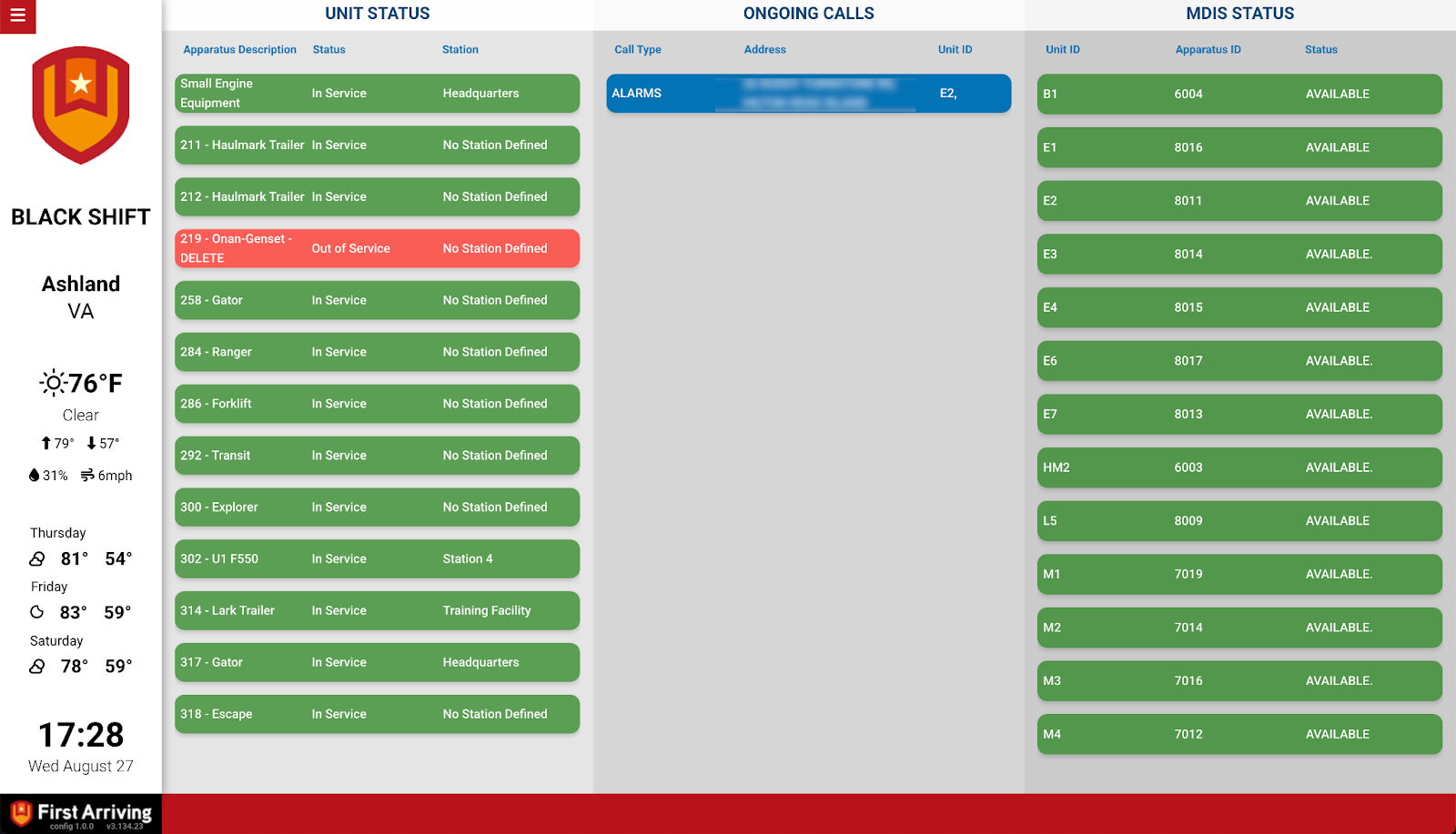
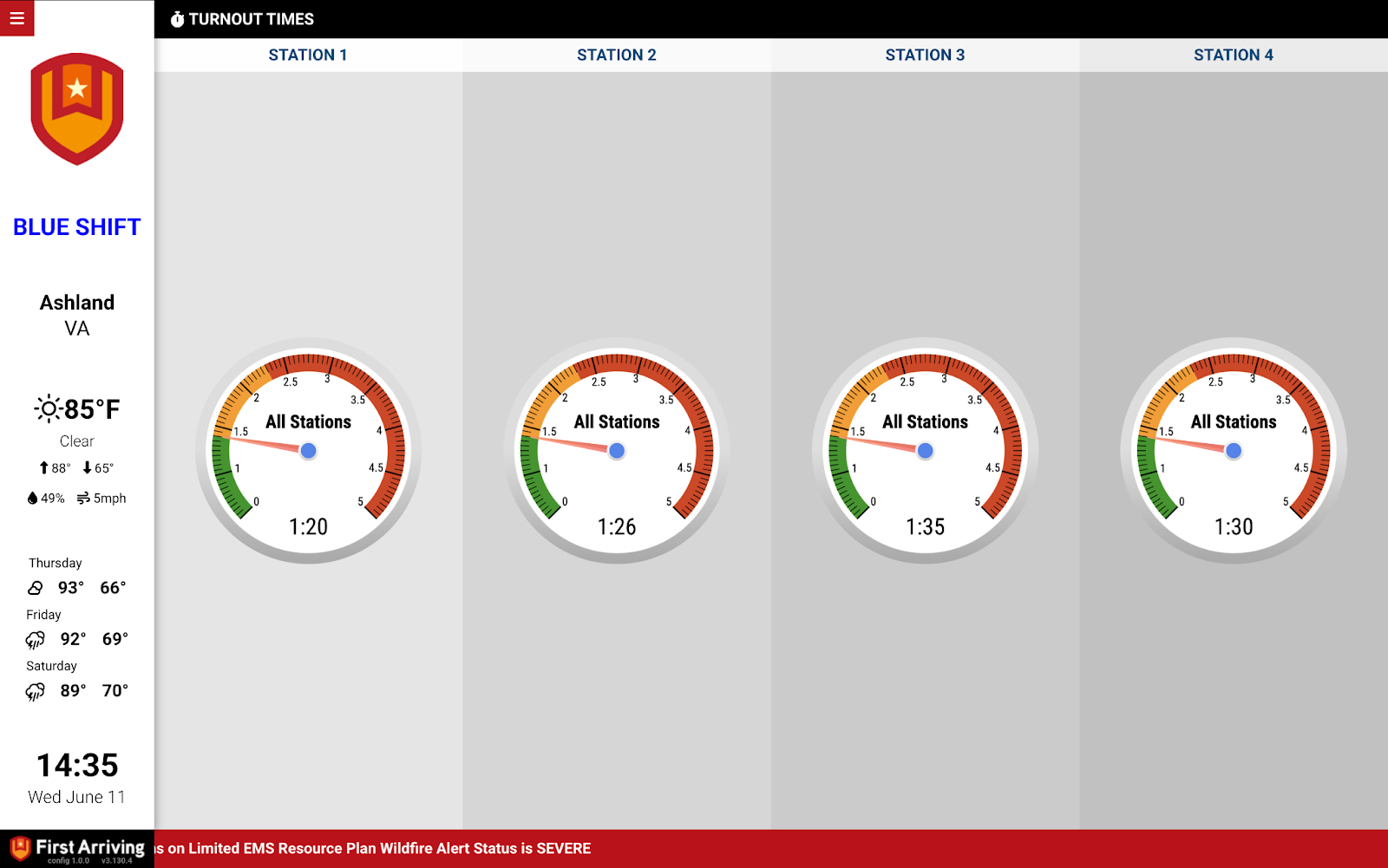
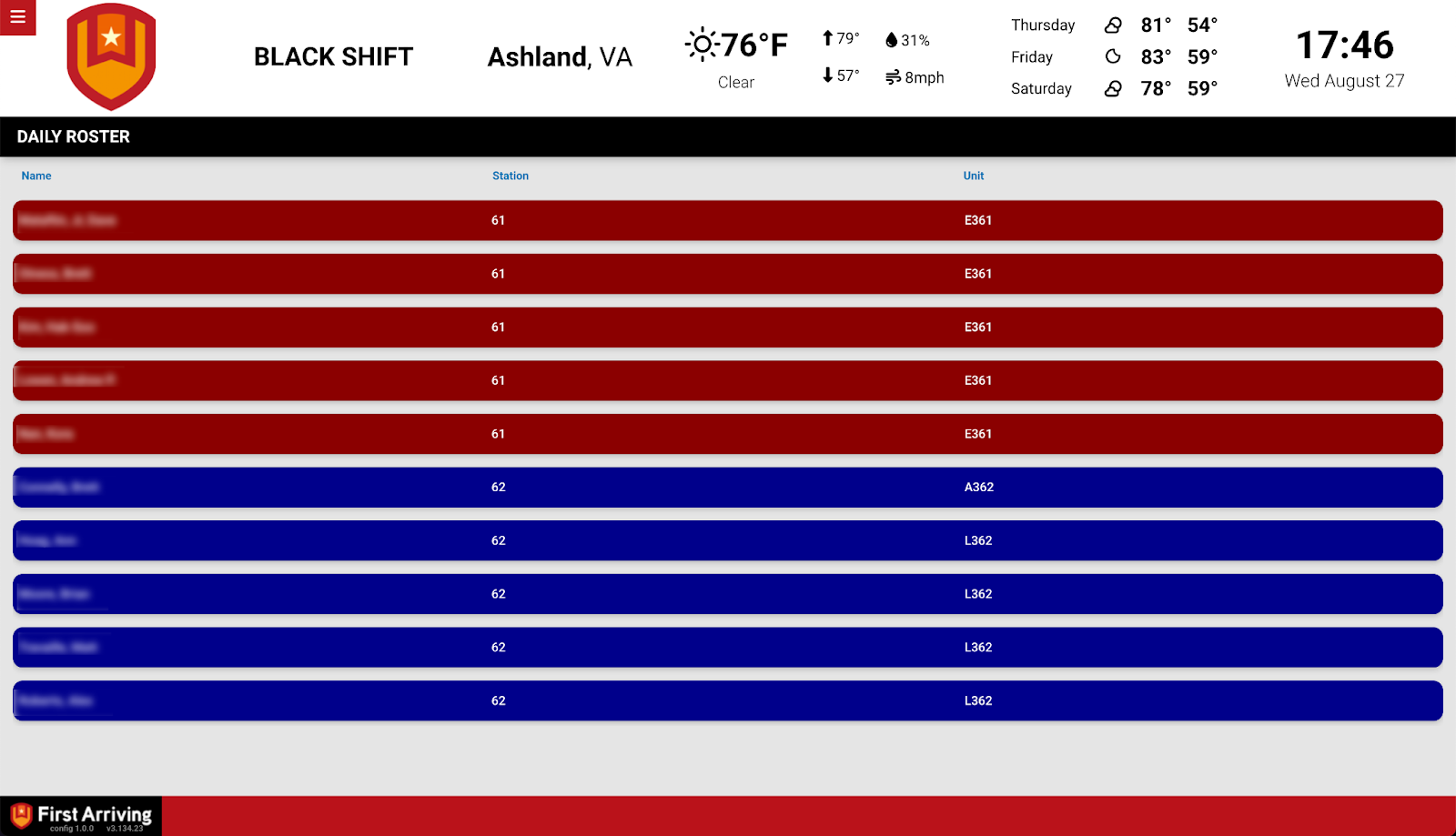
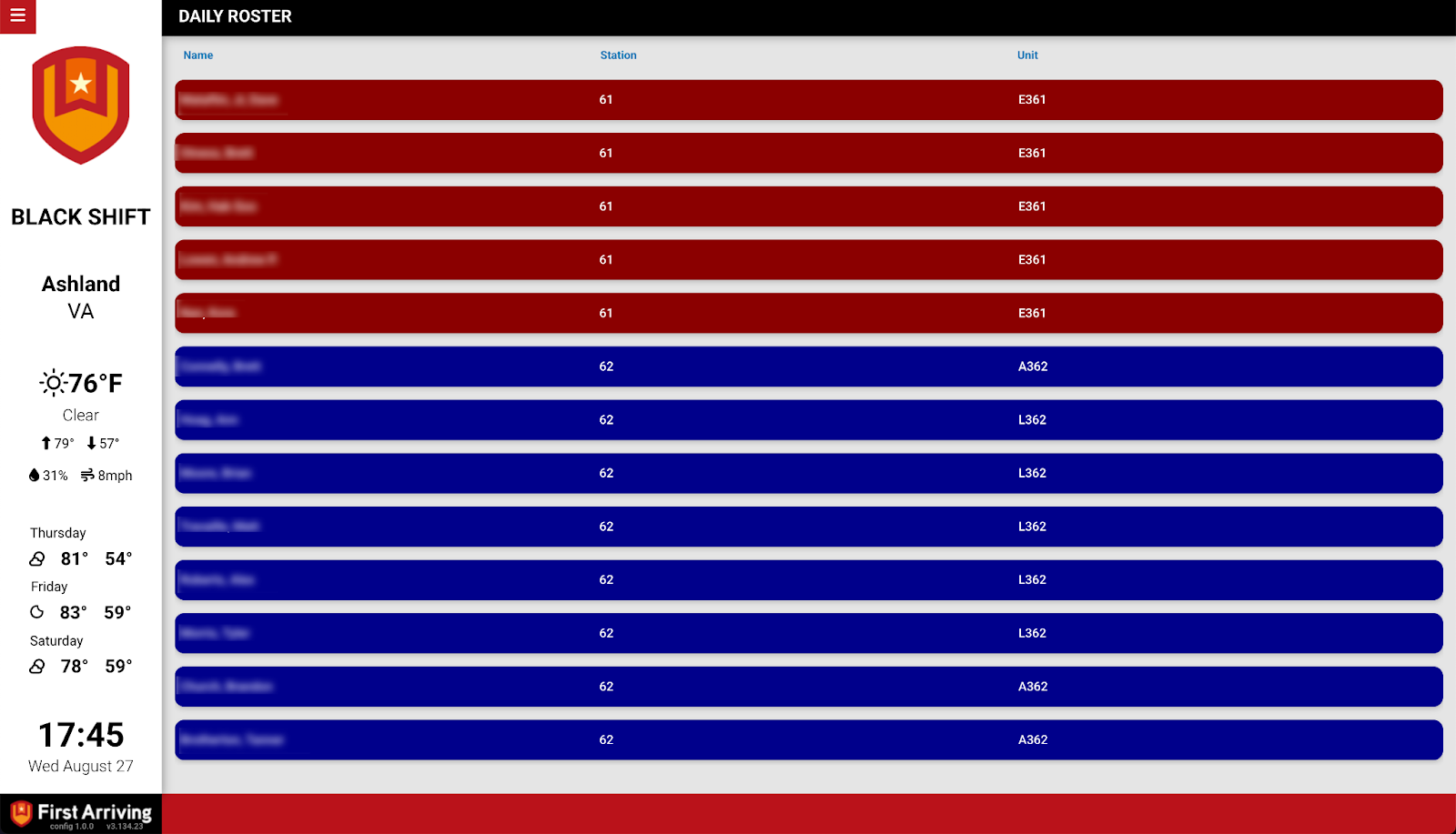
Not sure whether your data fits this or needs its own integration? Open a ticket at our support center or reach us at dashboards@firstarriving.com and we will take a look.