
Integration Guide
Enforsys
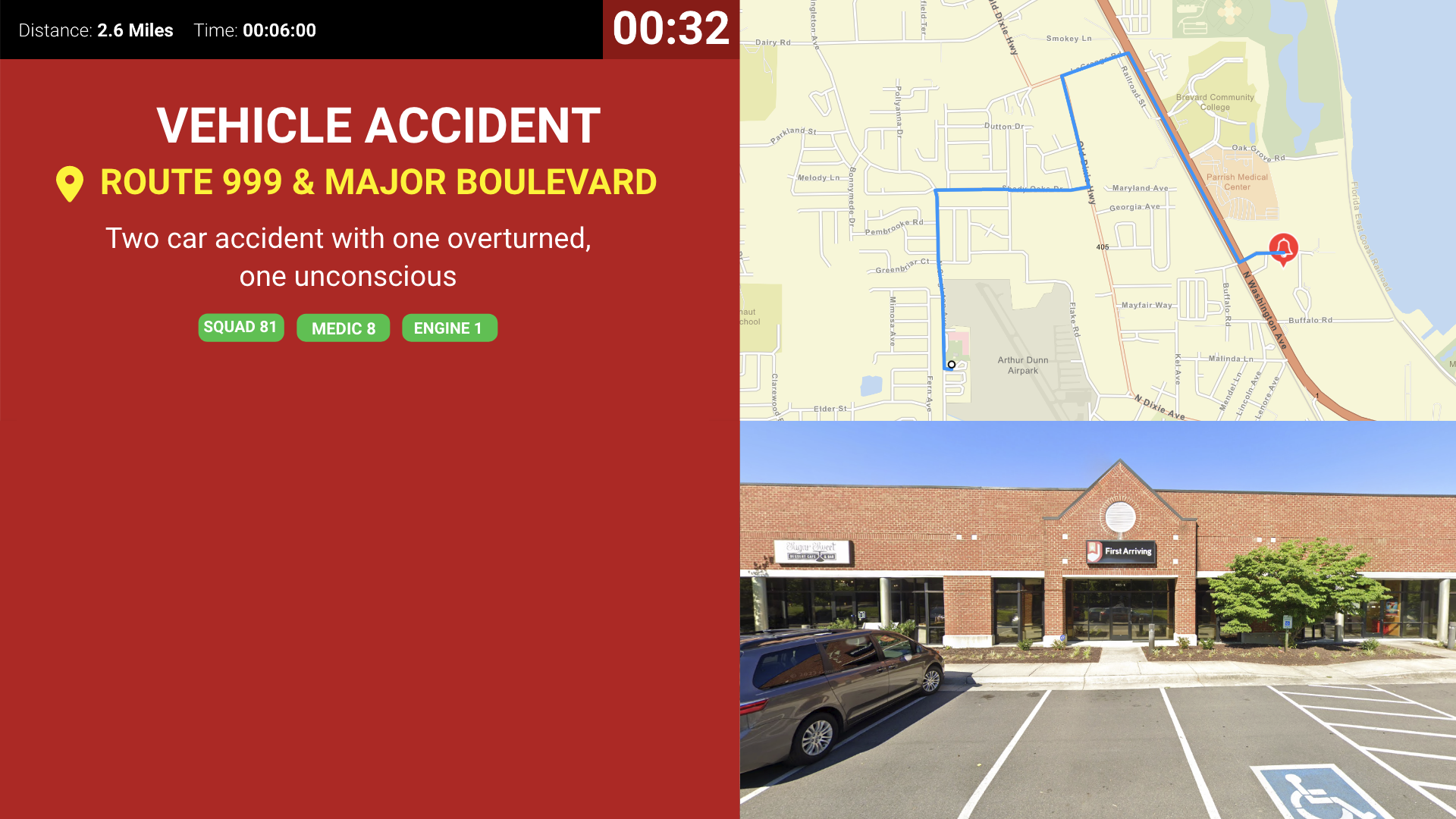
Put live alarms on the screens in your stations the moment a call is dispatched — call nature, address, units, notes, a turnout timer, and a map with the route from the station to the scene.
About Enforsys. Enforsys is a U.S.-based company providing software solutions and services to those who ensure our safety — from police dispatch, mapping, internal affairs, records management, and analytics through to emergency services and fire response.
What we can put on your dashboard
Key features
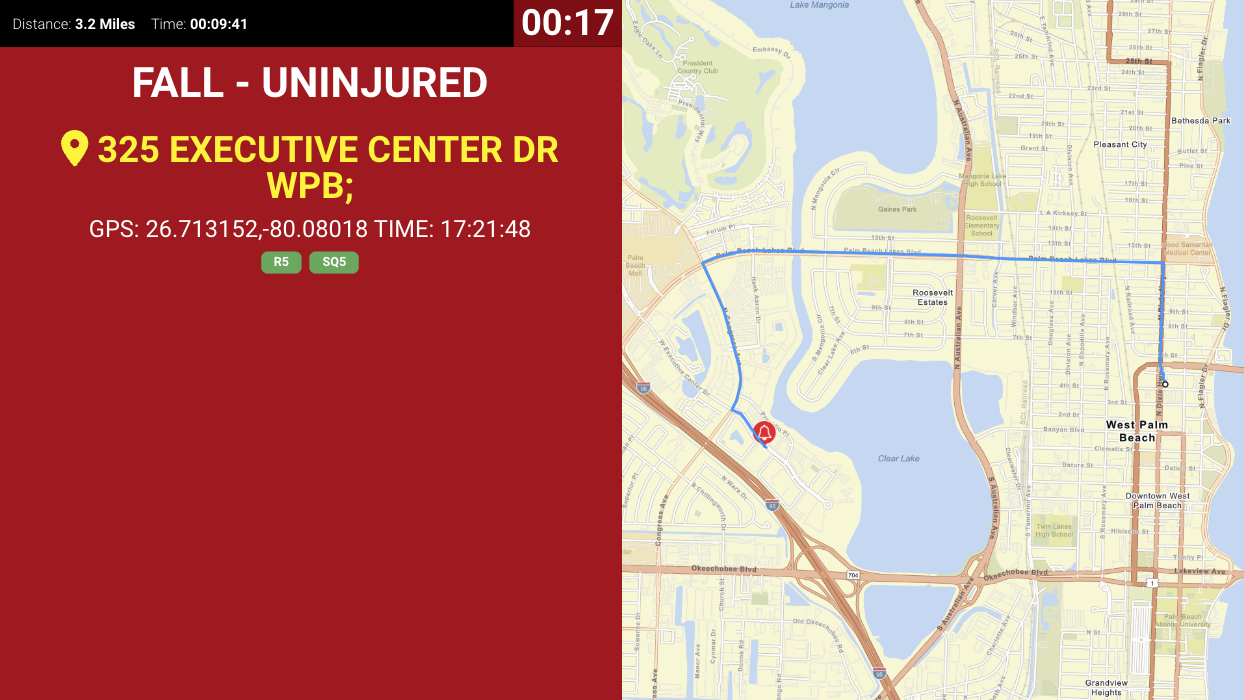
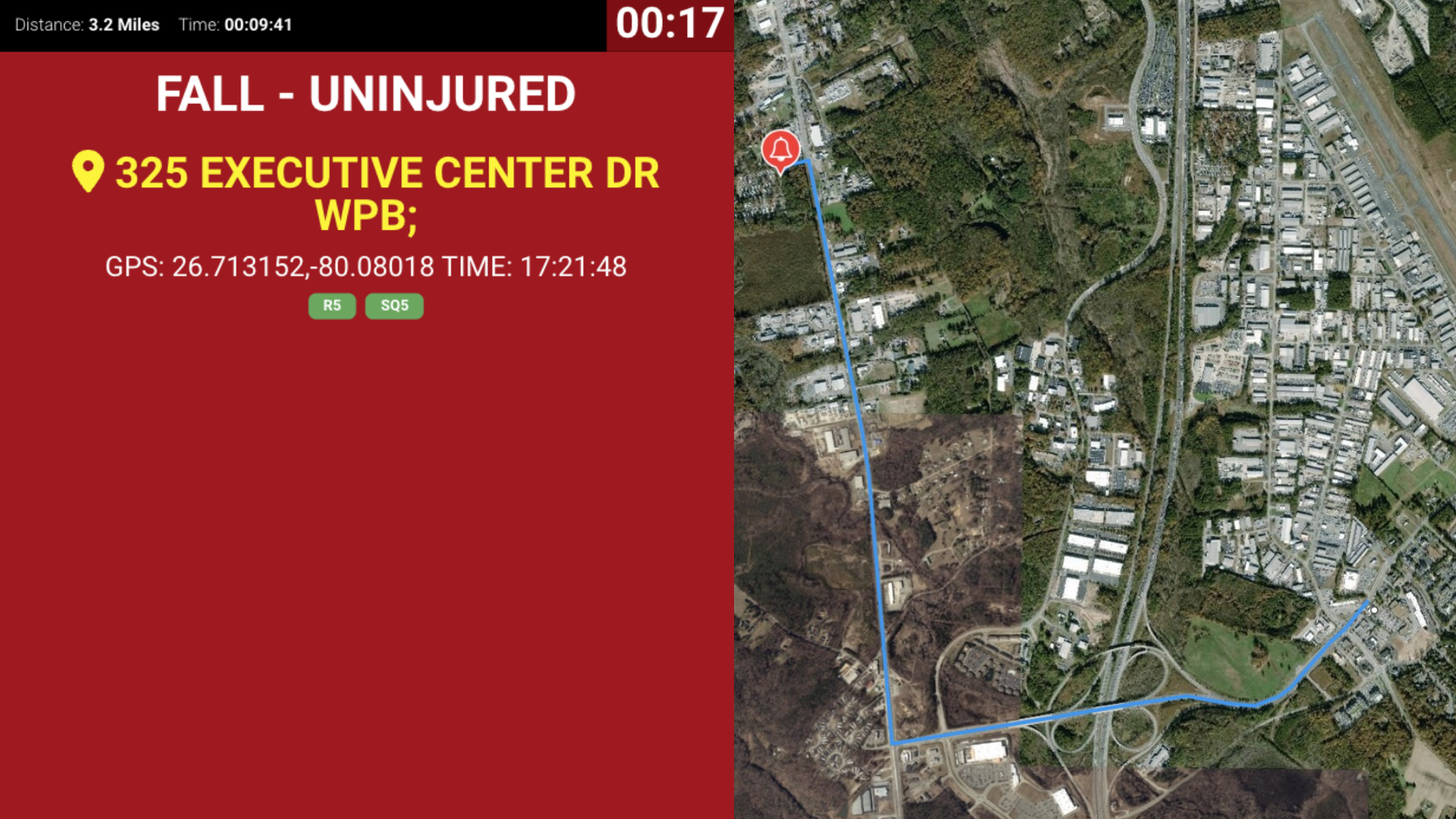
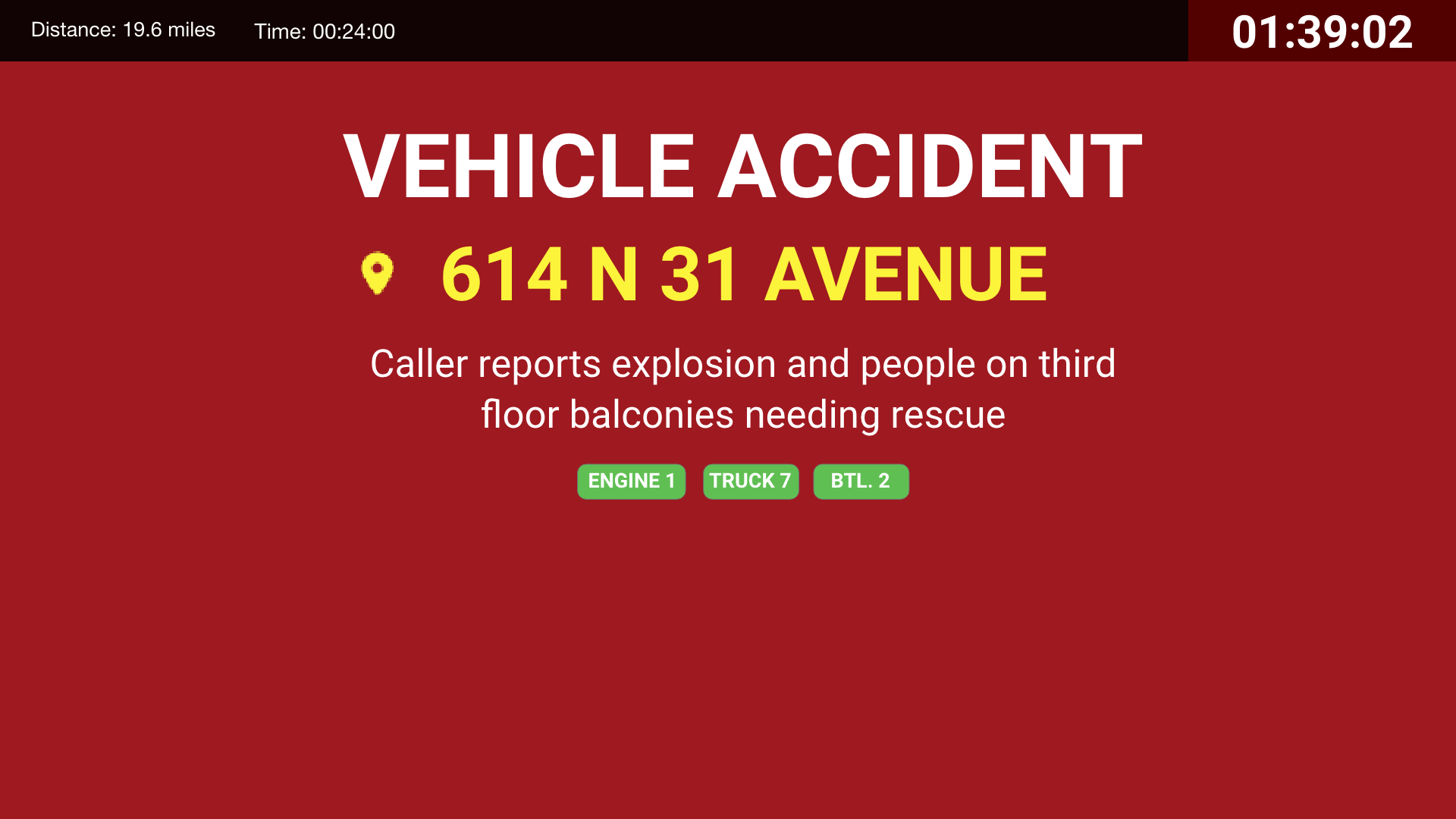
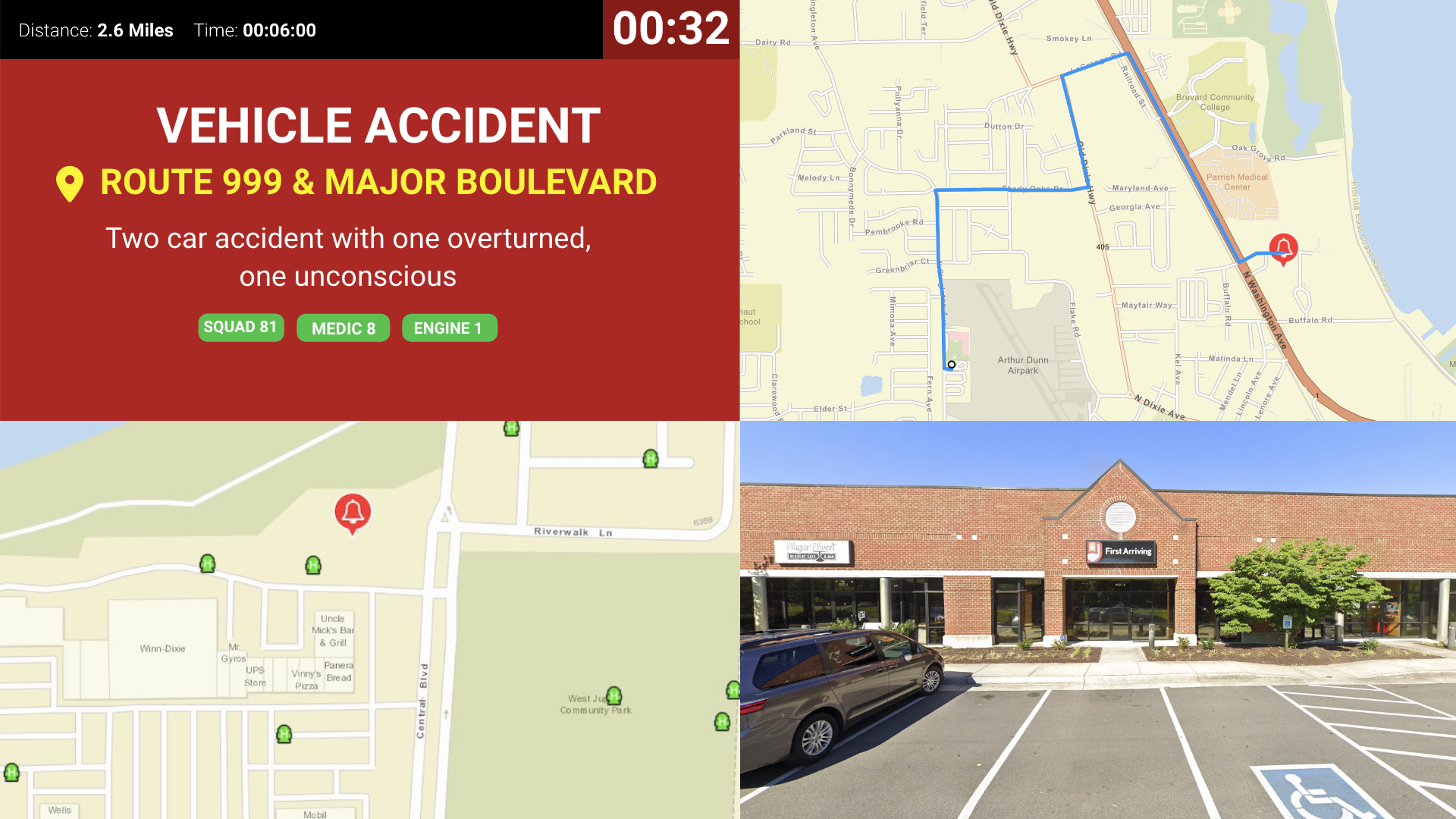
What appears on screen when a run comes in.
- Real-time call information: nature of call, address, units dispatched, and call notes
- Turnout timer
- ETA and distance to the scene
- Maps including the path from station to scene, Google Street View, and other mapping features
- ESRI layers from your GIS department
- Custom alert sounds
What we need from you
One item: an Enforsys username and password we can use to pull your dispatch data.
Example screens
The screens below are a sample, not the full set. For the current, complete list of alerting screen styles, see Response & Call Alerting Screen Options.
Secondary notification only: our platform is built for secondary notification of alarms and situational awareness. Always rely on your CAD or dispatch center for primary dispatch information.
Questions about setup, or want help deciding which alerting screen belongs in which station? Open a ticket at our support center or reach us at dashboards@firstarriving.com and we’ll walk through it with you.