
Integration Guide
Juvare EMResource
Put local, state, and regional healthcare capacity on the screens in your stations. First Arriving’s integration with Juvare’s EMResource brings hospital and facility status updates straight to your dashboards, so crews and command staff can see where there is room before they need it.
What we can put on your dashboard
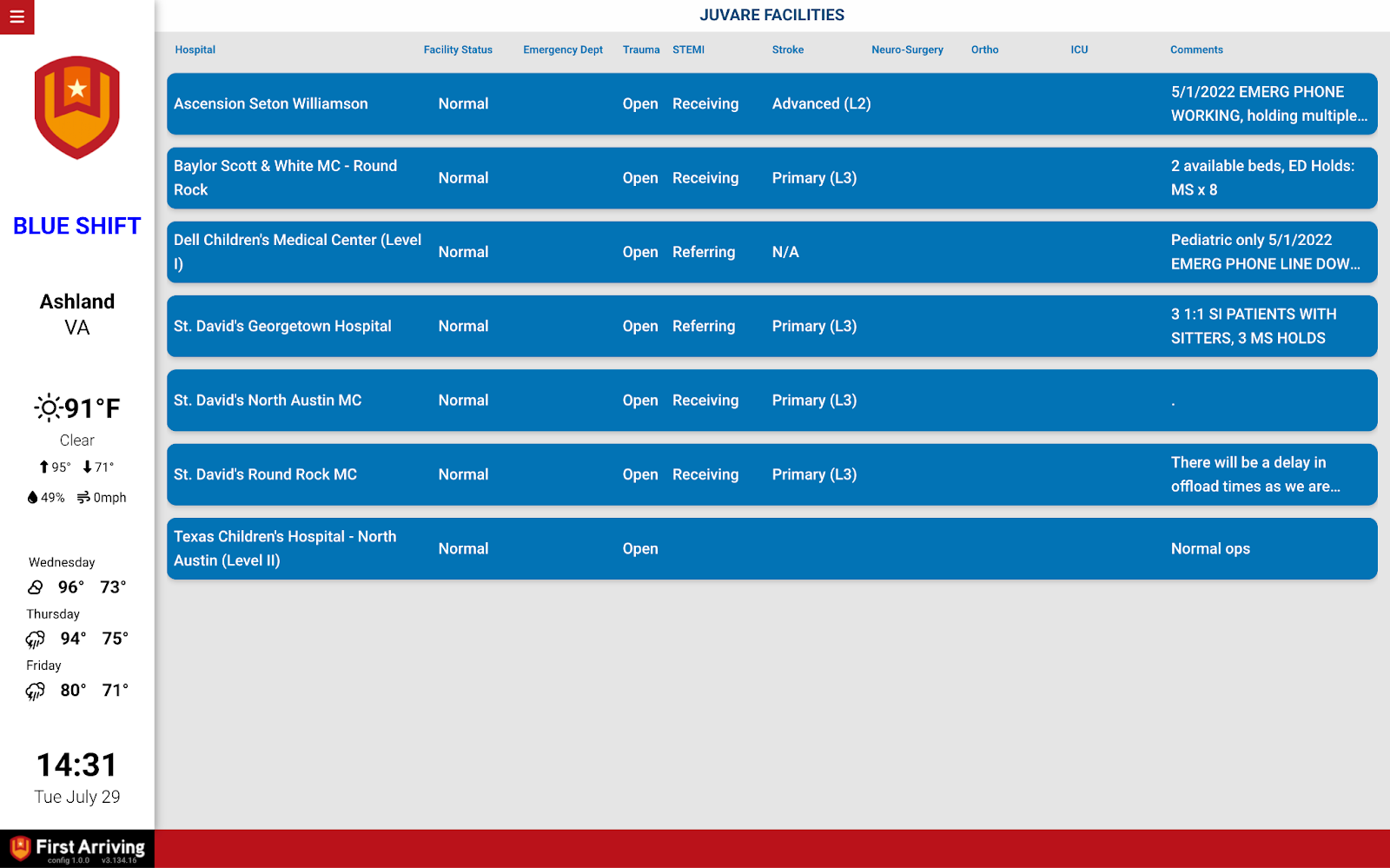
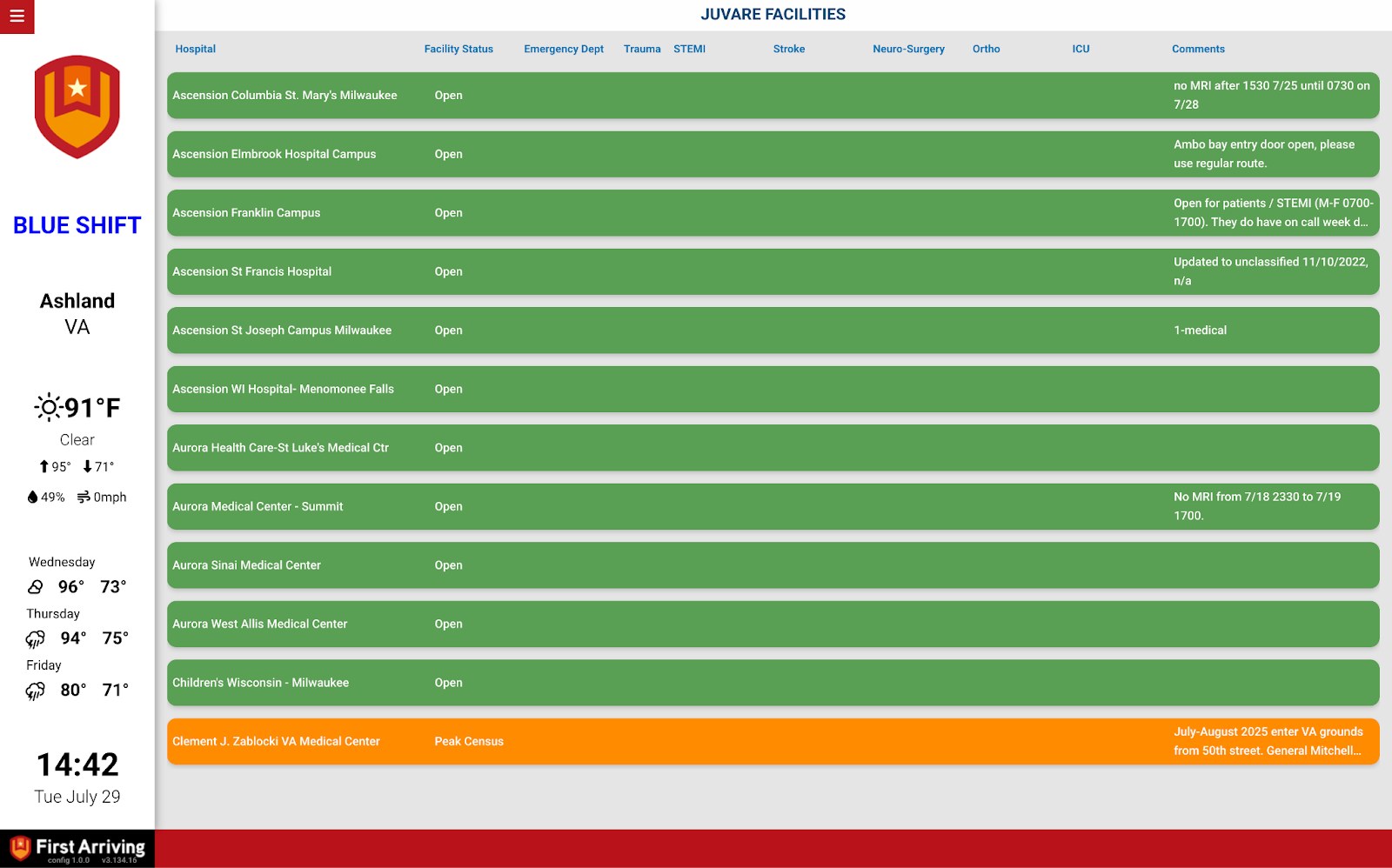
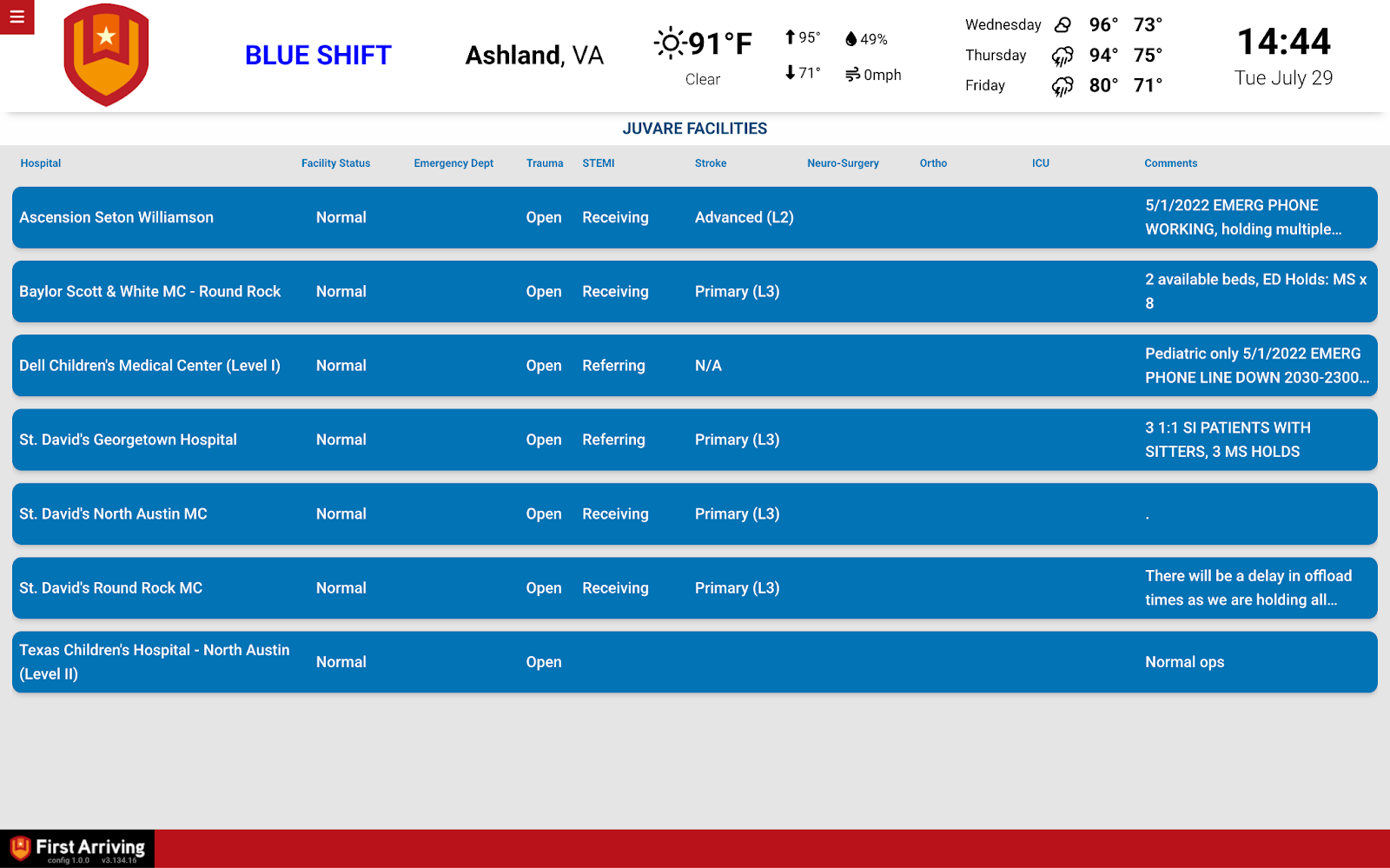
Hospital status monitoring
Facility availability, kept current without anyone updating a whiteboard.
- Status updates broken down by department
- Updates automatically every 15 minutes
- Displayed alongside everything else on your First Arriving dashboards
What we need from you
API access comes from Juvare, so the first step is on their side.
About vendor charges: any fees for API or data access are set by Juvare and are not included with your First Arriving subscription.
Compatible views
A few of the ways EMResource data can appear on your screens.
Questions about setup, or want help deciding which facilities belong on which screen? Open a ticket at our support center or reach us at dashboards@firstarriving.com and we’ll walk through it with you.