
Integration Guide
Asset Panda
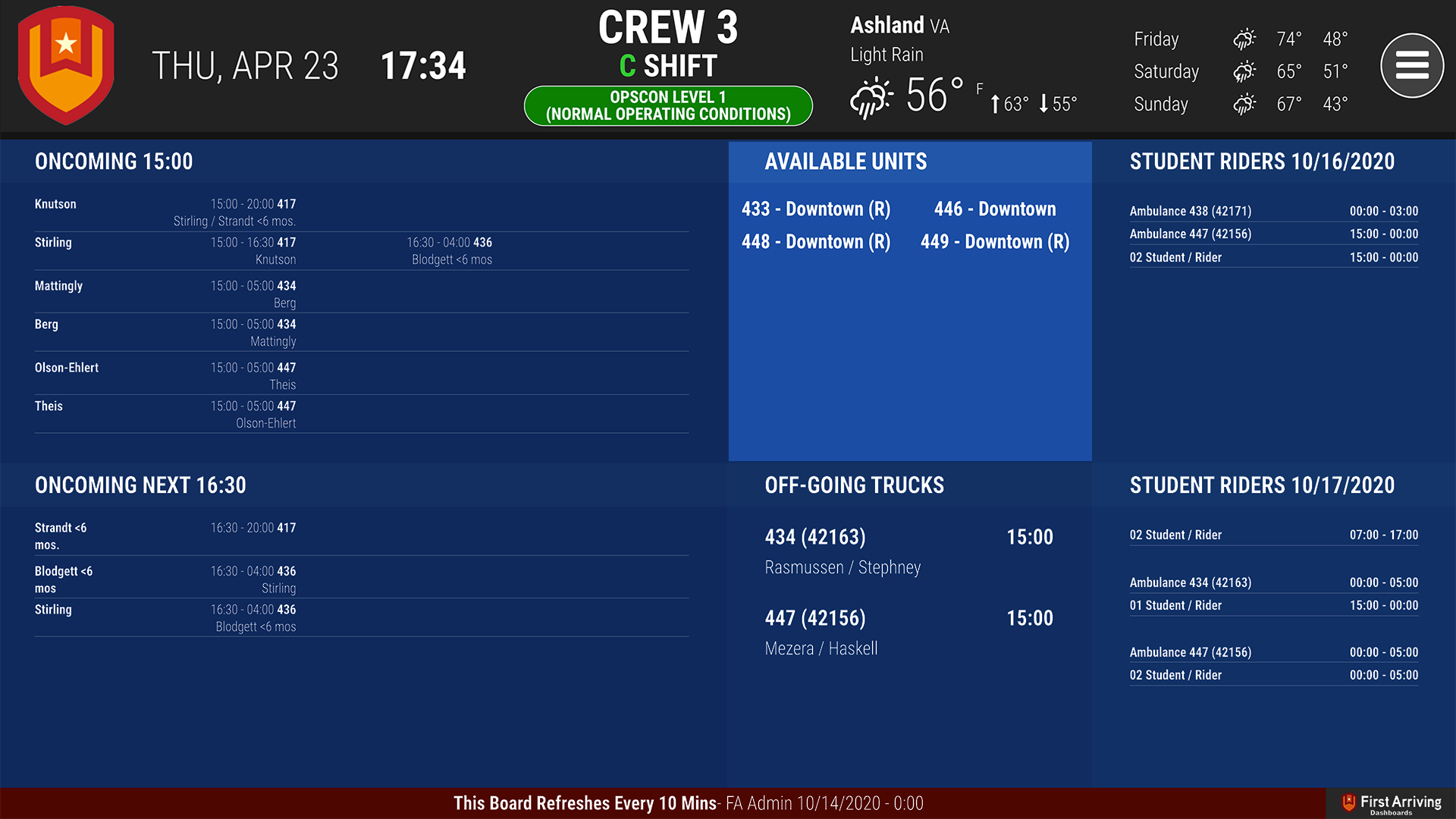
Show your department’s important assets and their current status on the screens in your stations, from Asset Panda.
What we can put on your dashboard
Available units
Updated every 10 minutes, so what is on the wall reflects where things actually stand.
- Unit name
- Location
What we need from you
Three things for API access: a Client ID, a Client Secret, and an email and password to authenticate with.
Open a ticket at our support center first, then submit the credentials through the First Arriving Secrets Tool and paste the link it generates into your ticket. Please don’t send them by email or chat. Full instructions: Sending First Arriving sensitive information.
About vendor charges: data or API access could carry an additional charge, determined by Asset Panda and not by First Arriving.
Example screen
Want particular asset groups on particular screens? Open a ticket at our support center or reach us at dashboards@firstarriving.com.