
Integration Guide
Put your agency’s latest Facebook posts on the screens in your stations, so crews see the same updates your community is seeing.
What we can put on your dashboard
Your latest posts
How far back the panel reaches is your call.
- Just the most recent post
- The last three posts
- Everything from the last week
New posts stand out
Anything posted in the last 24 hours is highlighted, so crews can tell at a glance what is new.
Images come through
Pictures attached to a post display directly on the dashboard rather than being dropped.
What we need from you
Nothing to copy down — you authorize us from inside Facebook, and the authorization hands us what we need.
One thing that can go wrong: completing the authorization is what sends us the API key. Depending on how the account is configured and what type of user authorized it, the key sometimes is not sent — and without it we cannot build the integration. If that happens we will tell you, and it usually comes down to page roles or account settings on the Facebook side.
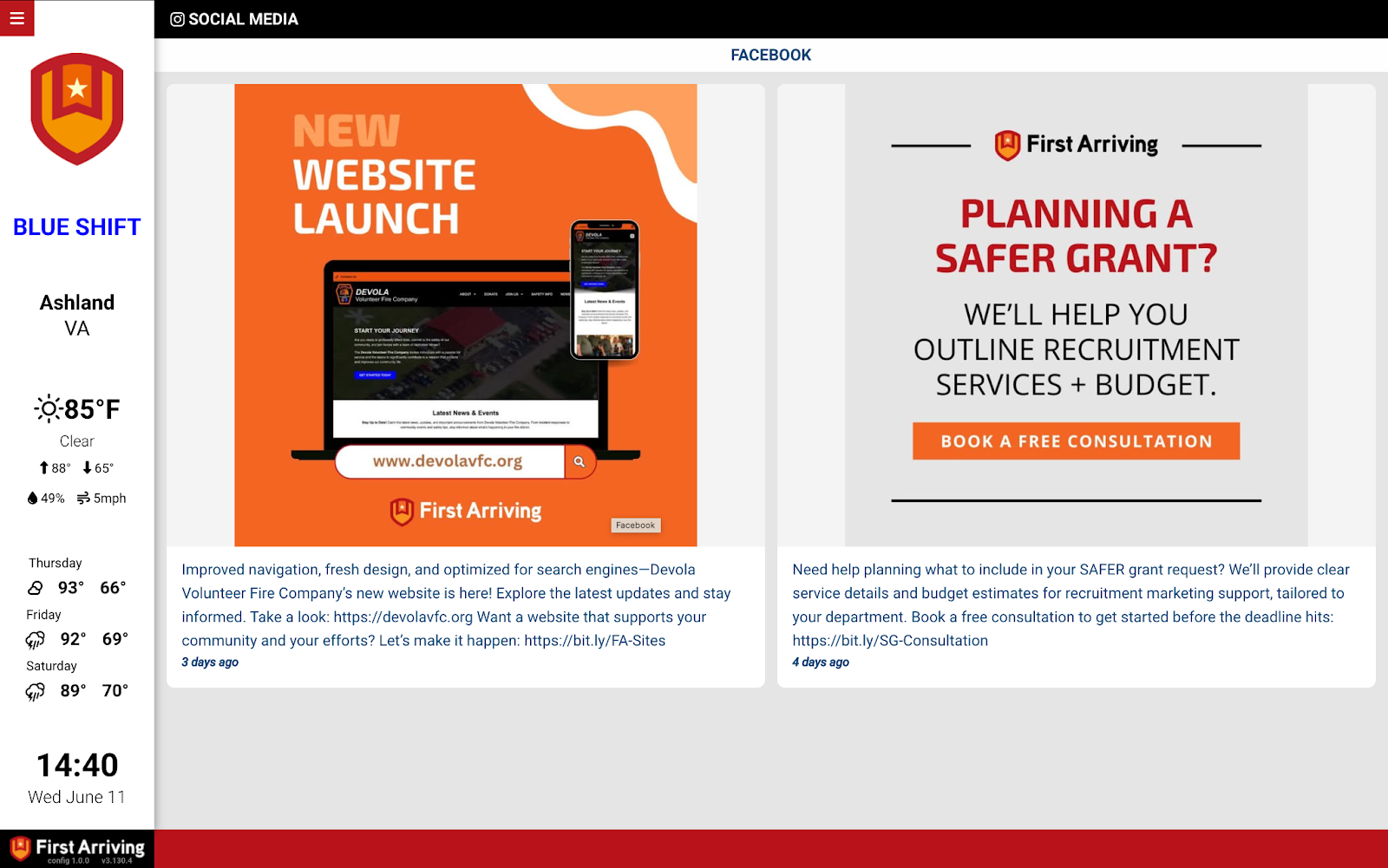
Example screen
Running more than one page, or want posts on some screens and not others? Open a ticket at our support center or reach us at dashboards@firstarriving.com.