
Integration Guide
National Weather Service
Put National Weather Service advisories, watches and warnings on the screens in your stations — plus river levels, which matter when high water is the incident rather than the forecast.
What we can put on your dashboard
Advisories, watches and warnings
Displayed in the top right of the dashboard on a red background, so a newly issued alert draws the eye instead of blending into the rotation.
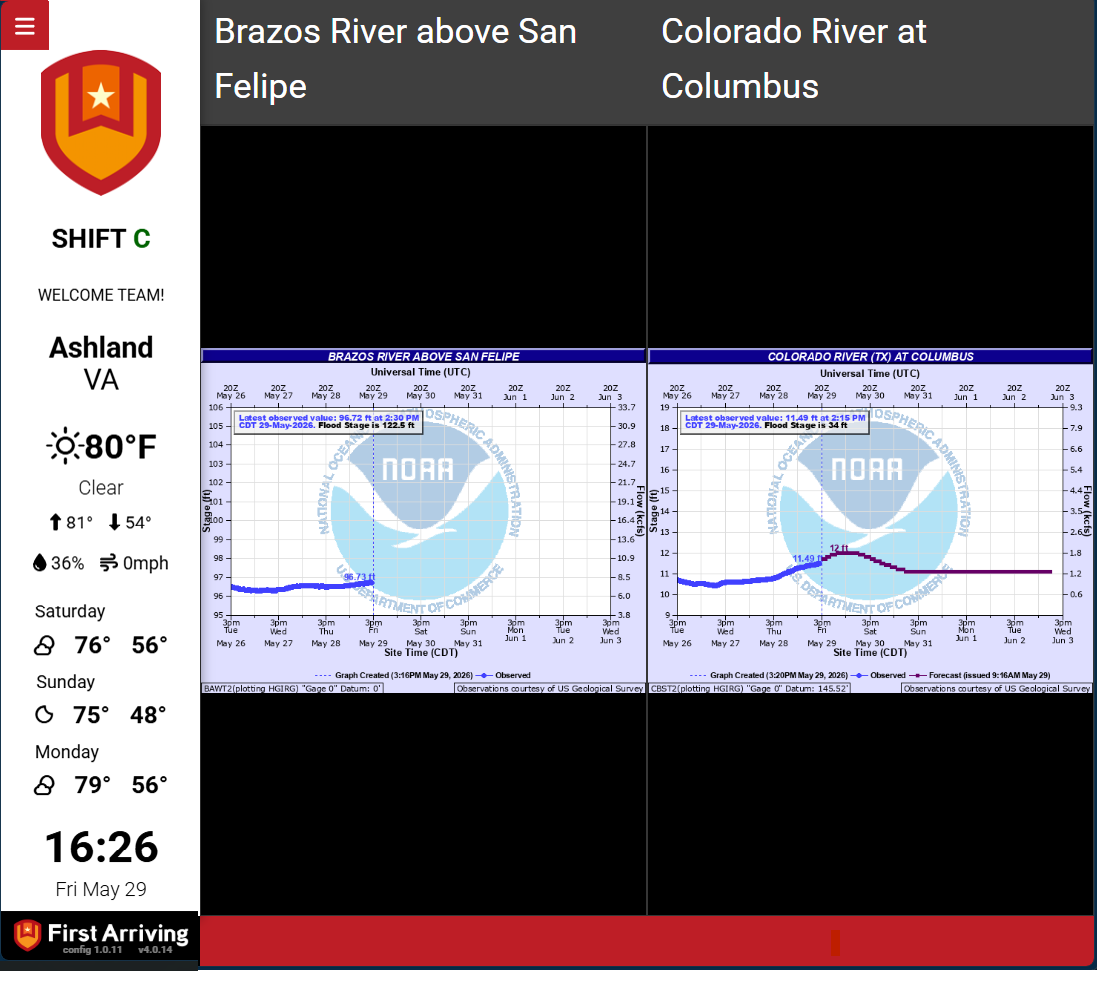
River levels
- A chart of the level over the past few days
- Latest observed height
- Latest observed category
- Date and time of the last observation
What we need from you
The link to the river gauge or tide chart you want shown — or just tell us the location and we will find it. Open a ticket at our support center with that and which screens it belongs on. No credentials: this is public NWS data.
Example screens
Not sure which gauge covers your area? Open a ticket at our support center or reach us at dashboards@firstarriving.com and we will look it up with you.