
Integration Guide
Google Sheets
The most popular integration we offer, and the most flexible. If you can put it in a spreadsheet, we can put it on the screens in your stations — and anyone who can edit a Google Sheet can keep it current.
What agencies put on their dashboards
Common uses
These are the ones we set up most often. The list isn’t a limit — if you want something not here, ask.
- Department news and station news
- Pass-along information between shifts
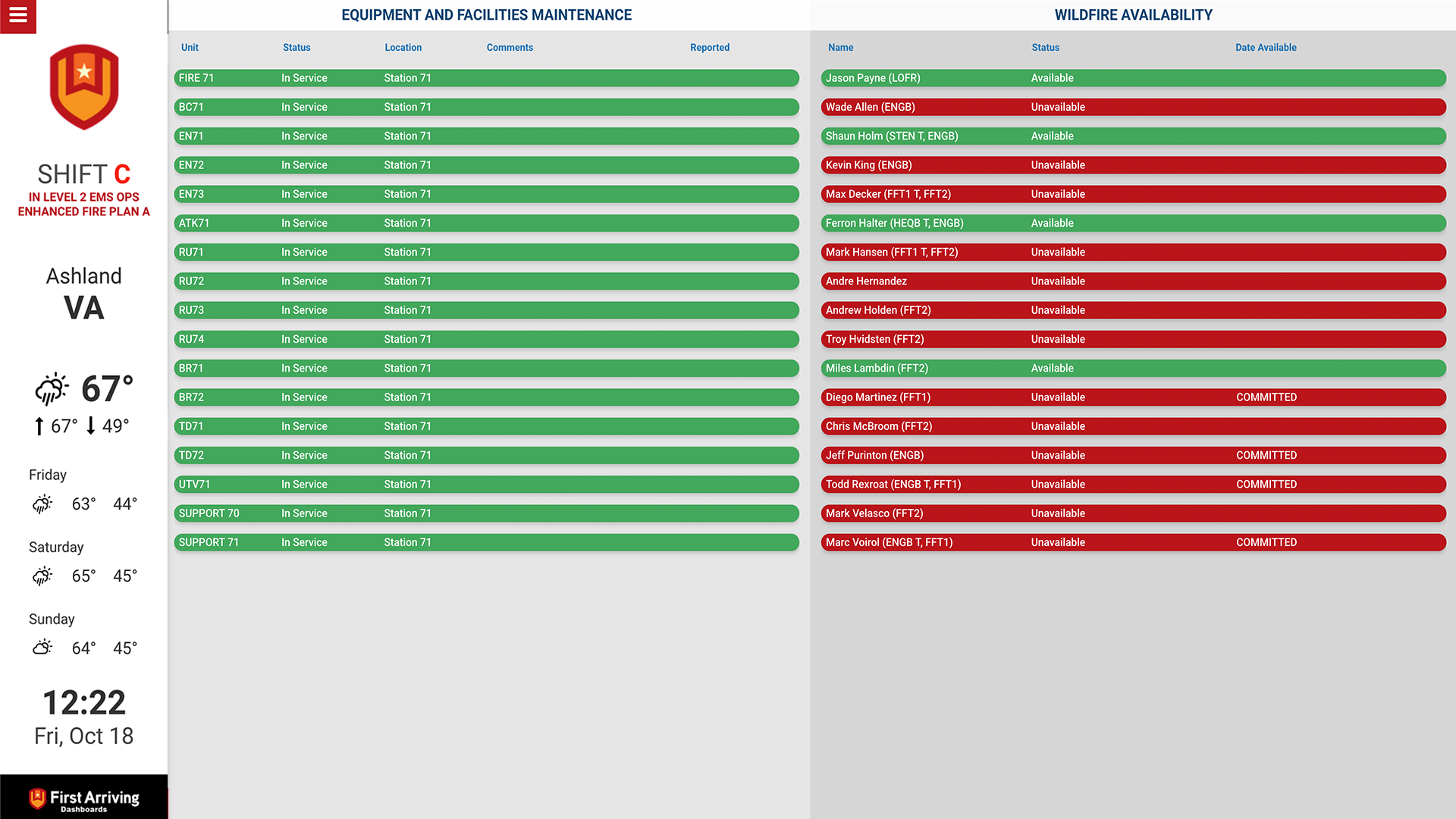
- Equipment and facilities maintenance
- Upcoming events and training opportunities
- Daily tasks
- Hydrants out of service
- Road closures and burn permits
- Run totals
Entries can expire on their own
Most of our sheet templates include a posted day and time and an expiration day and time. An entry appears when you want it and drops off the dashboards by itself — nobody has to remember to remove it. The row stays in the Google Sheet as a record unless you delete it.
Control who can edit what
Google’s own permission settings apply, so you can give someone access to certain tabs but not others — useful when a training officer maintains one sheet and a shift commander another.
The available views
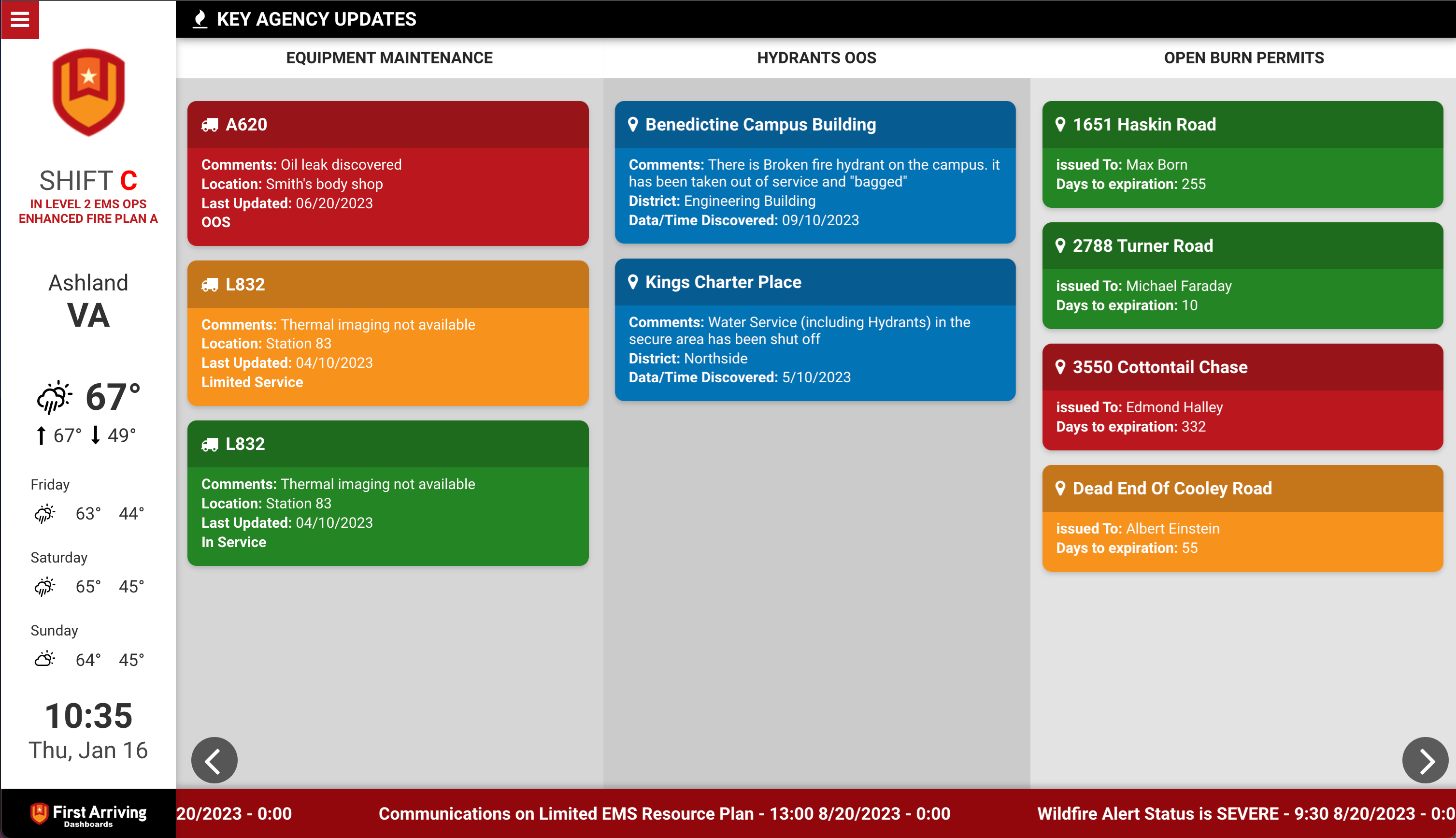
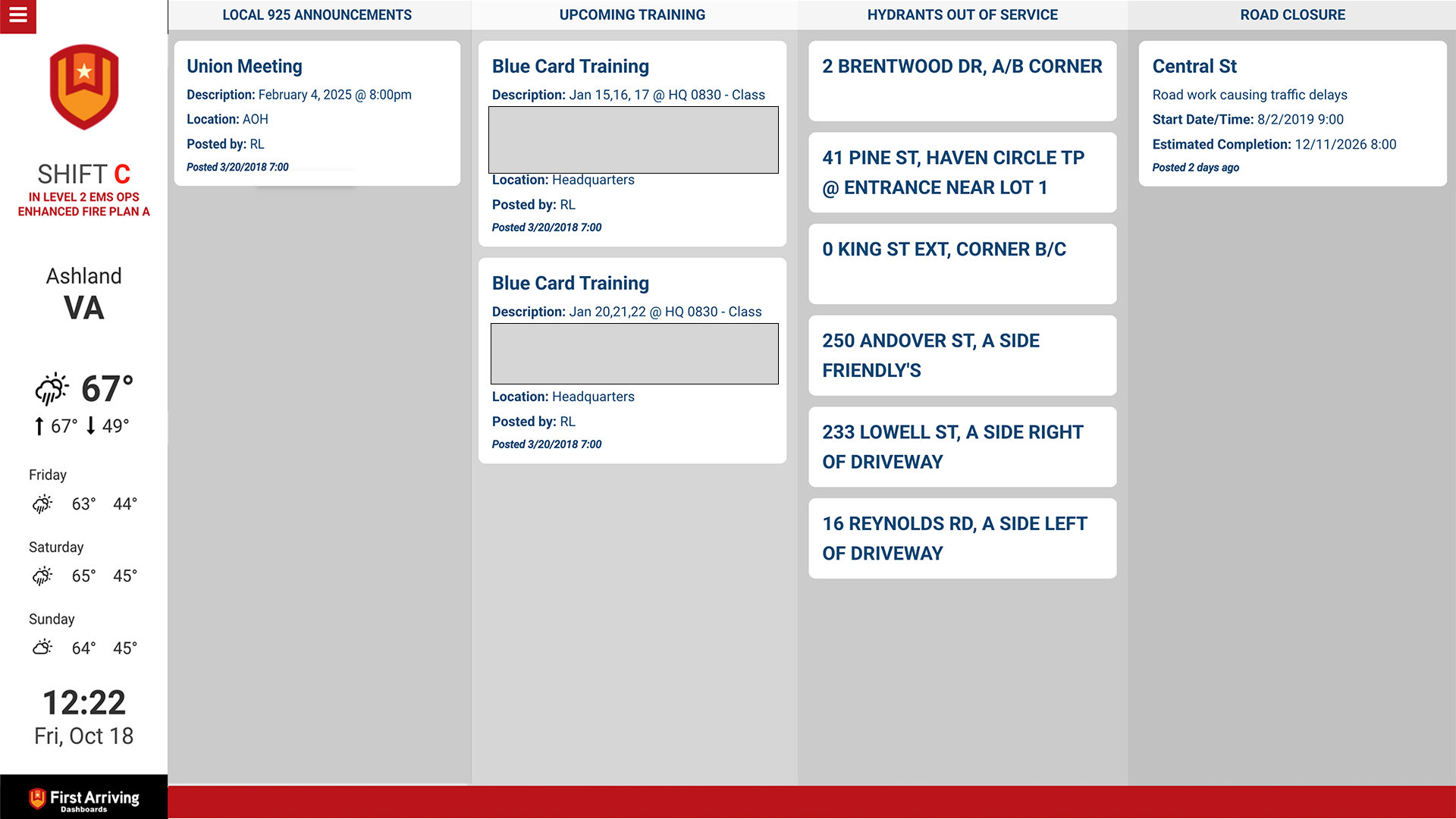
The same sheet data can be presented several ways. Tell us which suits the screen.
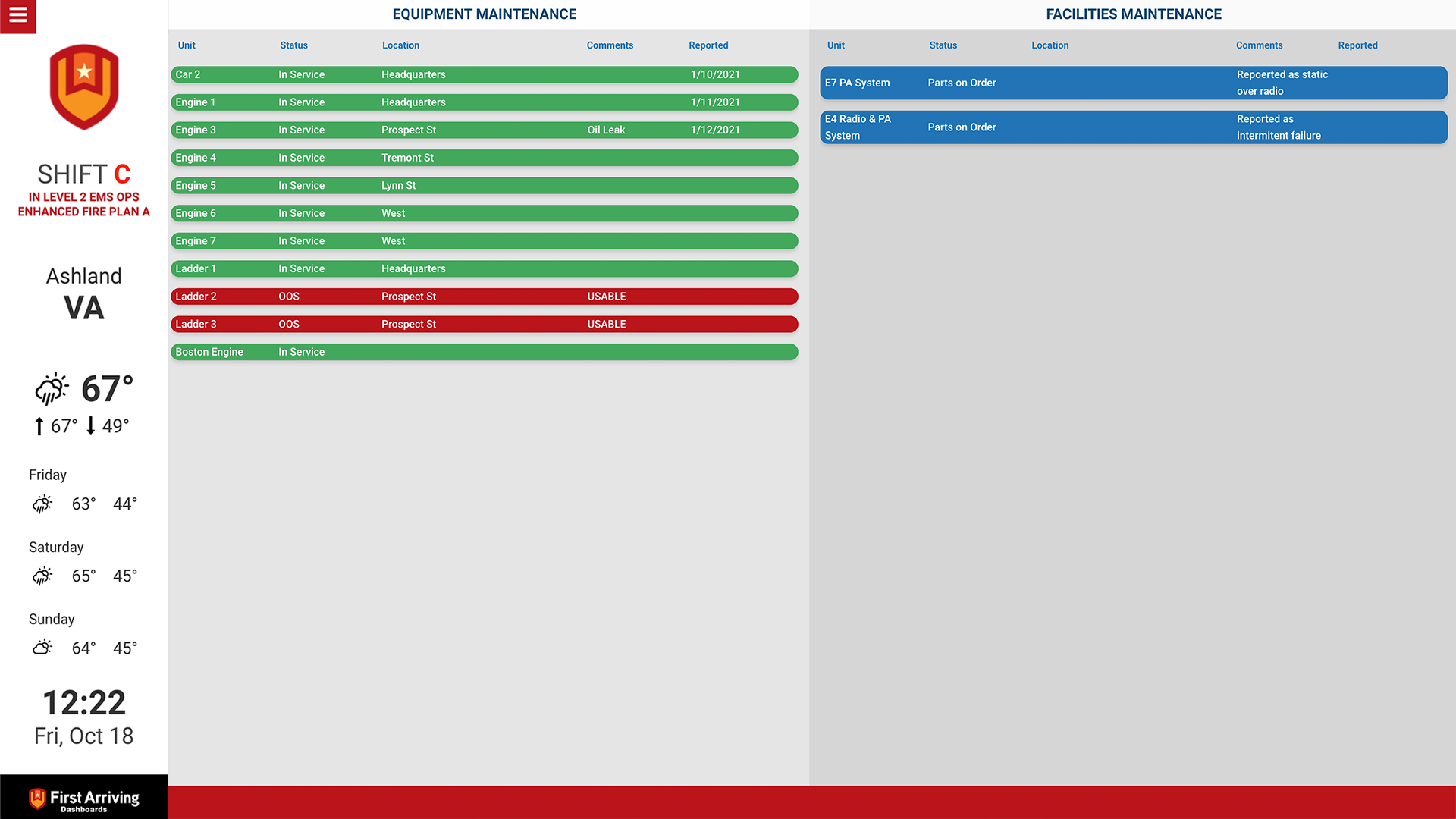
Table view
Sheet data in clearly labelled columns. A quick operational snapshot — unit availability, maintenance concerns — useful for shift briefings or command staff.
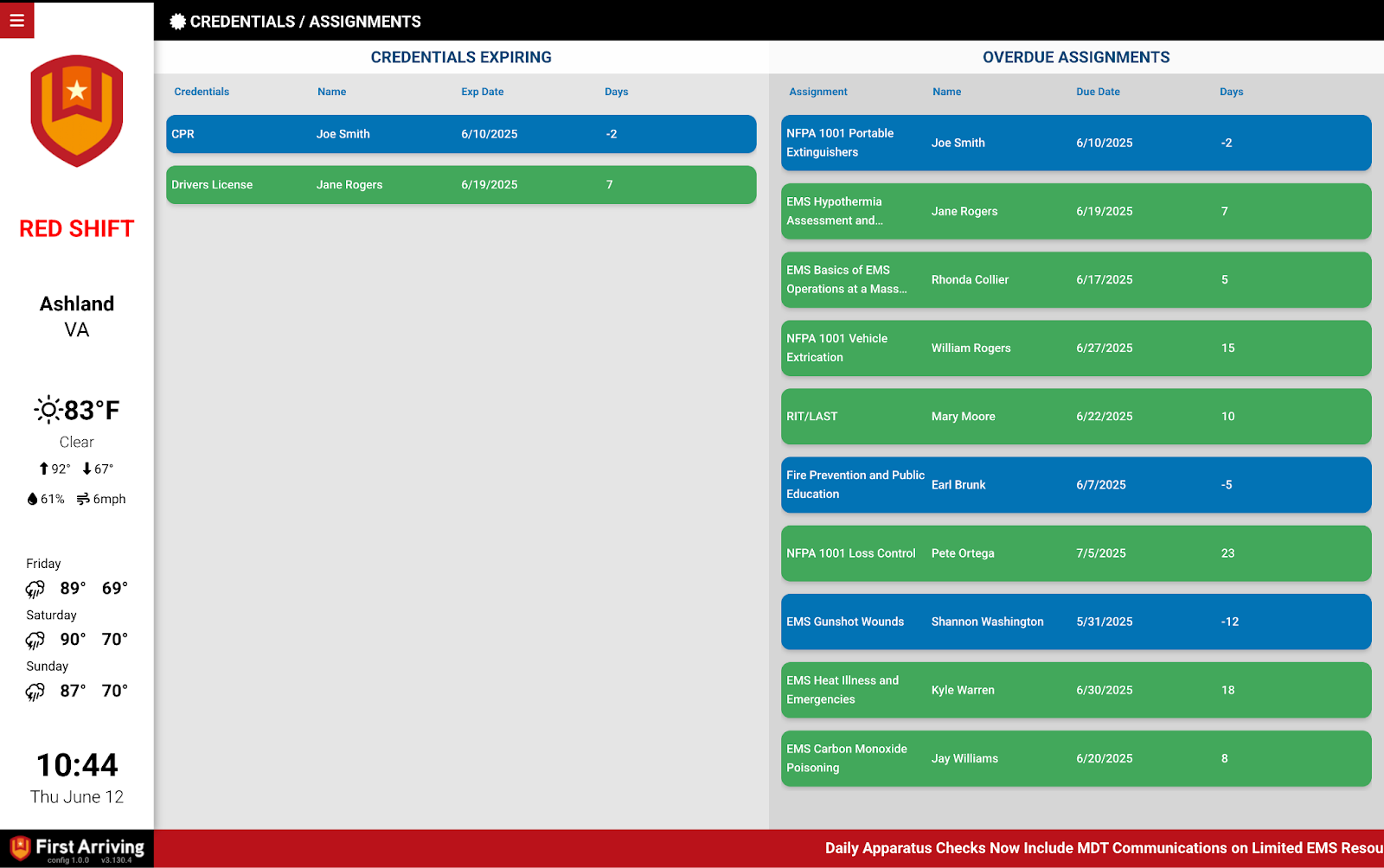
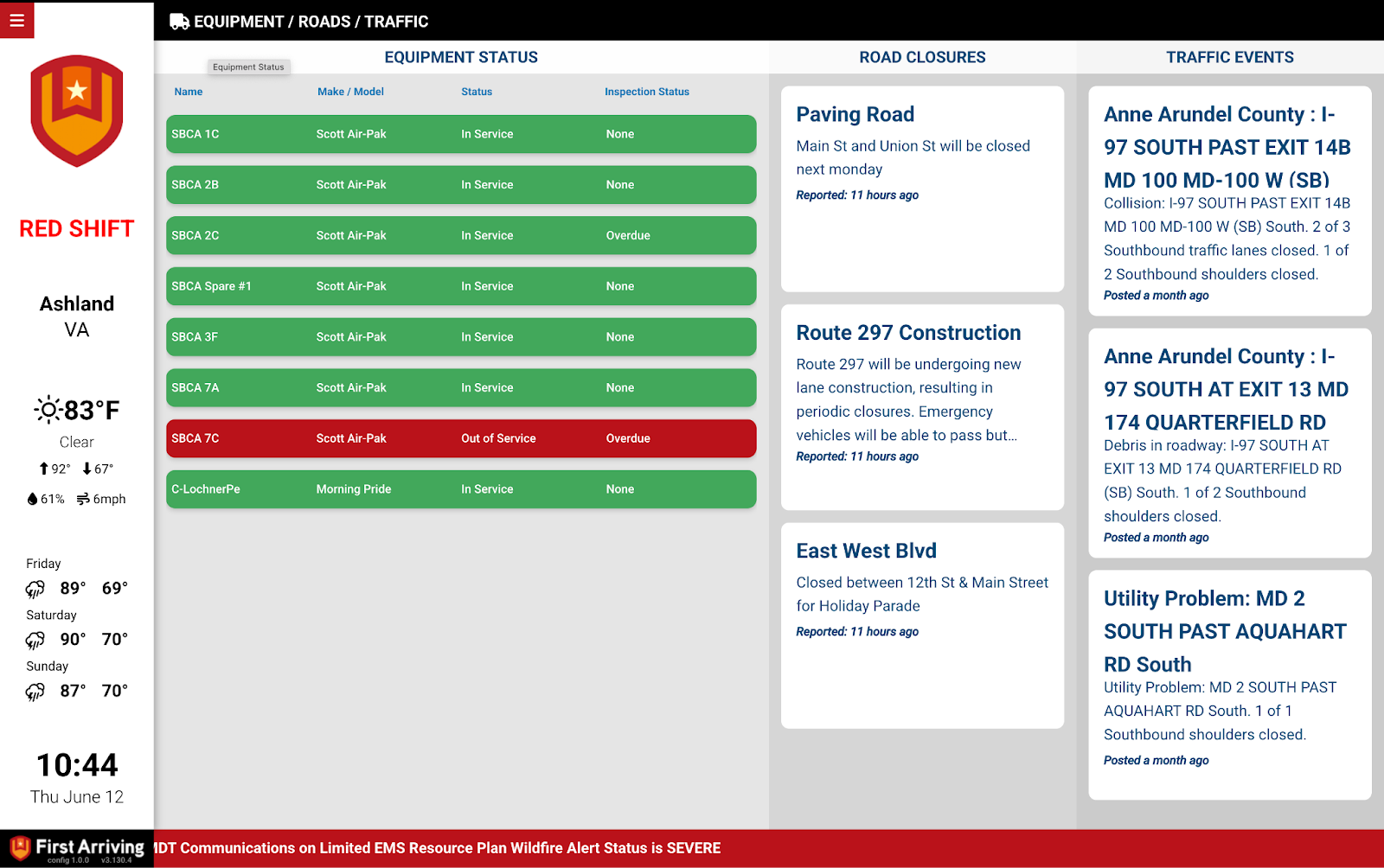
Table view, second example
The same view carrying different columns.
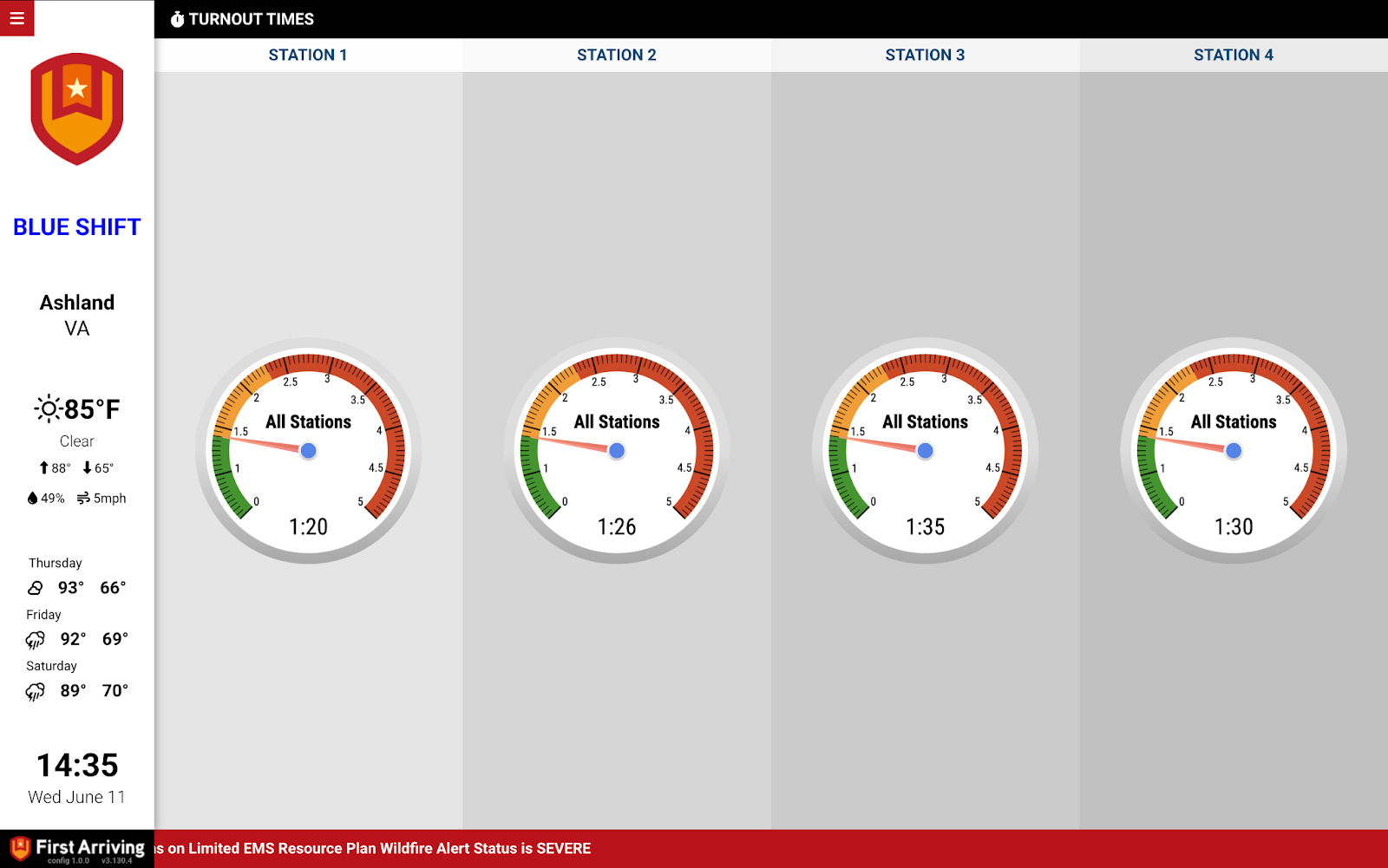
Gauge
A live metric on a dial, with colour-coded zones for performance or status thresholds. Updates automatically from the latest sheet data.
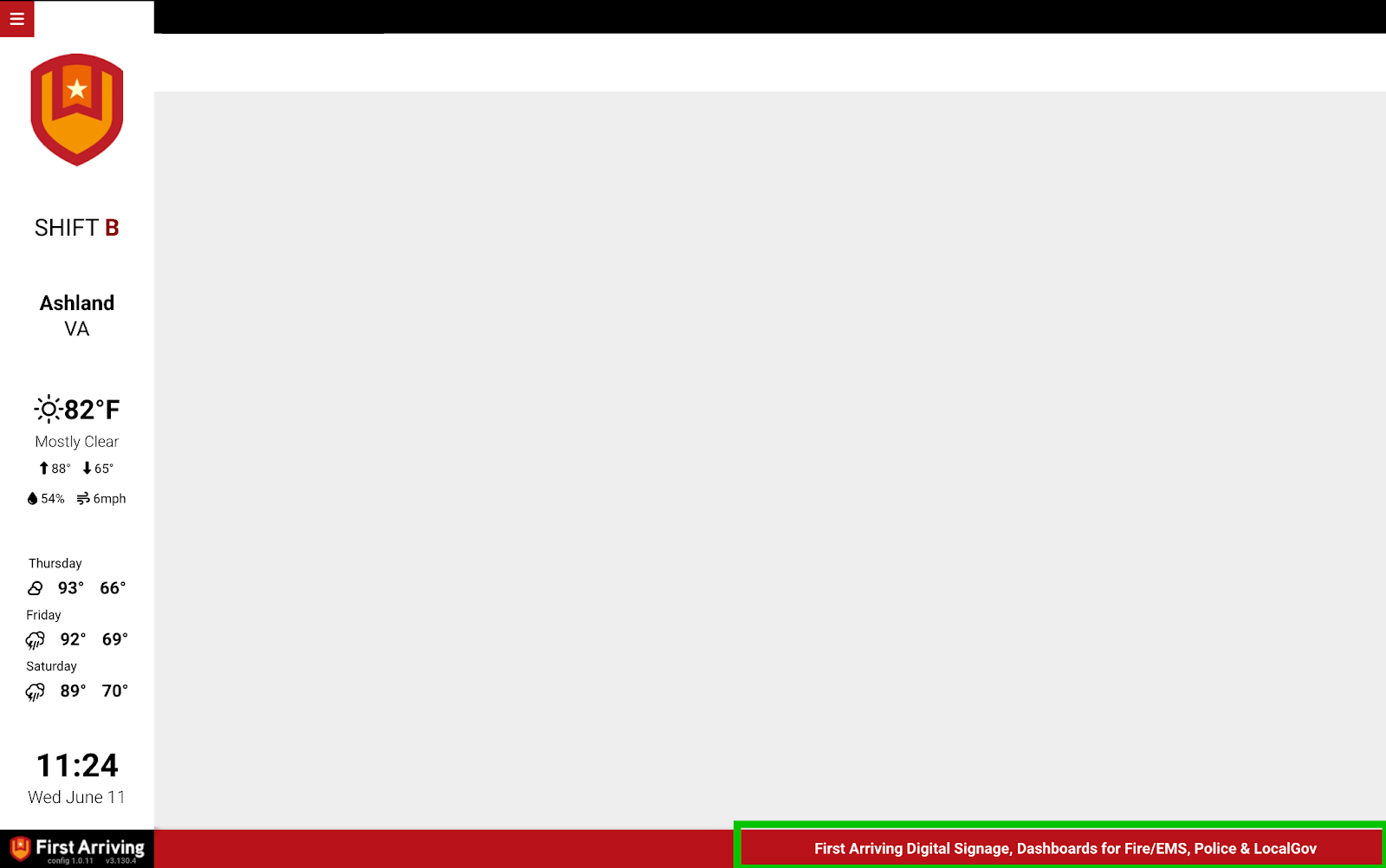
Ticker
A footer bar carrying messages from a sheet — the easiest place to put announcements or unit references you change often.
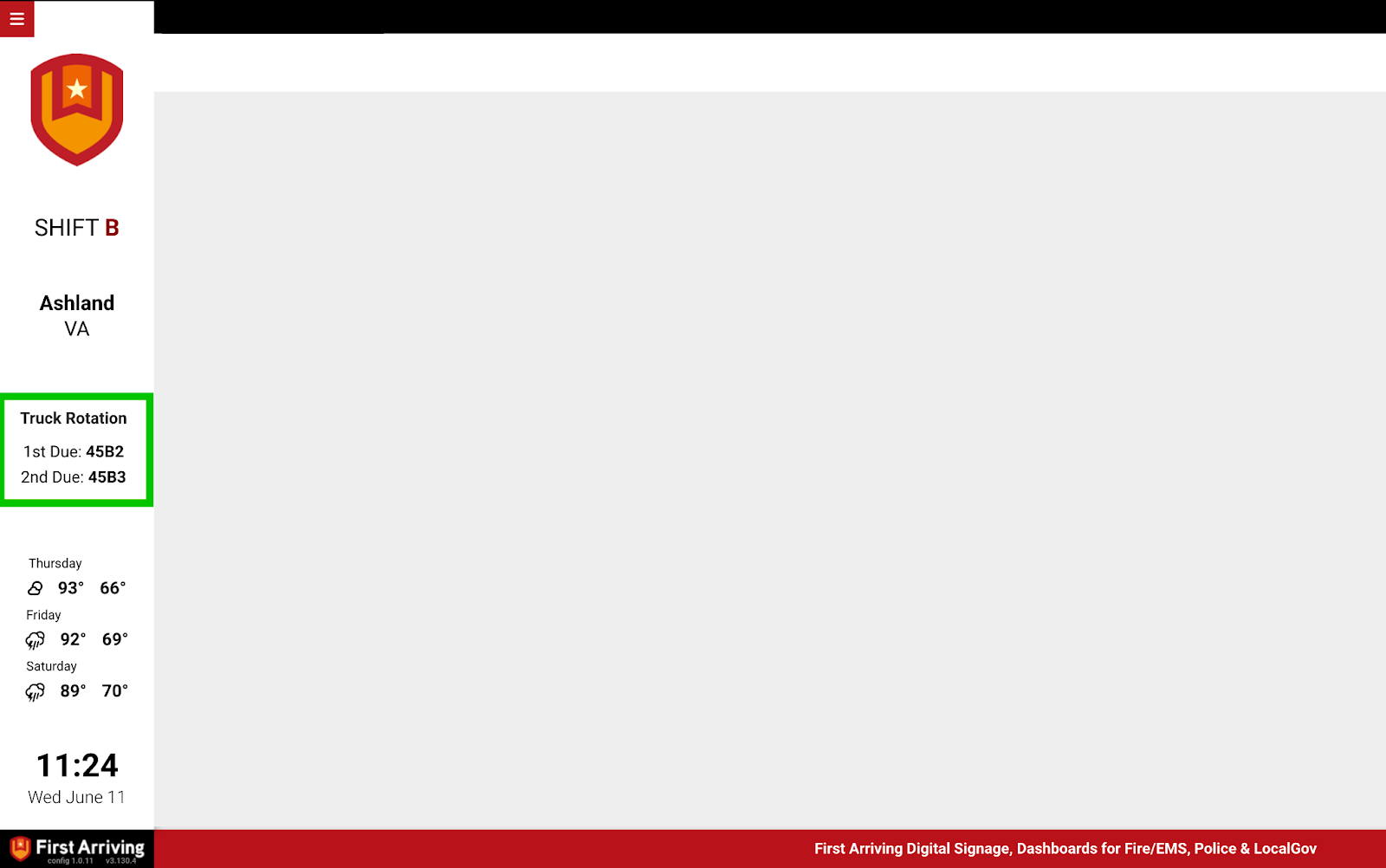
Text area
A short message with a title and rows of content, up to four rows.
What we need from you
Two things, and no credentials — you share the sheets with us rather than handing over an account.
More examples
Got something in a spreadsheet you would like on your screens? Open a ticket at our support center or reach us at dashboards@firstarriving.com and we’ll tell you what we can do with it.