
Integration Guide
Fleetio
Put a snapshot of your agency’s fleet and its statuses on the screens in your stations, from Fleetio — no extra logins, no second system for crews to check.
What we can put on your dashboard
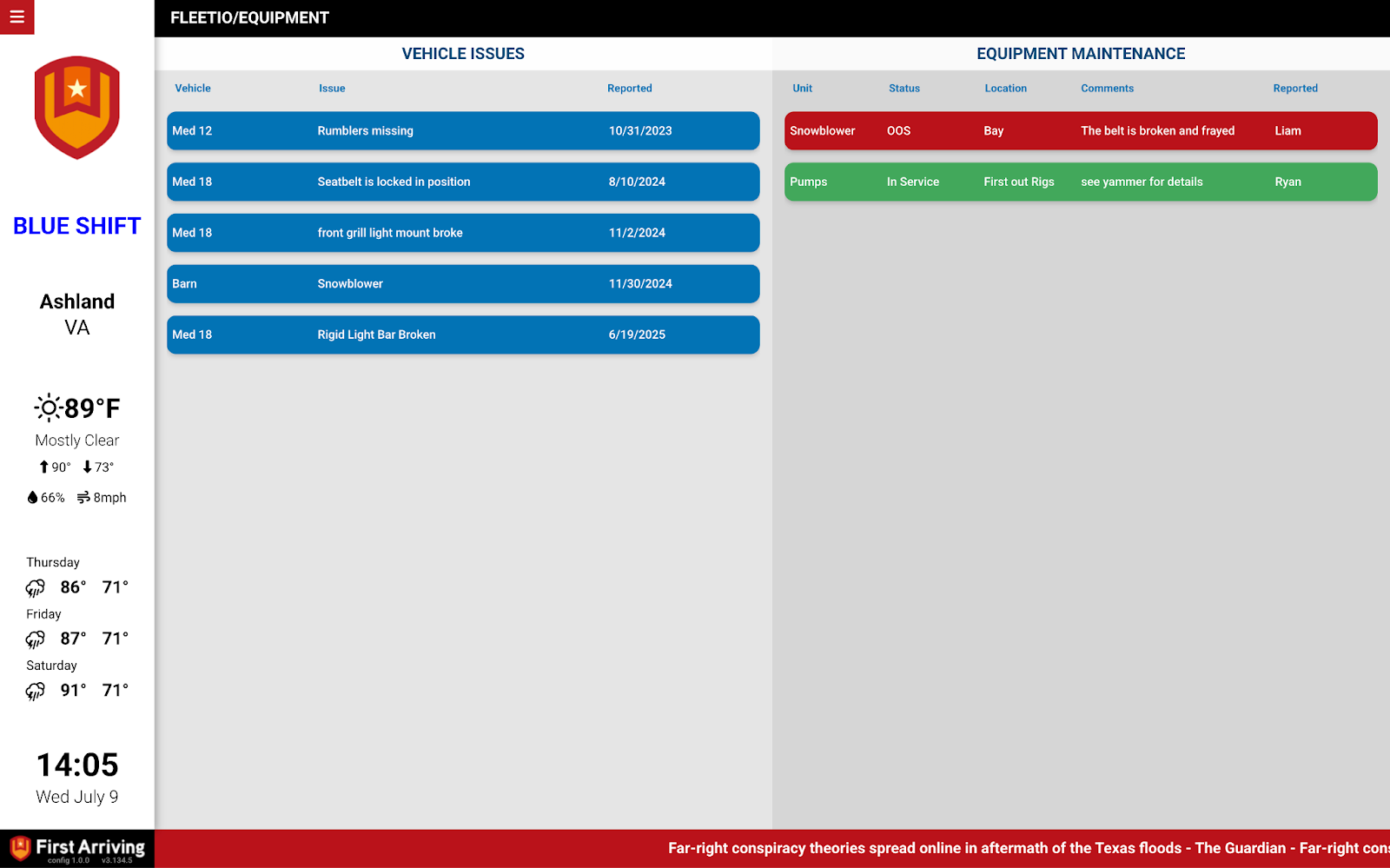
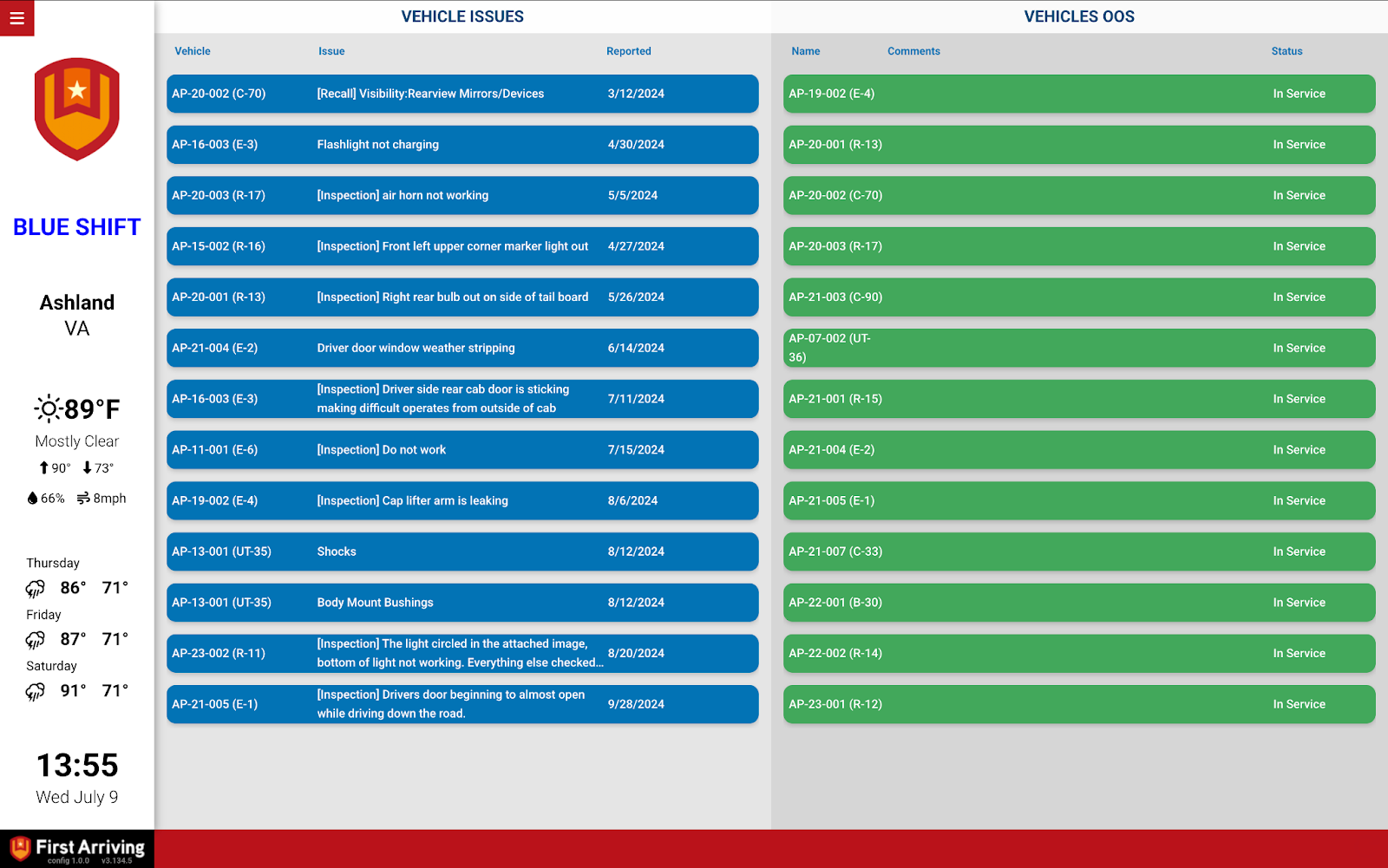
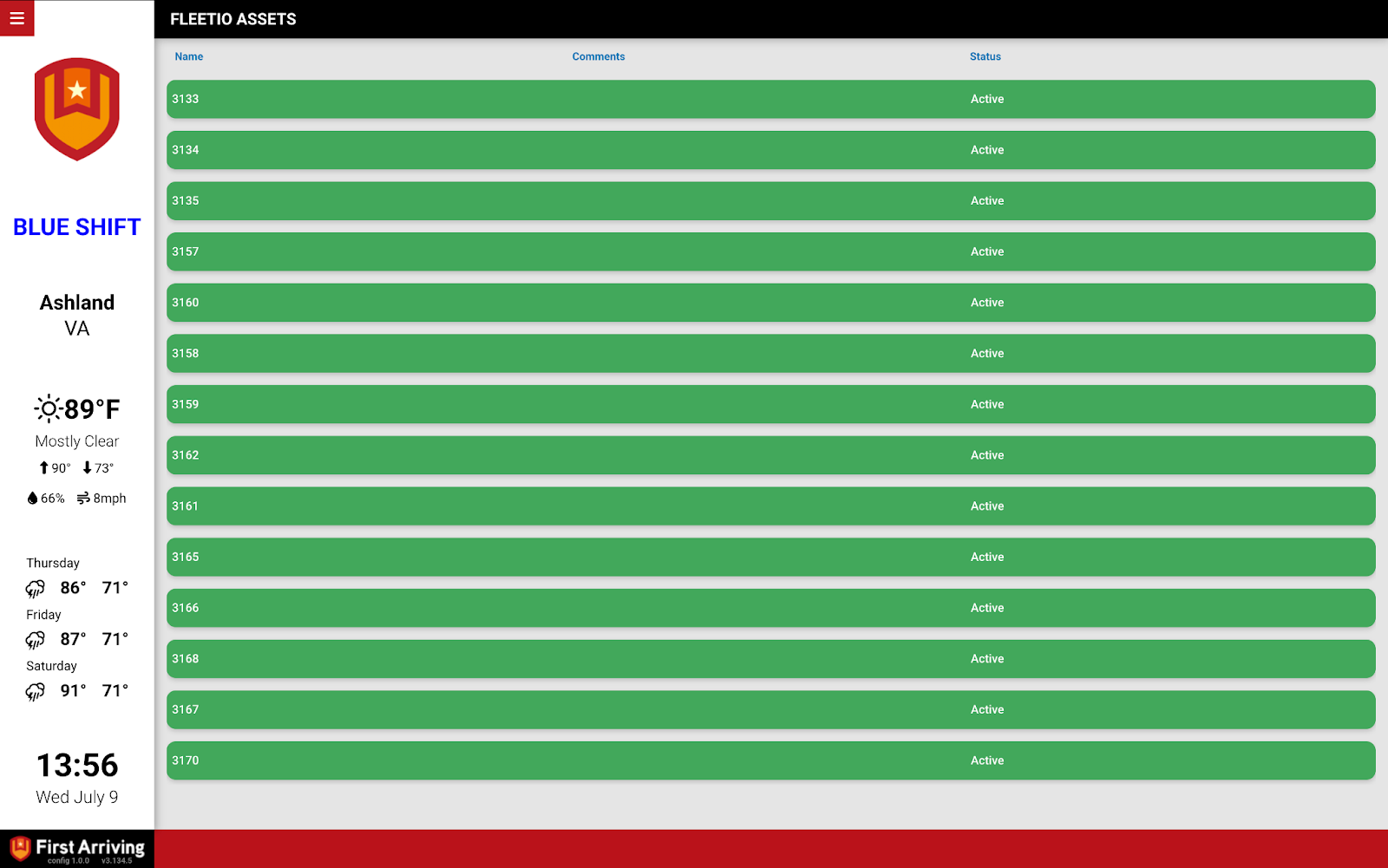
Vehicle status at a glance
The current status of each unit, visible without anyone signing in to anything.
Unit and model details
Unit name alongside the vehicle model, so it is clear which rig a line refers to.
Live comments feed
Notes and comments attached to each vehicle, shown as they come in — useful when a unit is down and everyone needs to know why.
What we need from you
Two tokens from Fleetio: an API authorization token and an API account token. Fleetio’s developer documentation covers where to find both.
Open a ticket at our support center first, then submit the credentials through the First Arriving Secrets Tool and paste the link it generates into your ticket. Please don’t send them by email or chat. Full instructions: Sending First Arriving sensitive information.
About vendor charges: data or API access could carry an additional charge, determined by Fleetio and not by First Arriving.
Example screens
Questions about which fields we can show? Open a ticket at our support center or reach us at dashboards@firstarriving.com.