
Integration Guide
GroupMe
If your agency runs its group chat on GroupMe, those messages can go up on the screens in your stations — so a message meant for everyone lands in one central place instead of only on phones.
What we can put on your dashboard
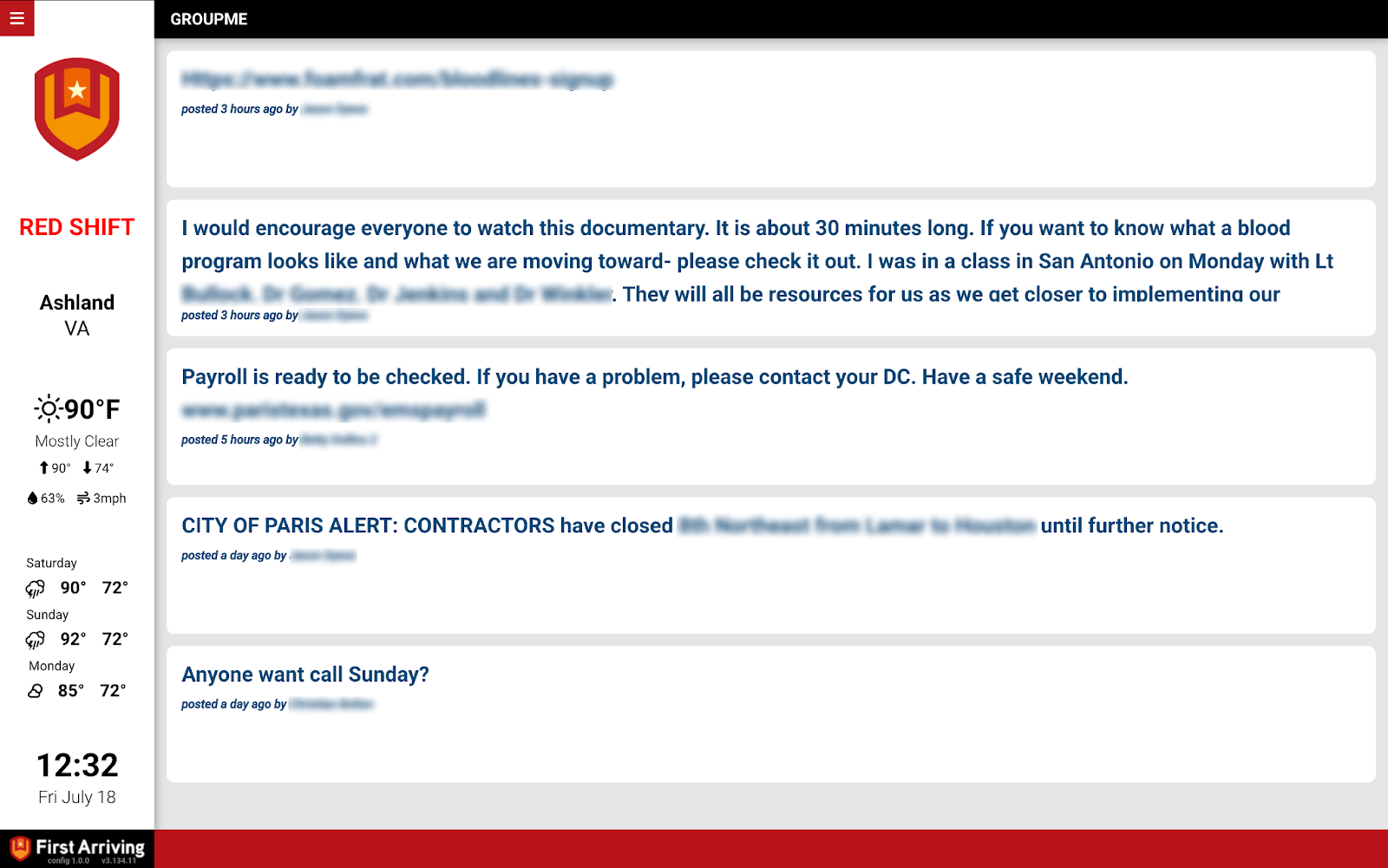
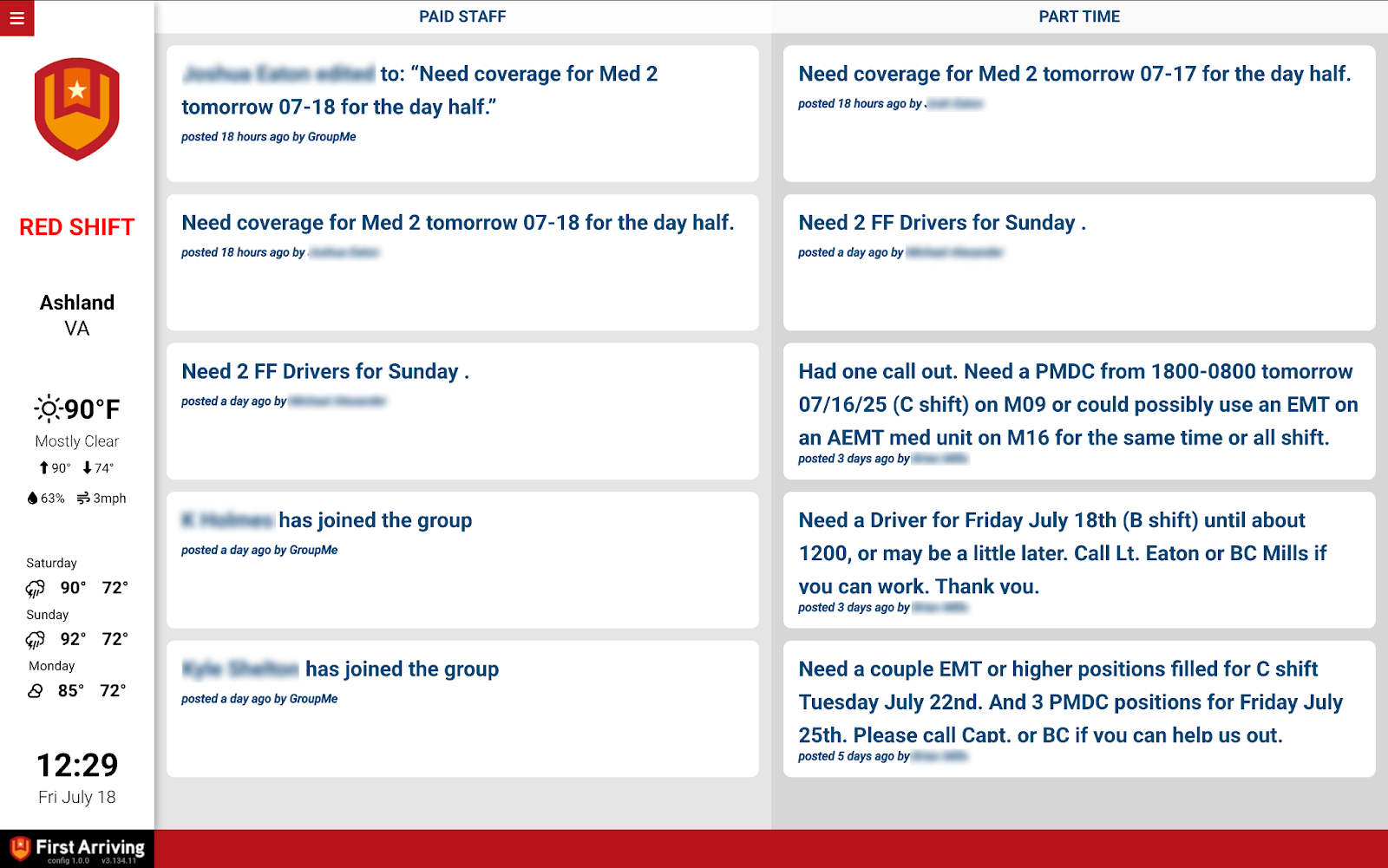
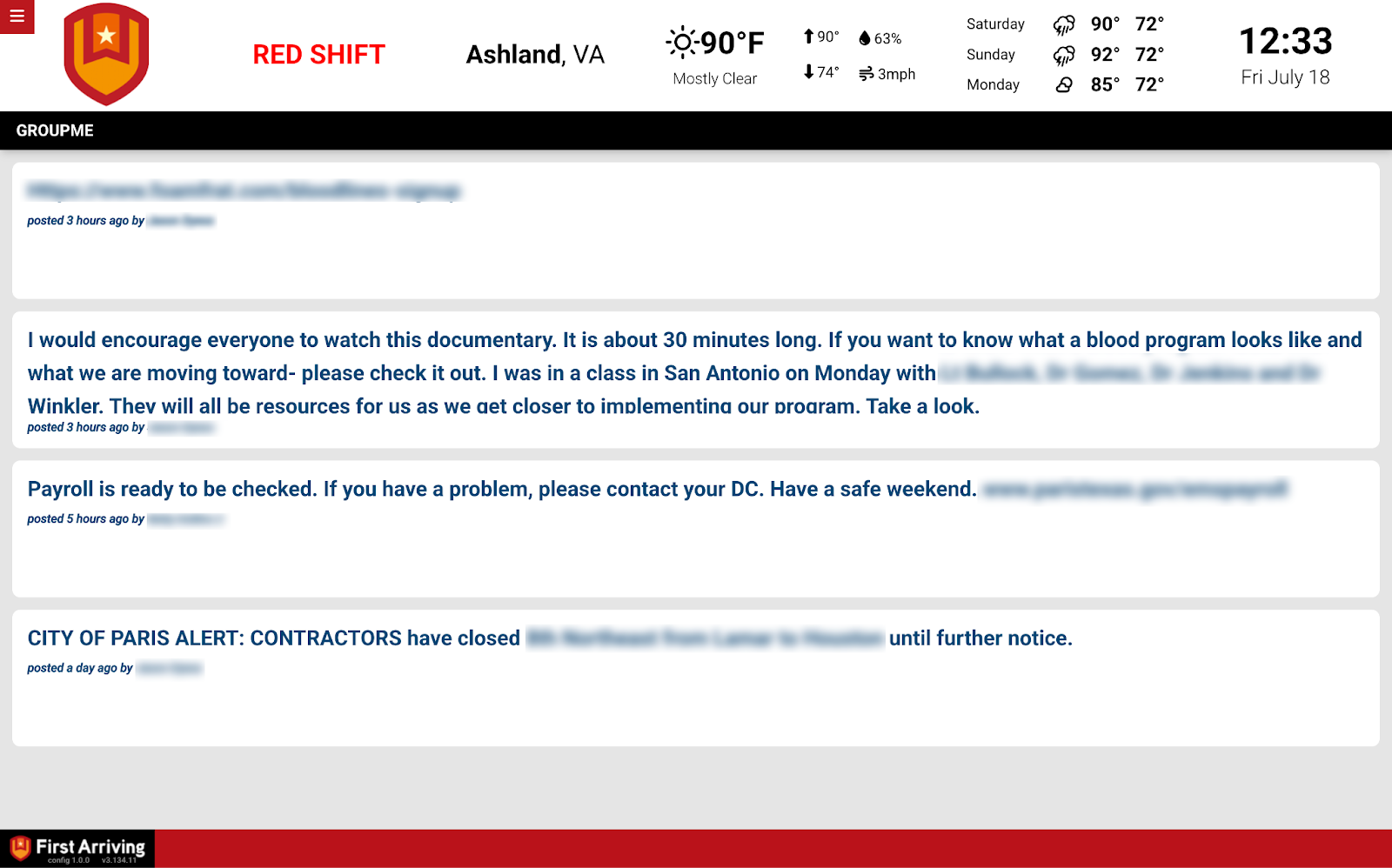
Your group messages
Messages from your organization’s GroupMe account, displayed on the dashboards.
What we need from you
A username and password for your organization’s GroupMe account, from someone who has one.
Open a ticket at our support center first, then submit the credentials through the First Arriving Secrets Tool and paste the link it generates into your ticket. Please don’t send them by email or chat. Full instructions: Sending First Arriving sensitive information.
Two things to know before you start. If the account has two-factor authentication turned on, we may need to schedule a short call to get through setup with you. And API access to GroupMe could carry an additional charge, determined by GroupMe and not by First Arriving.
Compatible views
Questions about setup, or which group gets displayed? Open a ticket at our support center or reach us at dashboards@firstarriving.com.